
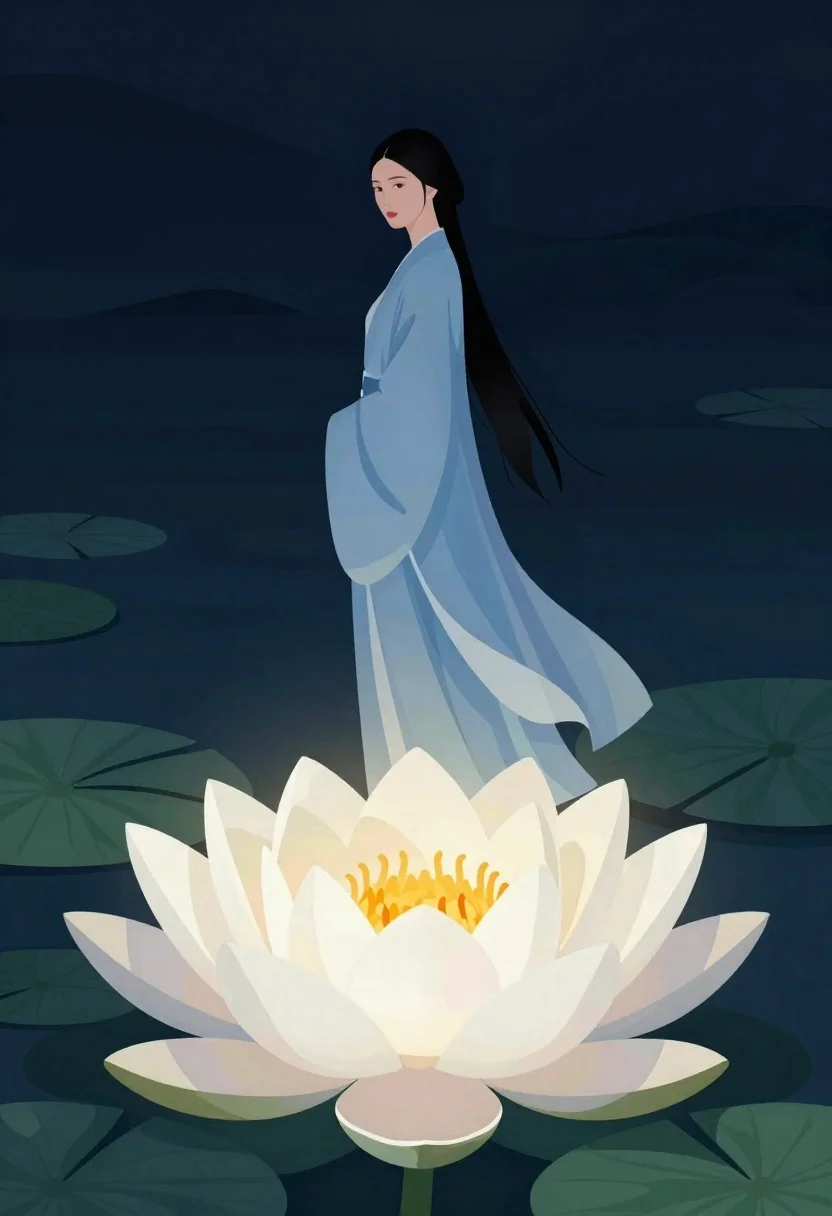
Woman standing above glowing lotus flower in dark setting
Prompt
Digital illustration of a solitary woman standing above a giant glowing lotus flower in a dark dreamlike setting

Subject: A tall slender Asian woman with pale skin and long black hair tied up, looking over her shoulder at the viewer with a calm expression

Clothing: She wears an oversized flowing light blue robe that drapes elegantly down to her ankles with wide sleeves

Action: Standing still in profile turned slightly back toward the camera gazing softly forward while maintaining perfect composure

Environment: Floating on top of large smooth dark green rolling hills resembling stylized lotus leaves beneath a deep navy indigo sky background.

Objects: A massive detailed white water lily with layered petals and vibrant yellow-orange center occupies the lower foreground space glowing from within like an ethereal light source

Lighting: Soft ambient lighting emanating primarily from inside the flower creating gentle shadows across her form while highlighting subtle fabric folds in cool blue tones against dark surroundings.

Style Details: Flat minimalistic 2D art style with smooth gradients and clean shapes resembling modern digital poster design or high-quality vector illustration aesthetic.
Description
This prompt is useful for creating album cover art, conceptual fantasy book illustrations, and ethereal mood boards for spiritual branding. The combination of 'flat minimalistic 2D art style' with the internal glow from the 'massive detailed white water lily' ensures that even dramatic elements remain clean and graphic, preventing muddy transitions between the dark surroundings and the subject.
Suggestions
- Change 'deep navy indigo sky background' to 'midnight blue gradient' for more depth.
- Swap 'light blue robe' for 'iridescent silk robe' to enhance the glow effect.
- Adjust 'gazing softly forward' to 'looking directly at the viewer' for a stronger connection.
Category
Tags
Black HairDigital ArtFair SkinFemaleForestFull BodyNatureOutdoorsSide ProfileStudio
Date added
June 19, 2026
Added by
PromptDexter Team
Related Prompts
More prompts with similar categories and tags.
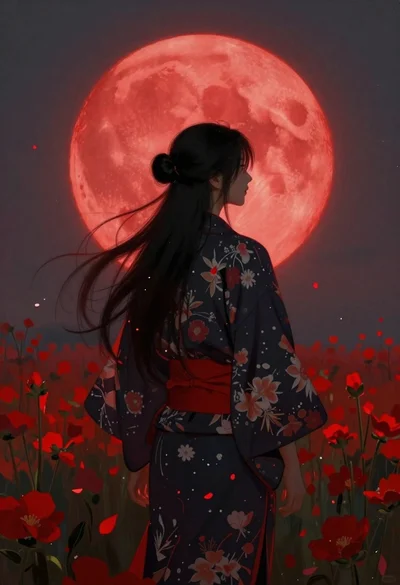
Person in kimono before a giant red moon
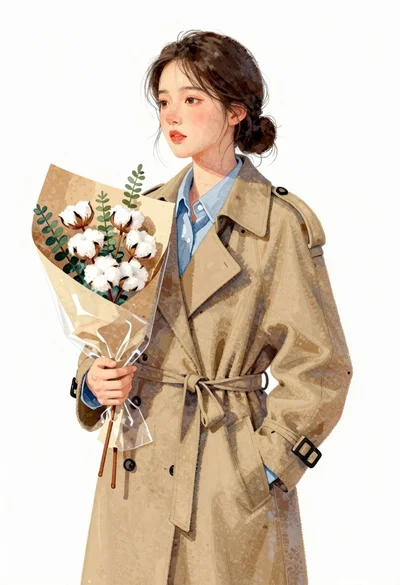
Young east asian woman in camel trench coat holding cotton flowers
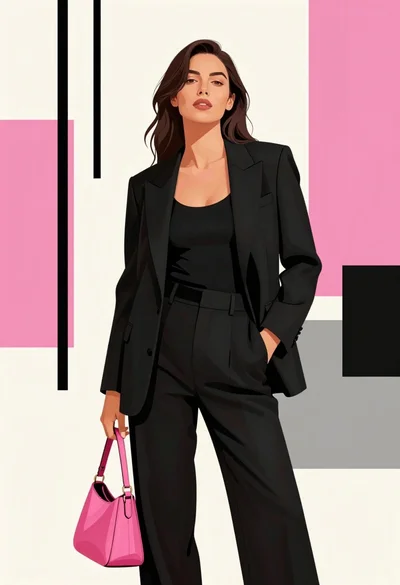
Poised woman in black tailored outfit against pink geometric background

Couple looking at calm lake during autumn
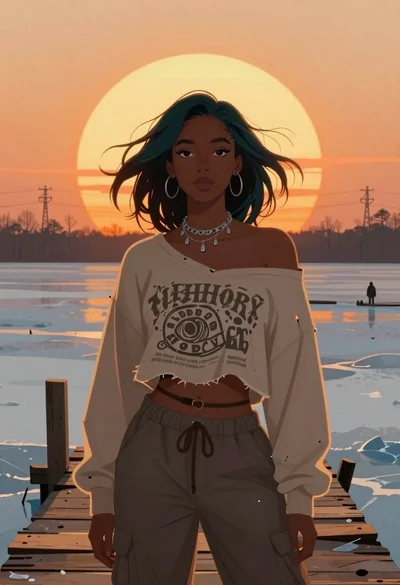
Young woman on wooden dock at sunset
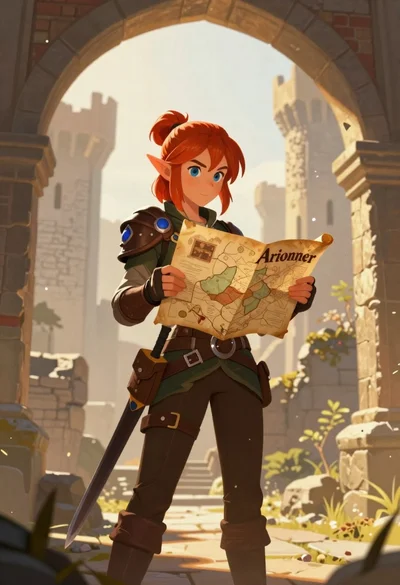
Elf woman reading map in ruined castle archway
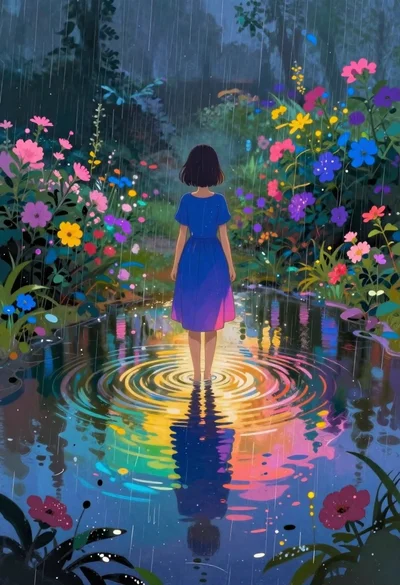
Girl in puddle during rainstorm surrounded by flowers
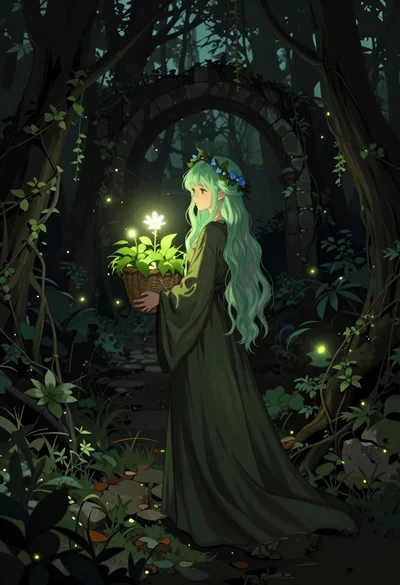
Young woman with green hair in glowing forest
