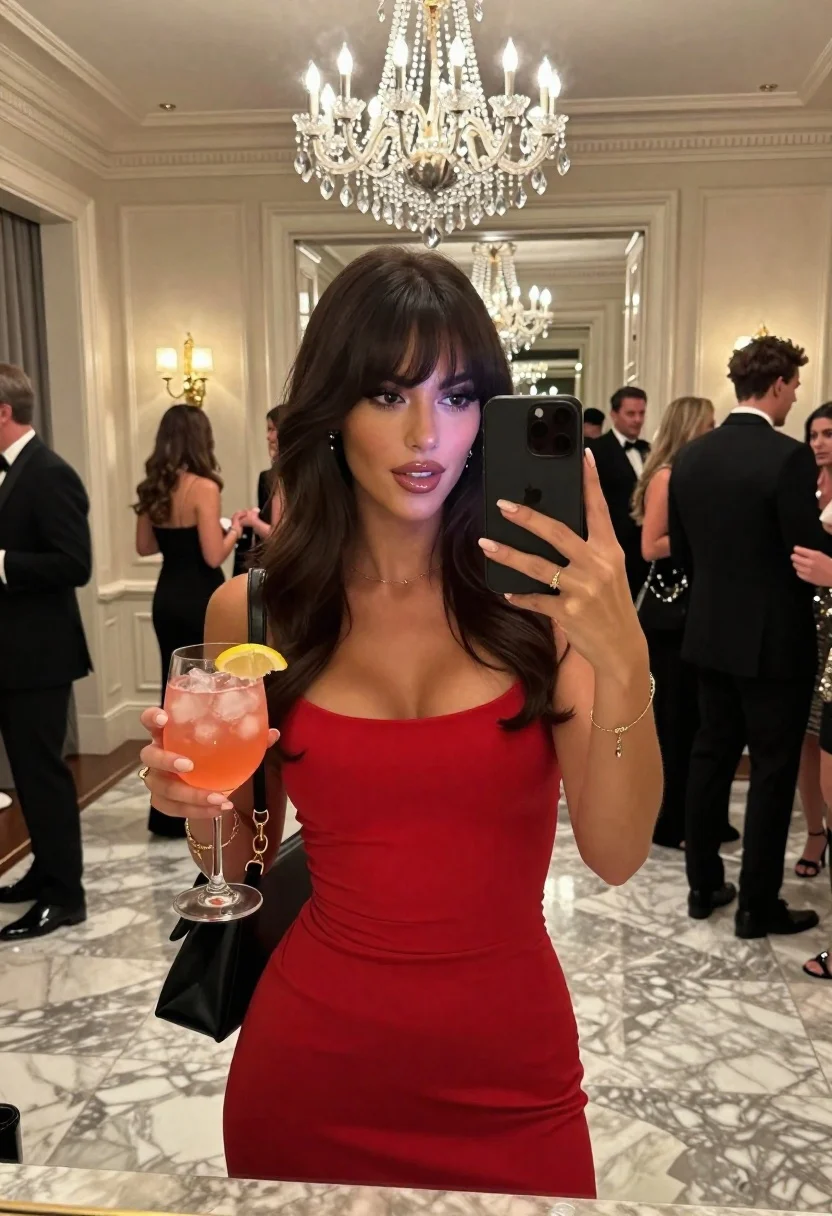
Woman taking mirror selfie at elegant indoor party with cocktail
Prompt
A woman takes a mirror selfie at an elegant indoor party while holding a cocktail in one hand and her phone in the other.

Subject: A woman with long dark wavy hair and bangs, wearing full makeup including defined eyeliner and glossy lips.

Clothing: She wears a form-fitting red sleeveless dress and carries a black shoulder bag with gold hardware.

Action: She holds a smartphone up to capture her reflection in the mirror while holding a glass of pink cocktail with ice and a lemon slice in her other hand.

Environment: The setting is a luxurious room with cream-colored walls, marble flooring, and a large crystal chandelier hanging from the ceiling.

Camera: The shot is framed as a mirror selfie, capturing the subject from the waist up with a clear reflection of the background environment.

Lighting: Bright ambient light reflects off the polished surfaces, highlighting the subject's features and the sparkle of the chandelier above.
Second

Subject: Several guests in formal attire are visible in the background mingling near doorways.

Objects: A wine glass filled with a pink drink containing ice and a lemon wedge is held prominently in the foreground.

Text/Graphics: No readable text or logos are present on clothing or accessories.

Style Details: The image features high-definition clarity, realistic skin textures, and a polished aesthetic typical of modern social media photography.
Description
This prompt is useful for creating editorial party coverage, personal lifestyle blogs documenting events, and fashion lookbooks showcasing evening wear. The combination of 'form-fitting red sleeveless dress' against the backdrop of 'marble flooring' and a 'large crystal chandelier' ensures that the subject remains the focal point while the environment provides necessary visual richness, preventing the image from looking like a flat snapshot.
Suggestions
- Change 'red sleeveless dress' to 'emerald velvet gown' for a richer color contrast.
- Add 'bokeh effect on background lights' to soften the mingling guests.
- Swap 'bright ambient light' for 'soft overhead spotlighting' to focus attention.
Category
Tags
FemaleFormal WearIndoorsMedium ShotPortrait ShotRealisticSelfie
Date added
June 23, 2026
Added by
PromptDexter Team
Related Prompts
More prompts with similar categories and tags.
Blonde woman in black lingerie taking a mirror selfie

Blonde womans mirror selfie with books and lingerie
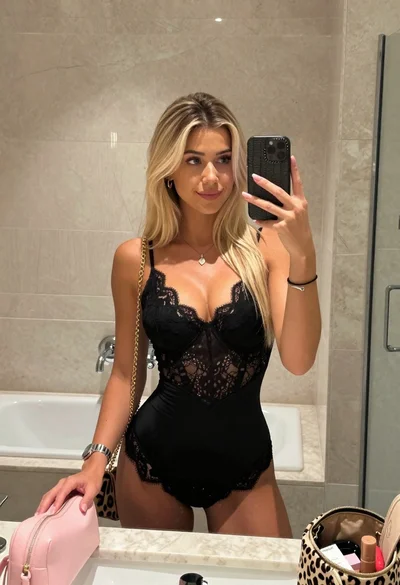
Blonde woman mirror selfie in upscale bathroom with lace bodysuit

Young blonde woman taking mirror selfie in pink athletic wear indoors
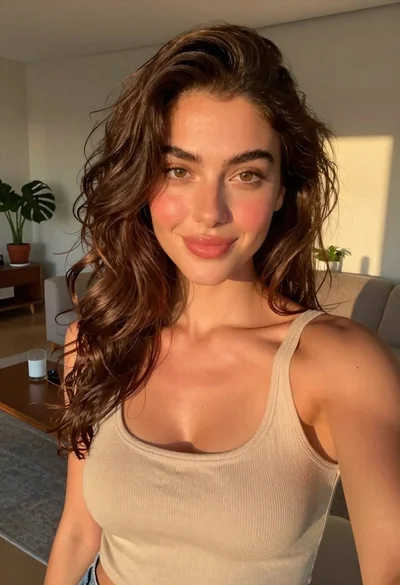
Selfie portrait of woman in cozy living room

Young woman selfie in bathroom mirror
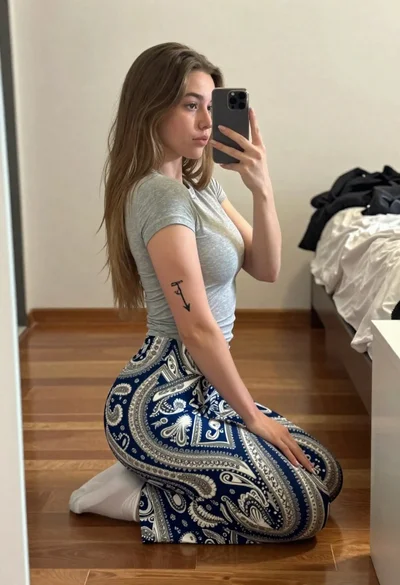
Young woman taking a mirror selfie kneeling on wooden bedroom floor
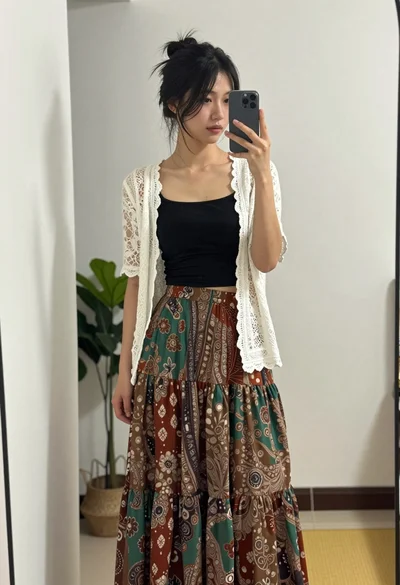
Young woman taking mirror selfie in black crop top and patterned maxi