

Selfie portrait of woman in cozy living room
Prompt
Selfie portrait of a young woman with wavy brown hair and warm makeup in a cozy living room

Subject: attractive brunette female with long dark brown waves framing her face, bright hazel eyes, flushed cheeks, glossy pink lips, soft smile

Clothing: ribbed beige camisole top showing collarbones and neckline, hint at denim shorts visible below the frame

Action: direct gaze into camera lens, head slightly tilted toward viewer, relaxed confident expression

Environment: modern apartment interior with neutral walls, blurred background featuring potted plants on side tables, ambient warm lighting from lamps casting soft glow behind her shoulders

Lighting: golden hour indoor warmth, gentle shadows under chin and neck, highlights catching hair strands creating depth without harshness

Camera: close-up selfie angle capturing upper torso to forehead, shallow depth of field blurring furniture in back while keeping subject sharply focused

Style Details: natural skin texture preserved with subtle pores visible on cheeks, realistic reflection in eyes showing room lights.
Description
This prompt is useful for creating intimate lifestyle blogs, personal social media content, and cozy interior design features. The combination of 'golden hour indoor warmth' and the 'shallow depth of field' ensures that while the subject remains sharply focused with visible pores, the background elements like potted plants are softly blurred, preventing visual clutter common in casual selfies.
Suggestions
- Change 'ribbed beige camisole top' to 'silk slip dress' for a different texture.
- Adjust 'golden hour indoor warmth' to 'soft window light' for a cooler tone.
- Modify 'close-up selfie angle' to 'over the shoulder shot' to change the perspective.
Category
Tags
BedroomBrown HairBrunetteCasual WearClose UpFemaleIndoorsPortrait ShotRealisticSelfie
Date added
June 19, 2026
Added by
PromptDexter Team
Related Prompts
More prompts with similar categories and tags.

Close up selfie of woman with dark hair smiling against beige brick

Close up selfie of young woman in pink track jacket indoors

Close up selfie portrait of woman with brown hair outdoors
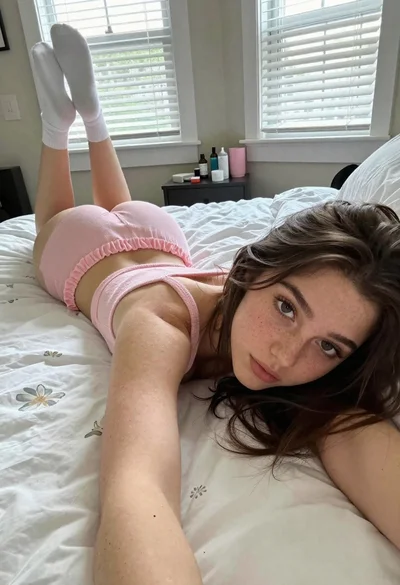
Young woman taking a selfie on bed with white floral sheets
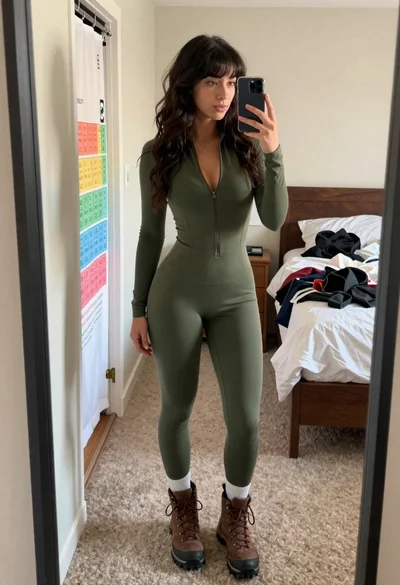
Young woman taking mirror selfie in bedroom wearing olive green jumpsuit

Young woman in white lace lingerie on bed blowing kiss indoors

Close up selfie of woman in white top inside car with natural

Glamorous woman taking mirror selfie in sheer sequined top