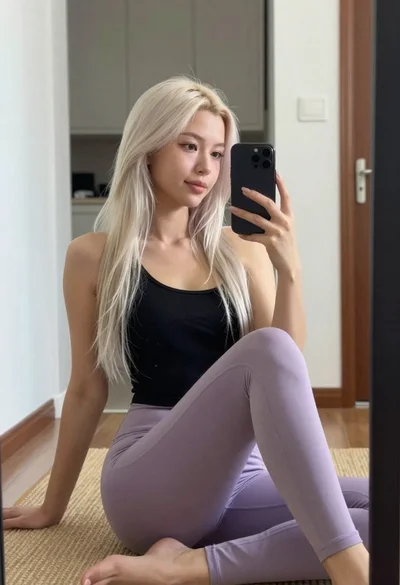
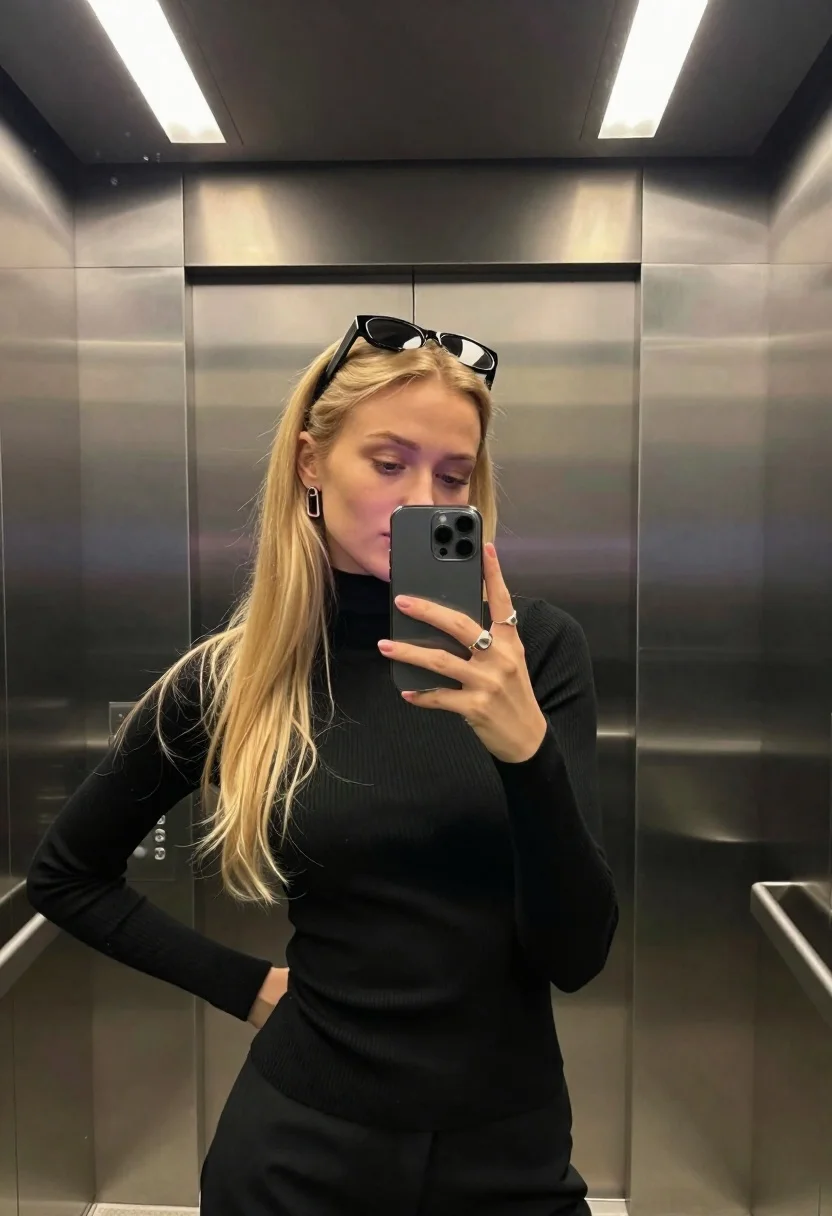
Woman taking mirror selfie in modern elevator with blonde hair
Prompt
A mirror selfie portrait of a woman with long blonde hair taking a photo inside a modern elevator.

Subject: A young woman with long straight blonde hair and fair skin, wearing sunglasses pushed up on top of her head. She has a neutral expression while looking down at the phone screen.

Clothing: She wears a black ribbed turtleneck sweater that fits closely to her body.

Action: She holds a smartphone in front of her face with both hands, angling it upward for a mirror selfie. Her body is turned slightly to the side with one hip shifted forward and her shoulder pushed gently forward to create a dynamic silhouette line.

Environment: The setting is a modern elevator interior with brushed stainless steel walls and ceiling panels. Two long rectangular LED light strips are visible on the ceiling, providing overhead illumination.

Camera: Framed from the waist up in a vertical composition, capturing the reflection in the mirror. The perspective is slightly elongated to emphasize the subject's posture.

Lighting: Cool artificial lighting from the ceiling fixtures creates soft highlights on her hair and face with minimal harsh shadows.

Objects: A silver smartphone with multiple camera lenses is held in her hands. She wears a large rectangular earring and two prominent rings on her fingers.

Style Details: The image has a candid yet controlled feel, resembling a high-quality social media portrait with clean lines and modern aesthetic.
Description
This prompt is useful for creating contemporary lifestyle content, fashion blog features documenting daily routines, and character concept art for modern narratives. The combination of 'brushed stainless steel walls' and 'cool artificial lighting' establishes a sleek, controlled environment that prevents the image from looking overly warm or domestic, perfectly matching the clean lines desired in high-end social media portraiture.
Suggestions
- Change 'black ribbed turtleneck sweater' to 'oversized knit cardigan' for a more relaxed feel.
- Add 'bokeh effect' to the background reflection for visual interest.
- Swap 'brushed stainless steel walls' for 'polished black marble' to deepen the contrast.
Category
Tags
BlondeCasual WearFair SkinFemaleIndoorsMedium ShotRealisticSelfie
Date added
June 26, 2026
Added by
PromptDexter Team
Related Prompts
More prompts with similar categories and tags.

Woman with blonder hair taking mirror selfie in messy bedroom
Blonde woman mirror selfie in upscale bathroom with lace bodysuit
Young blonde woman taking mirror selfie in pink athletic wear indoors
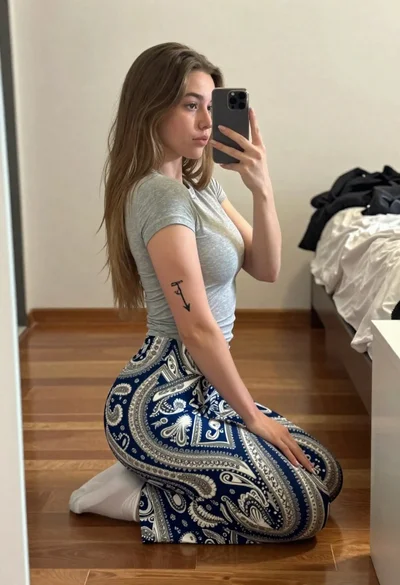
Young woman taking a mirror selfie kneeling on wooden bedroom floor

Blonde woman taking a mirror selfie in a hallway entryway

Young woman taking a selfie seated in a car interior during daylight

Young woman taking a mirror selfie in a modern bedroom setting
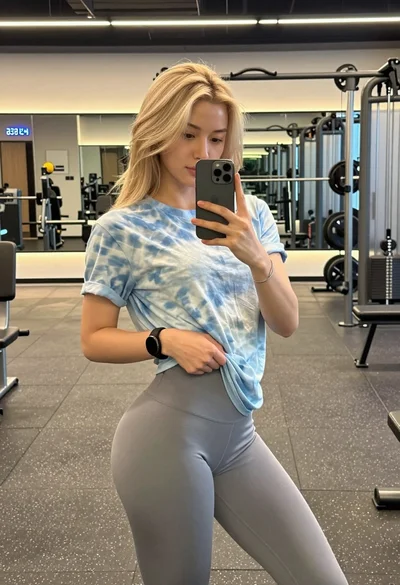
Blonde woman taking mirror selfie in modern gym setting
