
Young blonde woman laughing outdoors holding gatorade bottle in vintage style
Prompt
A young woman with wavy blonde hair laughing joyfully while holding a bottle of Gatorade.

Subject: A smiling young woman with messy wavy blonde hair pulled back loosely and wearing a thin gold necklace.

Clothing: She wears a white tank top underneath blue denim overalls decorated with colorful embroidered flowers and lace patches, featuring brass buttons on the straps.

Action: She is laughing heartily with her mouth open showing teeth, holding a plastic bottle in her right hand raised slightly, while a tan shoulder bag hangs from her left shoulder.

Environment: A crowded outdoor setting with blurred figures in blue shirts standing behind her and a partial view of another person with blonde hair to the left.

Camera: Medium shot capturing the subject from the waist up with a shallow depth of field that keeps the background softly out of focus.

Lighting: Bright natural daylight illuminating the scene evenly, creating soft highlights on her hair and skin without harsh shadows.

Objects: A clear plastic bottle with an orange cap and red label reading Gatorade held in her right hand, and a tan canvas shoulder bag slung over her left shoulder.

Style Details: The image has a candid 1990s film aesthetic with slightly soft focus and natural color grading typical of vintage photography.
Description
This prompt is useful for creating nostalgic lifestyle advertising, character concept art for period pieces, or editorial spreads mimicking disposable camera snapshots. The combination of 'candid 1990s film aesthetic' with 'bright natural daylight' ensures the image feels spontaneous rather than overly posed, while specifying the 'blue denim overalls decorated with colorful embroidered flowers and lace patches' grounds the subject in a specific, tangible vintage style.
Suggestions
- Change 'Gatorade bottle' to a generic soda can for broader use.
- Swap 'blue denim overalls' for corduroy overalls to alter the texture.
- Adjust '1990s film aesthetic' to 'Y2K disposable camera look' for a different decade feel.
Category
Tags
BlondeFemaleMedium ShotOutdoorsRealistic
Date added
June 19, 2026
Added by
PromptDexter Team
Related Prompts
More prompts with similar categories and tags.

Blonde woman in black hat standing in misty green rolling hills

Blonde woman in black top on balcony overlooking beige stone street

Blonde woman in purple polo shirt on an urban street setting
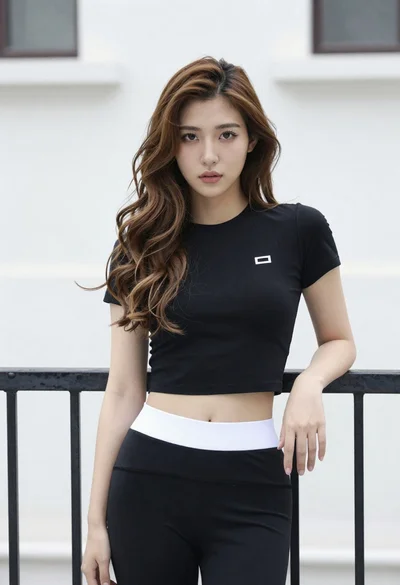
Young east asian woman in black crop top leaning against railing outdoors
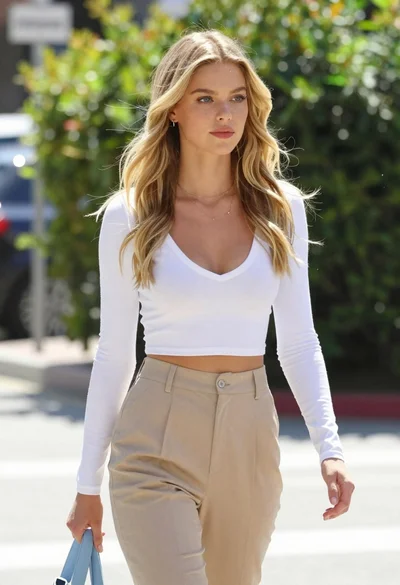
Fair blonde woman walking outdoors in white top and beige trousers
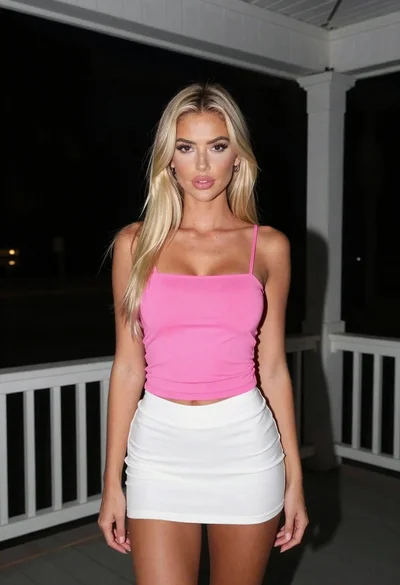
Blonde woman in pink top and white skirt on wooden porch at
Young woman in green tank top against wall with golden hour light
Blonde woman looking back over shoulder in an elegant floral garden setting

Young woman in white dress posing in lush green rice paddy field

Blonde woman holding white roses against a dark textured wall