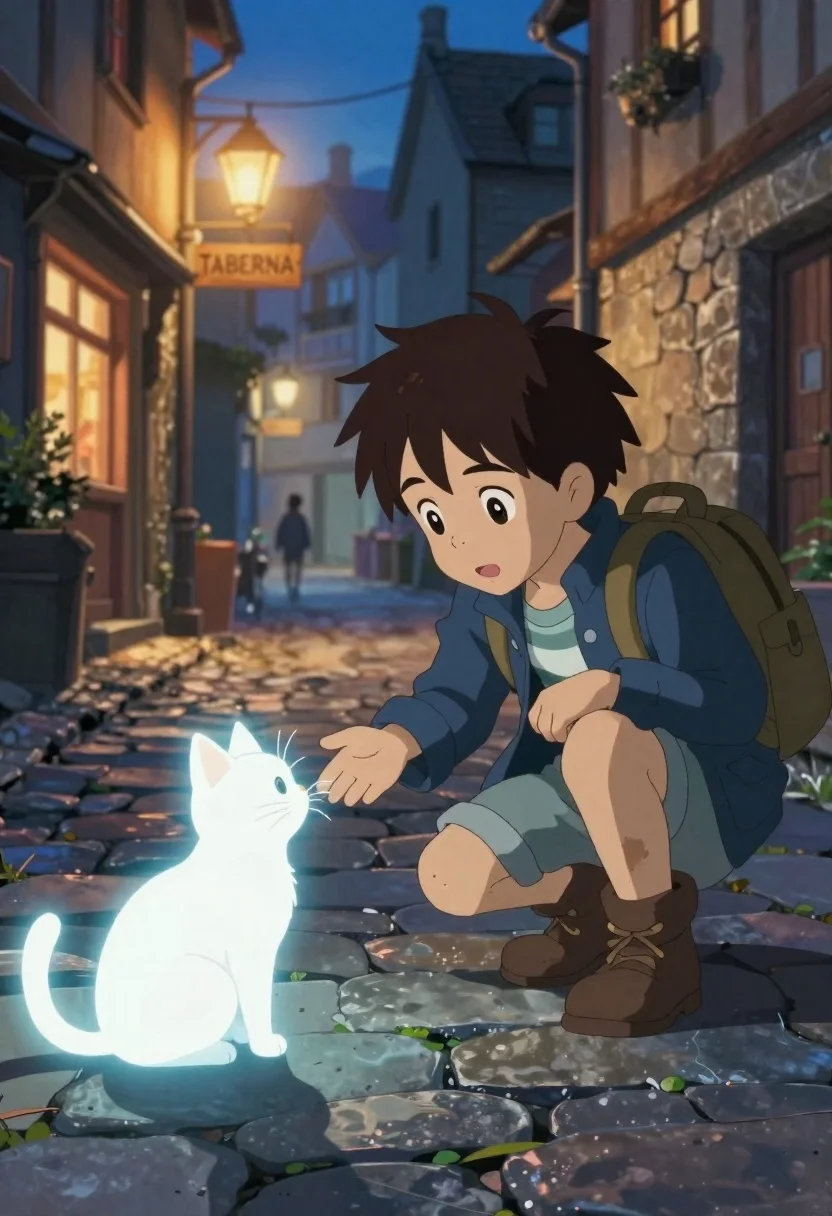
Young boy crouches on cobblestone street reaching out to glowing white cat
Prompt
A young boy crouches on a cobblestone street to gently reach out his hand toward a glowing white cat.

Subject: A young boy with messy brown hair and wide, curious eyes looking intently at the creature before him.

Clothing: He wears a dark blue jacket over a striped shirt, dirty rolled-up trousers, and sturdy brown boots, with a backpack strapped to his back.

Action: The boy is crouching low on one knee, extending his right hand forward in a gesture of connection or greeting towards the cat.
Second

Subject: A small, luminous white cat sits upright on its hind legs, glowing softly from within and casting a blueish light onto the stones.

Environment: A narrow medieval-style street paved with cobblestones, lined with stone buildings featuring timber framing and warm windows.

Objects: A wooden sign reading "TABERNA" hangs above a shop entrance in the background.

Lighting: The scene is set during twilight or early evening, illuminated by the soft glow of streetlamps and the magical bioluminescence of the cat.

Camera: Shot from a low angle to emphasize the interaction between the boy and the cat, with a shallow depth of field blurring the distant background figures.

Style Details: High-quality anime illustration style featuring vibrant colors, soft atmospheric lighting, and a cinematic composition reminiscent of Studio Ghibli films.
Description
This prompt is useful for creating narrative scene illustrations, character interaction concept art, and whimsical storybook covers. The combination of 'low angle' perspective with the 'glowing white cat' ensures that the magical element dominates the composition, while the 'Studio Ghibli films' style dictates a soft atmospheric lighting that avoids harsh shadows, making the connection between the boy and creature feel intimate rather than staged.
Suggestions
- Change 'dark blue jacket' to 'forest green jacket' for better contrast.
- Swap 'cobblestone street' for 'moss-covered flagstones' to enhance the aged feel.
- Add 'bokeh effect' to the background details for a dreamier quality.
Category
Tags
AnimeBrown HairCasual WearFull BodyLow AngleMaleOutdoorsStreet
Date added
June 23, 2026
Added by
PromptDexter Team
Related Prompts
More prompts with similar categories and tags.
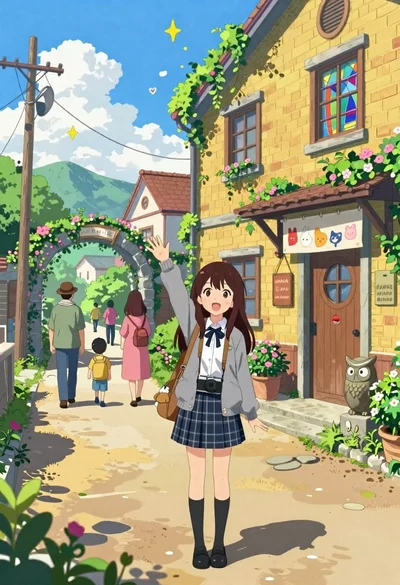
Cheerful young girl waving at viewer on village street with yellow building
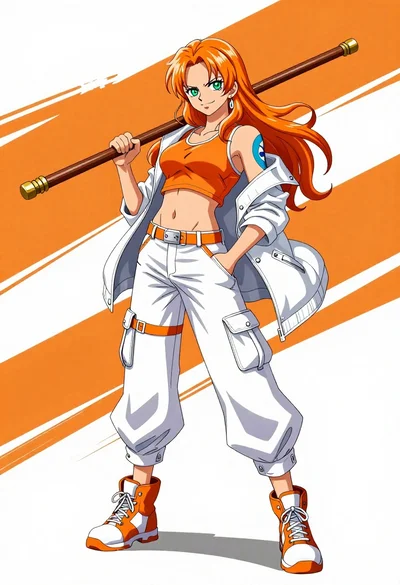
Confident anime woman with orange hair holding a wooden staff in sports

Anime character monkey d luffy leaping forward in red jacket on white

Spy peeking from behind a brick wall in alleyway
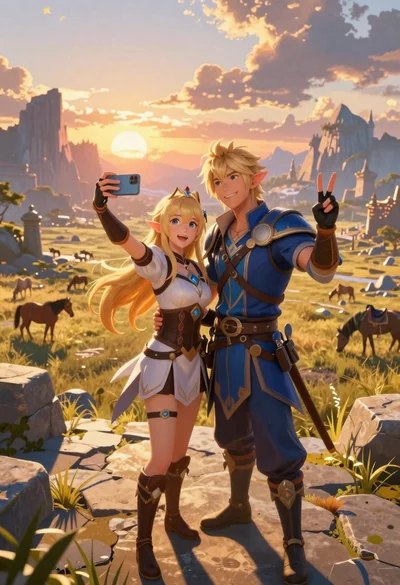
Anime couple taking selfie overlooking fantasy kingdom sunset
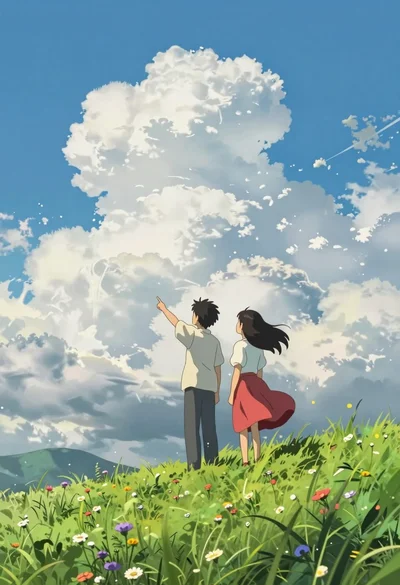
Two young people on green hillside looking up at vast blue sky
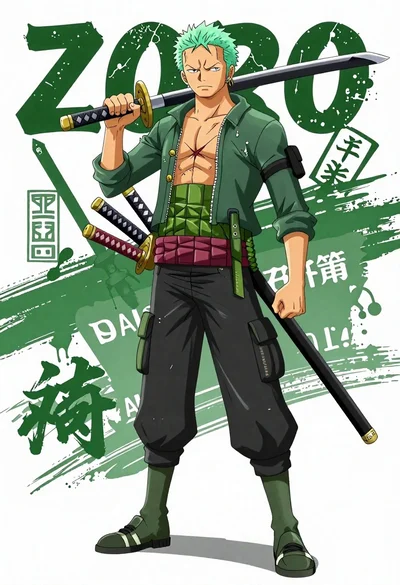
Anime illustration of roronoa zoro standing with three katanas on his waist

Model walking down rainy city street at night