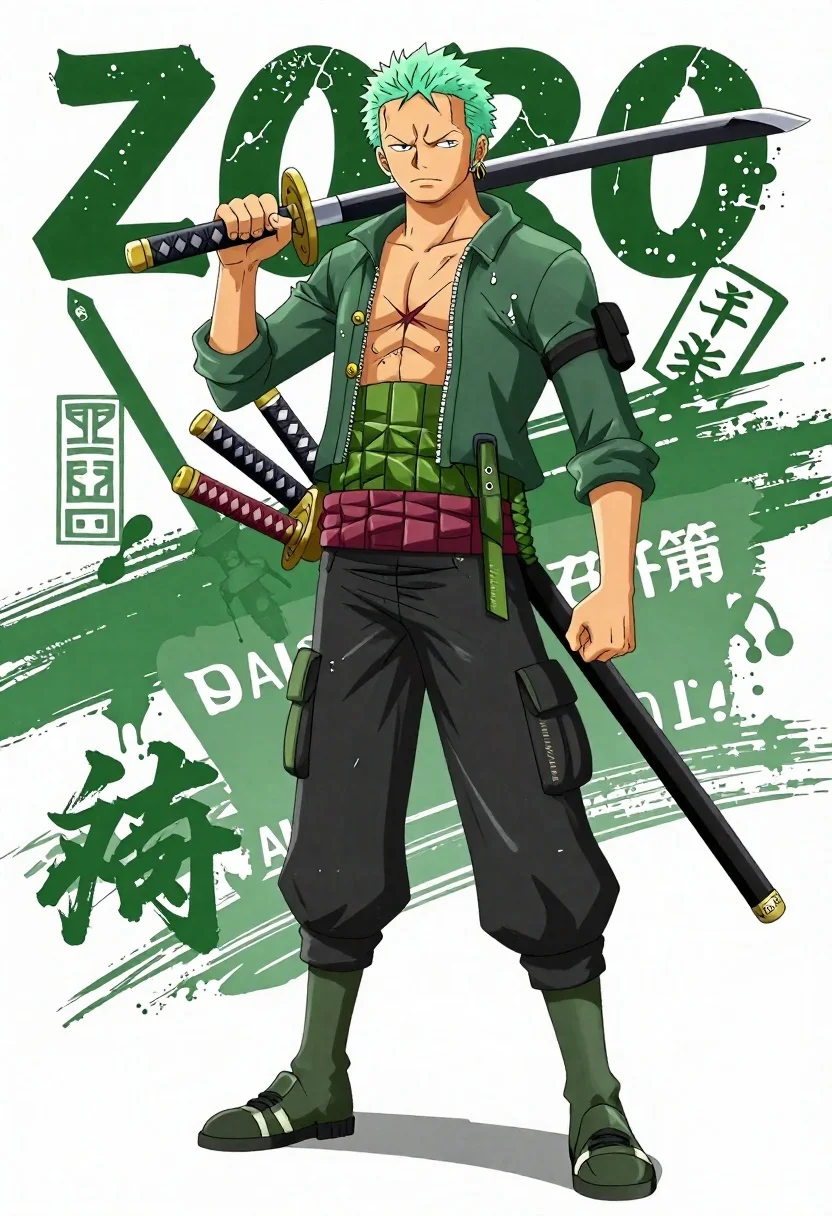
Anime illustration of roronoa zoro standing with three katanas on his waist
Prompt
A dynamic anime-style illustration of Roronoa Zoro from One Piece standing in a confident pose with three katanas strapped to his waist and one held over his shoulder.

Subject: A muscular male character with spiky green hair, pale skin, and a serious expression, wearing a green hooded jacket with white accents and black cargo pants.

Clothing: He wears a dark green zip-up hoodie with "ZORO" text on the sleeve and chest, black tactical pants with green straps labeled "SANTORYU", and green and white sneakers with "ZORO" branding.

Action: Standing in a relaxed but ready stance, holding one katana diagonally across his back with his right hand while his left hand rests near his hip, looking off to the side with a determined gaze.

Environment: A stylized background featuring bold green brushstroke patterns against a white backdrop, with silhouettes of swords and Japanese calligraphy elements integrated into the design.

Camera: Medium shot capturing full body from head to toe, slightly angled to show depth and posture, with clean lines emphasizing character details.

Lighting: Bright, even lighting with soft shadows that highlight muscle definition and clothing textures, creating a high-contrast look typical of anime art.

Style Details: Anime aesthetic with sharp linework, vibrant green color palette, manga-inspired typography, and graphic design elements like logos, bounties, and quotes integrated into the composition.
Description
This prompt is useful for creating character concept sheets, promotional anime key art, and dynamic merchandise mockups. The combination of 'sharp linework' with a 'vibrant green color palette' ensures that the subject remains highly visible against the stylized background elements like the 'bold green brushstroke patterns', preventing the detailed costume from getting lost in overly complex environmental noise.
Suggestions
- Change 'green hooded jacket' to 'dark olive trench coat' for a more dramatic silhouette.
- Add 'speed lines effect' to the environment description for increased dynamism.
- Swap 'medium shot capturing full body' to 'full body, low angle' to emphasize his imposing presence.
Category
Tags
AnimeFull BodyMaleMedium ShotOutdoors
Date added
June 23, 2026
Added by
PromptDexter Team
Related Prompts
More prompts with similar categories and tags.
Confident anime woman with orange hair holding a wooden staff in sports
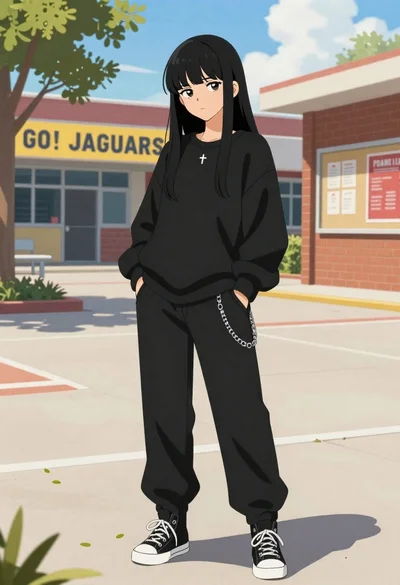
Young woman in black streetwear standing in a sunny school courtyard
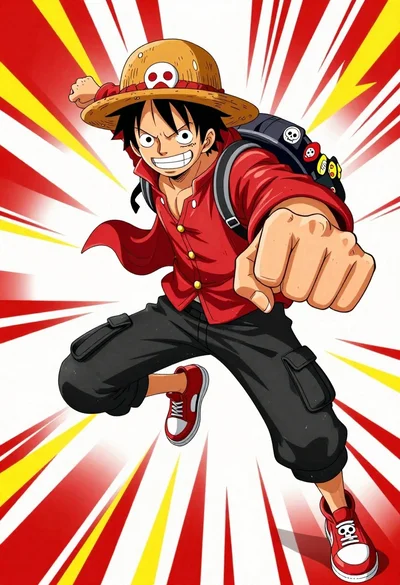
Anime character monkey d luffy leaping forward in red jacket on white
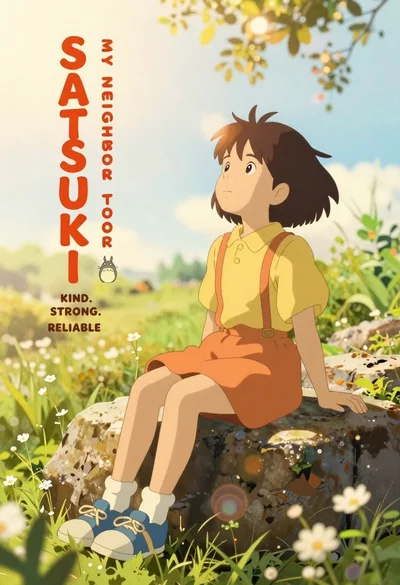
Young girl with short brown hair sits on a rock in sunlit
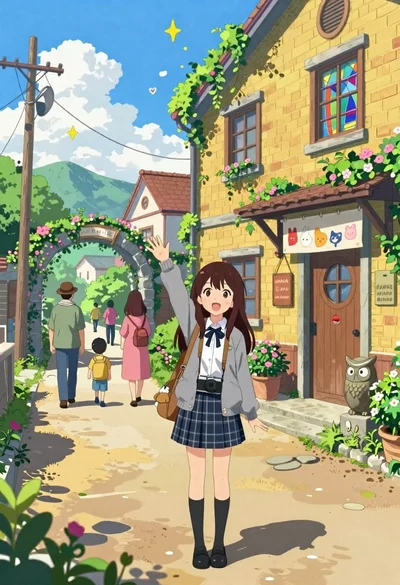
Cheerful young girl waving at viewer on village street with yellow building
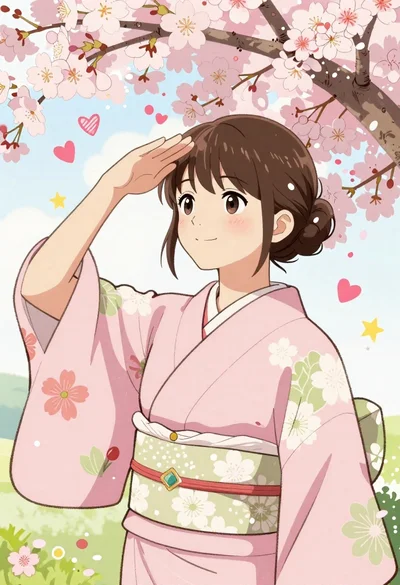
Young woman in pink kimono under cherry blossom branches shielding eyes

Spy peeking from behind a brick wall in alleyway
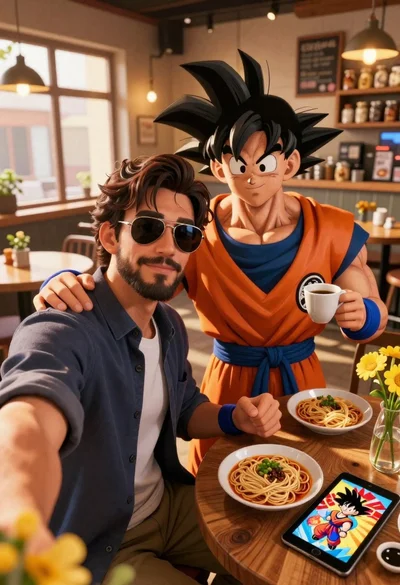
Handsome man taking a selfie with anime character goku in a cozy