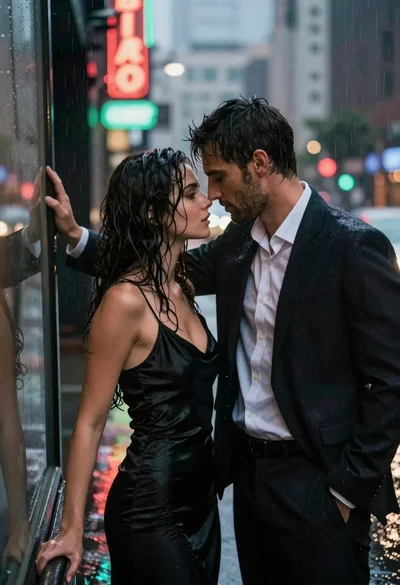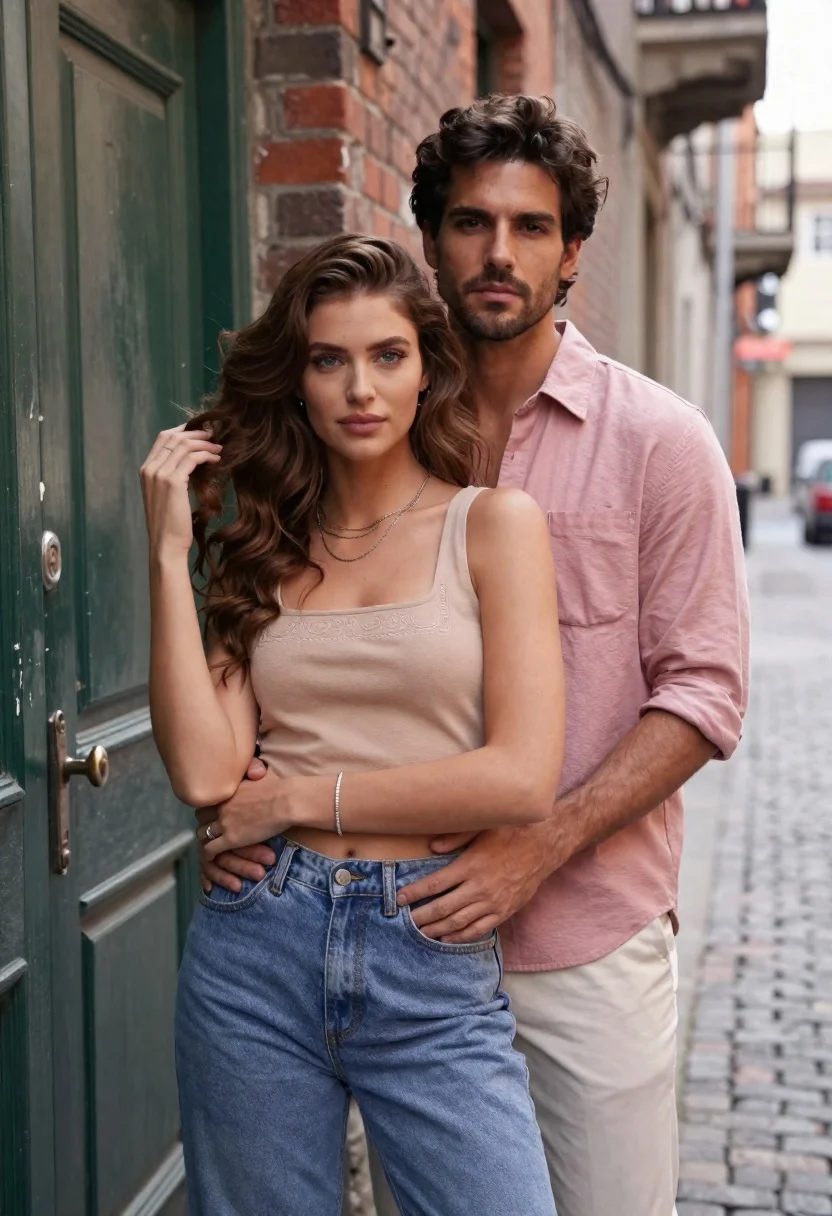
Young couple embracing in an urban alleyway by a green door
Prompt
A romantic portrait of a young couple standing close together in an urban alleyway.

Subject: A woman with long wavy brown hair and blue eyes stands in the foreground wearing a tan crop top and high-waisted blue jeans, while a man with dark hair and stubble stands directly behind her with his arms wrapped around her waist.

Clothing: The woman wears a square-necked beige tank top with delicate embroidery on the chest, layered silver necklaces, a silver bracelet, and fitted blue denim jeans; the man wears a dusty pink button-down shirt with rolled-up sleeves and light beige trousers.

Action: The woman looks directly at the camera with a neutral expression while gently touching her hair with one hand, and the man gazes forward with a serious expression as he holds her securely from behind.

Environment: They stand in front of a weathered green wooden door on the left side, with a brick wall immediately behind them and a blurred cobblestone street stretching into the distance on the right.

Camera: The shot is framed at eye level using a shallow depth of field that keeps the couple sharp while softly blurring the background to emphasize their connection.

Lighting: Soft natural daylight illuminates the scene evenly, creating gentle shadows and highlighting the textures of their clothing without harsh contrast.

Style Details: The image features a cinematic aesthetic with a warm color palette, smooth skin tones, and a polished commercial photography finish.
Description
This prompt is useful for creating romantic lifestyle advertisements, intimate portrait collections, and narrative scene visualizations for film pitches. The combination of 'soft natural daylight' and the shallow depth of field ensures that the focus remains tightly on the couple while the 'weathered green wooden door' provides a specific, textured anchor point against the otherwise blurred urban backdrop.
Suggestions
- Change 'tan crop top' to 'cream knit sweater' for a softer silhouette.
- Swap 'blue denim jeans' for 'dark wash trousers' to deepen the color contrast.
- Adjust 'neutral expression' to 'slight smile' to increase overt romance.
Category
Tags
AlleyBlack HairBrown HairFair SkinFemaleFull BodyMaleMedium ShotPortrait ShotRealisticStreetUrban
Date added
June 21, 2026
Added by
PromptDexter Team
Related Prompts
More prompts with similar categories and tags.

Joyful couple covered in colorful powder on a city rooftop
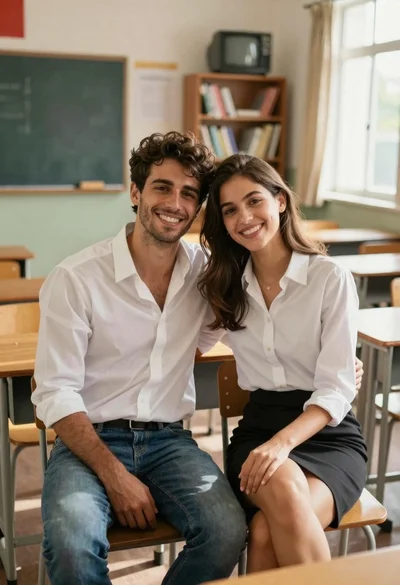
Smiling young couple sitting together in a sunlit classroom with wooden desks
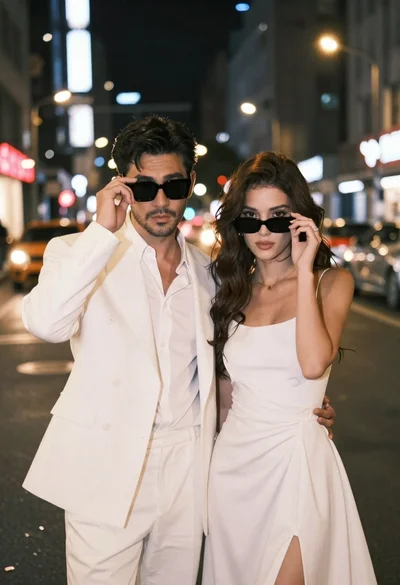
Stylish couple in white outfits posing on busy city street at night

Smiling couple sitting closely together at a dinner party outdoors at night
Close up portrait of a man and woman touching foreheads together
Young couple covered in colorful powder celebrating holi festival at sunset

Man and woman in formal attire posing in an ornate ballroom

Romantic couple embracing on a tree lined path at twilight