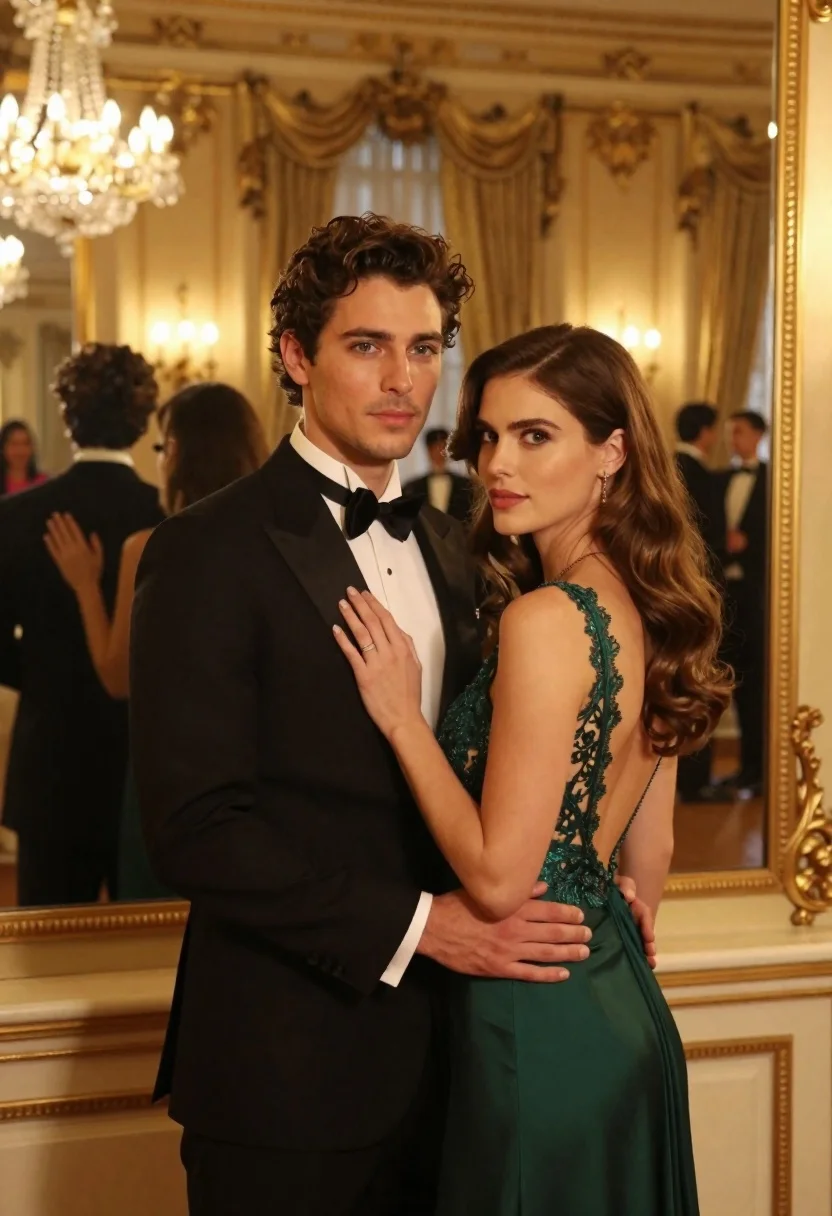
Man and woman in formal attire posing in an ornate ballroom
Prompt
A romantic portrait of a man and woman standing close together in an elegant ballroom setting.

Subject: A handsome man with dark wavy hair and light eyes stands facing forward, while a beautiful woman with long brown hair stands beside him looking over her shoulder at the camera.

Clothing: The man wears a classic black tuxedo with a white dress shirt and a black bow tie. The woman wears a sophisticated emerald green evening gown featuring a low back with intricate lace detailing along the edges.

Action: The man holds the woman's arm gently in his hand, while she gazes affectionately over her shoulder towards the viewer.

Environment: They are standing in front of a large ornate gold-framed mirror that reflects their figures and the room behind them. The background shows a luxurious ballroom with warm golden walls, floor-to-ceiling curtains, and other guests mingling in formal wear.

Camera: The shot is framed as a medium close-up capturing both subjects from the waist up, utilizing a shallow depth of field to keep the couple sharp while softly blurring the background details.

Lighting: Warm ambient lighting emanates from crystal chandeliers hanging above and wall sconces, casting a soft golden glow that highlights their features and creates gentle shadows against the rich interior.

Style Details: The image exhibits a cinematic and romantic aesthetic with high contrast between the dark formal wear and the warm golden tones of the room, rendered in photorealistic detail with smooth skin textures and elegant composition.
Description
This prompt is useful for creating editorial couple portraits, luxury wedding album spreads, and cinematic movie stills set in opulent interiors. The combination of 'emerald green evening gown' against the 'warm golden walls' establishes a high-contrast focal point that draws attention to the subjects while the 'shallow depth of field' ensures the ornate background remains atmospheric rather than distracting from the couple's interaction.
Suggestions
- Change 'black tuxedo' to 'midnight blue velvet tuxedo' for a richer color contrast.
- Add 'bokeh effect' to the camera section for more pronounced background blur.
- Swap 'crystal chandeliers' for 'chandeliers dripping with crystals' to enhance sparkle.
Category
Tags
Black HairBrown HairFemaleFormal WearIndoorsMaleMedium ShotPortrait ShotRealisticUrban
Date added
June 21, 2026
Added by
PromptDexter Team
Related Prompts
More prompts with similar categories and tags.

Stylish couple holding hands in a minimalist white arched corridor
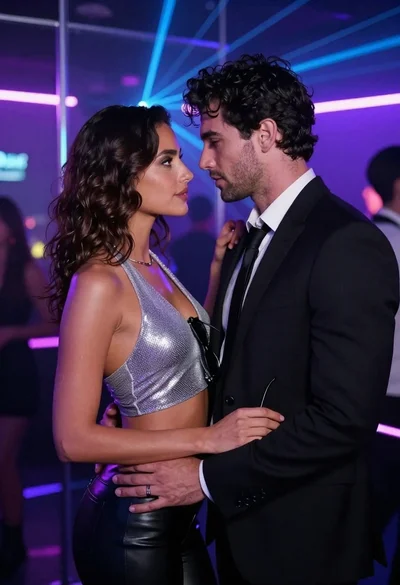
Man and woman in formal wear standing close together in a nightclub
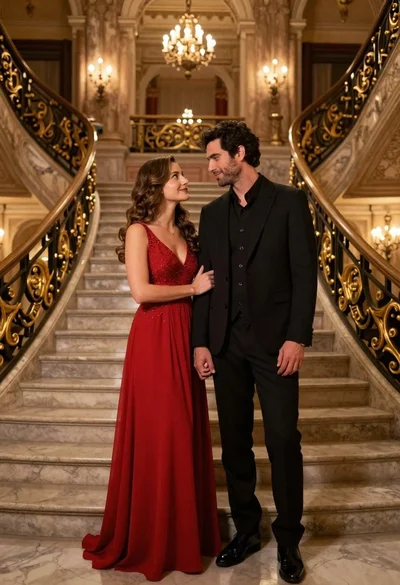
Couple in formal evening wear standing in an opulent ballroom
Romantic couple in white summer outfits on luxury yacht deck
Stylish couple in black leather outfits posing by a black suv on

Romantic couple embracing in front of illuminated eiffel tower at twilight

Smiling couple sitting closely together at a dinner party outdoors at night

Black and white portrait of a couple embracing in intimate profile
