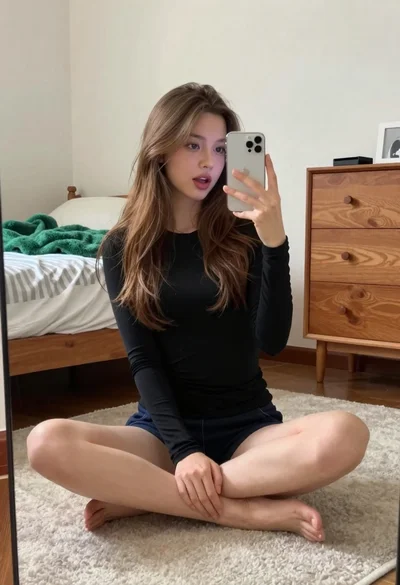
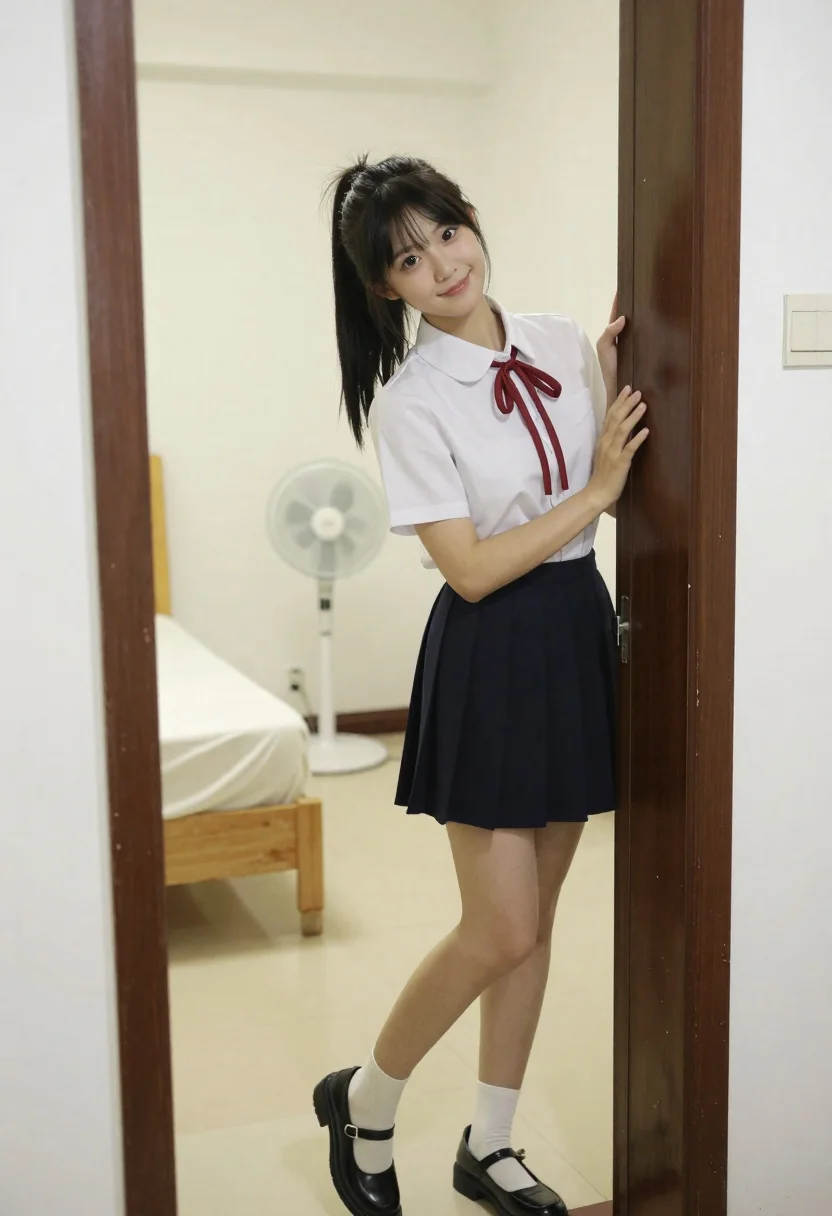
Young east asian woman in white shirt and navy skirt leaning against
Prompt
A young woman with long dark hair tied in a high ponytail stands smiling gently at the camera while leaning against a dark wooden door frame.

Subject: A young East Asian woman with fair skin and long black hair styled in a high ponytail, featuring loose strands framing her face. She has a soft, pleasant smile and is looking directly forward.

Clothing: She wears a white short-sleeved collared shirt with a red ribbon tied at the neck, a navy blue pleated mini-skirt, white crew socks, and black Mary Jane shoes.

Action: She stands in a relaxed pose, leaning her left hand against the door frame while her right arm hangs by her side. Her body is angled slightly to the left, but her face is turned toward the viewer.

Environment: The setting is a bedroom with light-colored tiled flooring and cream walls. Behind her, a wooden bed with white linens is visible on the left, and a white pedestal fan stands in the corner. A dark brown door frame frames the shot, with a wall-mounted light switch panel visible to the right.

Camera: The image is captured from a medium-full shot through an open doorway, creating a natural framing effect. The angle is straight-on at eye level, emphasizing the subject’s posture and expression within the domestic space.

Lighting: Soft, diffused indoor lighting illuminates the scene evenly, casting gentle shadows and highlighting the clean lines of the room without harsh contrasts.

Style Details: The image has a candid, everyday aesthetic with natural color tones and minimal post-processing, resembling a casual portrait taken in a home environment.
Description
This prompt is useful for creating lifestyle catalog images, intimate character portraits, or domestic scene concept art. The combination of 'soft, diffused indoor lighting' with the specific props like the 'white pedestal fan' and 'dark wooden door frame' grounds the subject in a believable, everyday setting, preventing the portrait from feeling overly staged by mimicking natural interior illumination.
Suggestions
- Change 'navy blue pleated mini-skirt' to 'tweed A-line skirt' for more texture.
- Swap 'white crew socks' for 'sheer ankle socks' to soften the footwear.
- Adjust 'soft, diffused indoor lighting' to 'window light from the right' for directional shadows.
Category
Tags
BedroomBlack HairCasual WearFair SkinFemaleIndoorsMedium ShotRealistic
Date added
June 26, 2026
Added by
PromptDexter Team
Related Prompts
More prompts with similar categories and tags.
Young woman taking mirror selfie in black lingerie at bedroom
Fair blonde woman kneeling on white rug in brightly lit bedroom setting
Young woman in black slip dress standing by window in bright bedroom
Young woman in white sari seated on bed in dimly lit bedroom

Close up portrait of young woman with brown braid indoors
Young woman in floral dress seated indoors by a window with greenery
Woman in white satin slip dress seated on bed looking back over
Blonde woman leaning on blue leather headboard in dimly lit bedroom
