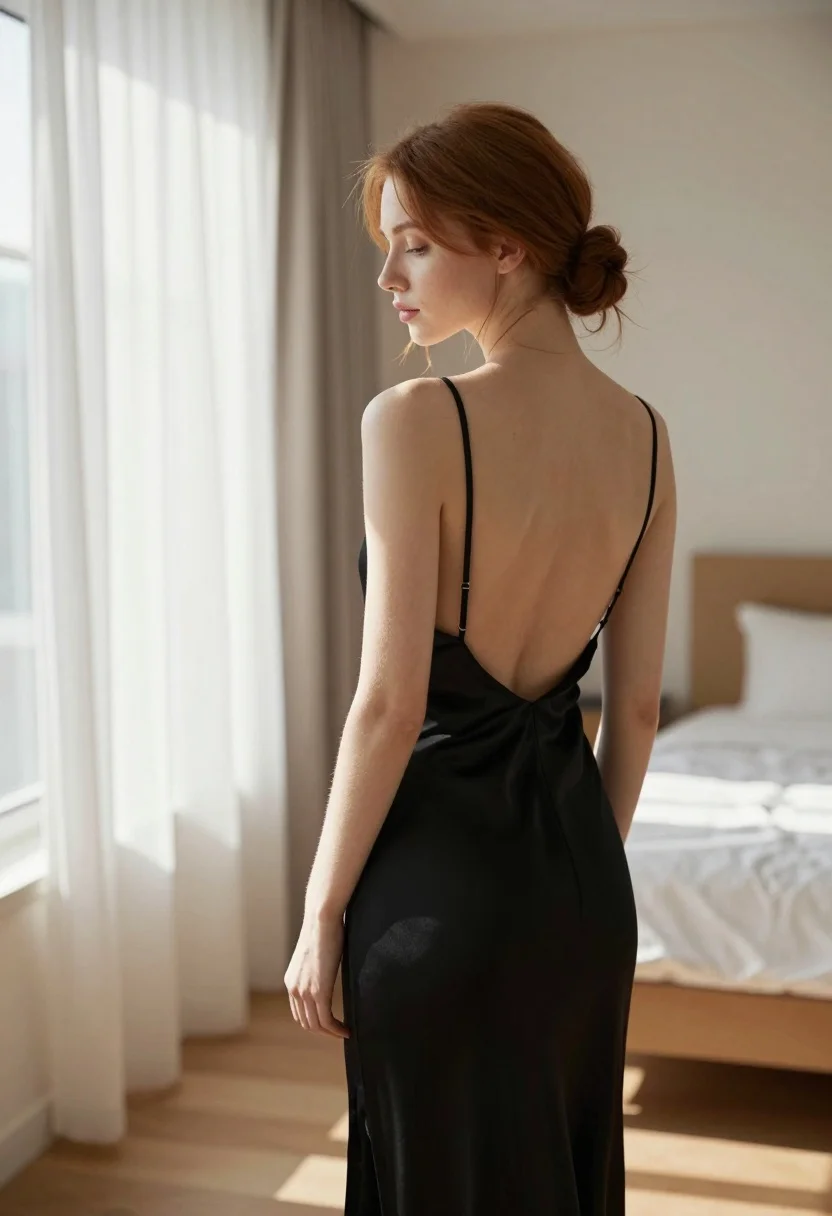
Young woman in black slip dress standing by window in bright bedroom
Prompt
A woman stands in profile facing a window with her back to the camera.

Subject: A young woman with fair skin and reddish-brown hair styled in a low bun at the nape of her neck. Her face is shown in profile looking downward with a soft, contemplative expression.

Clothing: She wears a long black slip dress featuring thin spaghetti straps and a deep open back that reveals her spine and shoulder blades. The fabric appears smooth and silky.

Action: She stands still with her head turned slightly to the left, gazing out of frame. Her posture is relaxed and elegant.

Environment: An interior bedroom setting with light wooden flooring. To the right is a bed with white linens and pillows. To the left are sheer white curtains hanging from floor to ceiling.

Lighting: Bright natural sunlight streams in from the left through the window, casting soft highlights on her skin and creating gentle shadows across her back and the room. The mood is warm and serene.

Camera: Medium shot capturing the subject from the waist up, positioned slightly behind and to the side of the woman. The angle emphasizes the curve of her back and the texture of the dress.

Style Details: Photorealistic rendering with soft focus on the background elements, emphasizing skin texture and fabric sheen.
Description
This prompt is useful for creating intimate portrait studies, editorial lingerie campaigns, and atmospheric character concept art. The combination of 'bright natural sunlight' streaming from the side and the emphasis on 'skin texture and fabric sheen' directs attention to the subject's silhouette against the sheer white curtains, preventing a flat look that would occur with even illumination.
Suggestions
- Change 'reddish-brown hair' to 'raven black hair' for higher contrast.
- Swap 'black slip dress' for 'velvet slip dress' to alter the light absorption.
- Adjust 'Medium shot' to 'full body shot' to better capture the floor and curtains.
Category
Tags
BedroomBlack HairBrunetteCasual WearFair SkinFemaleFull BodyIndoorsMedium ShotRealisticRed HairSide Profile
Date added
August 5, 2026
Added by
PromptDexter Team
Related Prompts
More prompts with similar categories and tags.
Young woman with red hair seated at wooden desk in cozy studio

Brunette woman leaning against aged newspaper wall
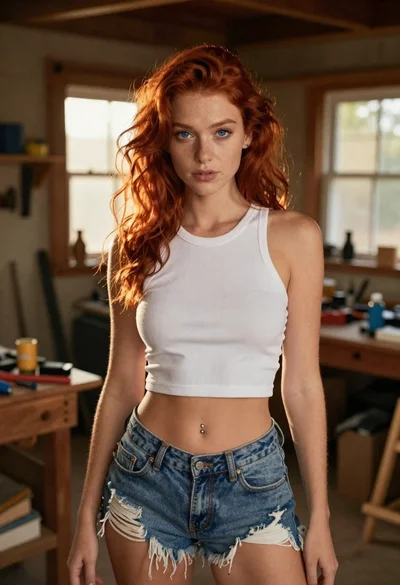
Red haired woman in workshop with tools background

Woman in red dress holding heart shaped balloon against white wall
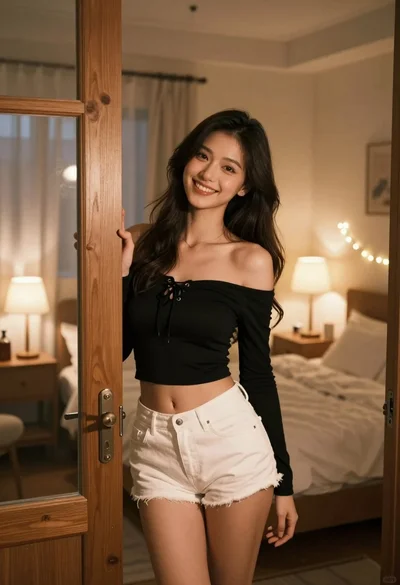
Young woman with dark hair smiling in doorway of cozy bedroom at
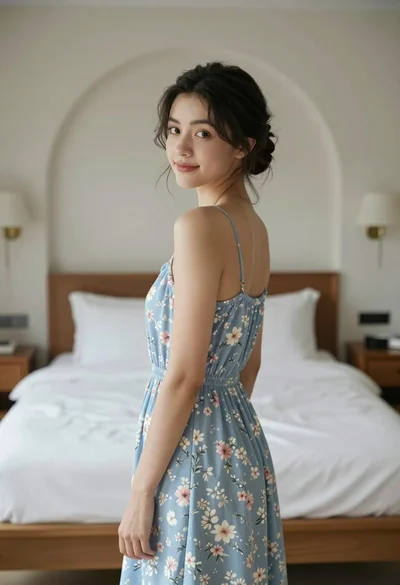
Young woman in floral dress looking back over shoulder in bright bedroom
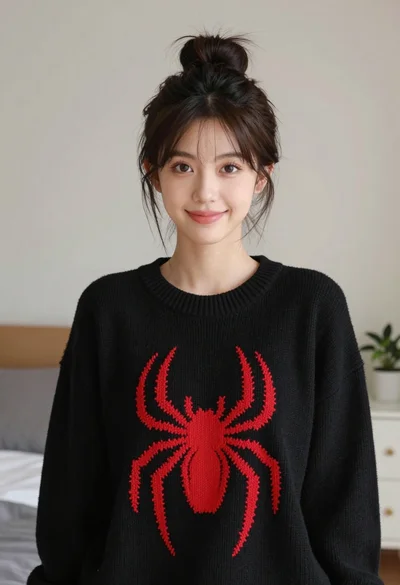
Young woman with dark hair wearing black sweater indoors in bedroom setting

Young woman with brown hair in beige cardigan smiling indoors at camera
Young woman with dark hair resting cheek on hand in a softly
Young woman with dark wavy hair in black oversized tshirt seated indoors