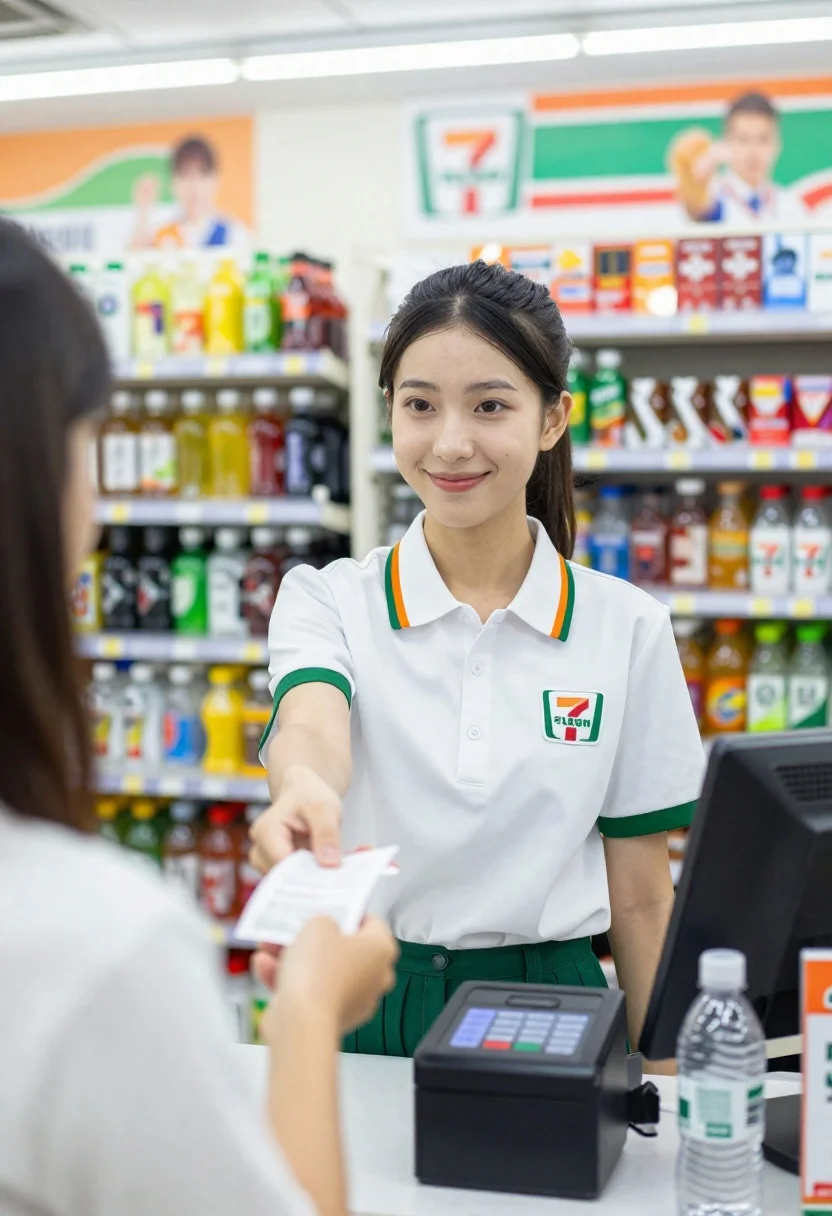
Young female cashier in white uniform hands receipt to customer inside convenience
Prompt
A young female cashier in a convenience store smiles warmly while handing a receipt to a customer.

Subject: A young woman with dark hair pulled back, featuring soft facial features and a friendly expression.

Clothing: She wears a white short-sleeved collared uniform shirt with green and orange striped trim on the sleeves and shoulder straps, displaying a 7-Eleven logo on the chest and a name tag reading "FELISHA".

Action: She extends her right arm forward to hand a small paper receipt across the counter.

Environment: The setting is a brightly lit convenience store aisle with shelves stocked with beverages and cigarette packs in the background.

Camera: Shot from a low angle at eye level, focusing on the cashier with a shallow depth of field that blurs the foreground customer and background shelves.

Lighting: Bright, even indoor fluorescent lighting creates soft shadows and highlights the subject's face and uniform.

Objects: A black point-of-sale terminal is visible on the counter in the foreground along with a plastic water bottle.

Text/Graphics: The 7-Eleven logo and the name tag "FELISHA" are clearly visible on her shirt, alongside promotional posters on the wall behind her.

Style Details: High-resolution commercial photography with vibrant colors and sharp focus on the subject.
Description
This prompt is useful for creating lifestyle advertising mockups, point-of-sale display concepts, and character studies within retail environments. The combination of 'bright, even indoor fluorescent lighting' and a 'low angle' shot ensures that the focus remains sharply on the cashier while the shallow depth of field effectively minimizes distracting background clutter from the stocked shelves.
Suggestions
- Change 'white short-sleeved collared uniform shirt' to 'navy blue polo shirt' for brand variation.
- Add 'bokeh effect' to enhance the blur of the background shelves.
- Swap 'brightly lit convenience store aisle' for 'modern, minimalist retail counter' to change the setting feel.
Category
Tags
Casual WearFemaleIndoorsLow AngleRealisticUniform
Date added
June 26, 2026
Added by
PromptDexter Team
Related Prompts
More prompts with similar categories and tags.
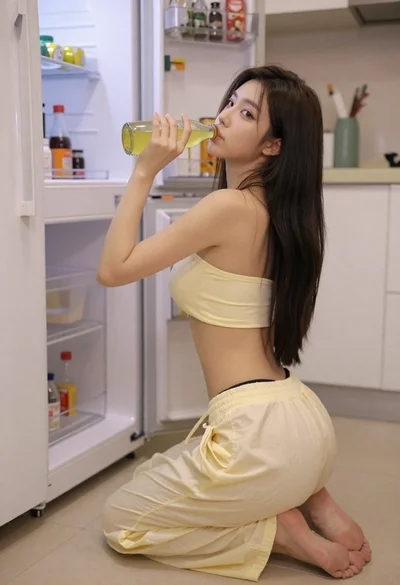
Young woman kneeling in kitchen drinking from glass bottle indoors

Anime girl holding toy blaster against bright blue sky
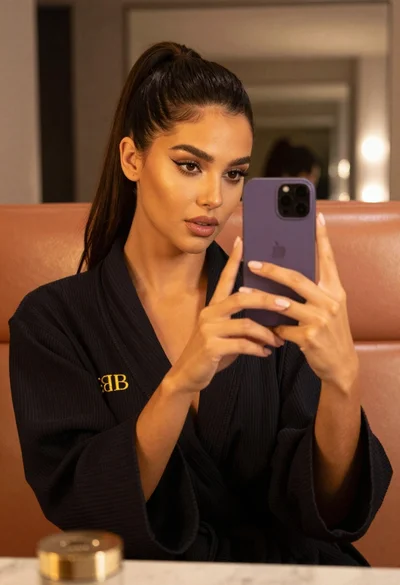
Woman taking mirror selfie in black bathrobe on peach sofa
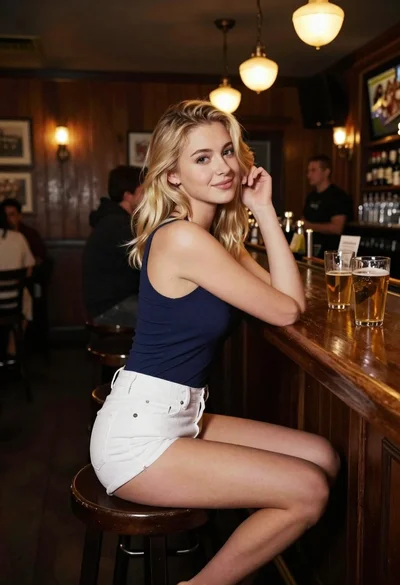
Blonde woman at a bar counter in dimly lit pub
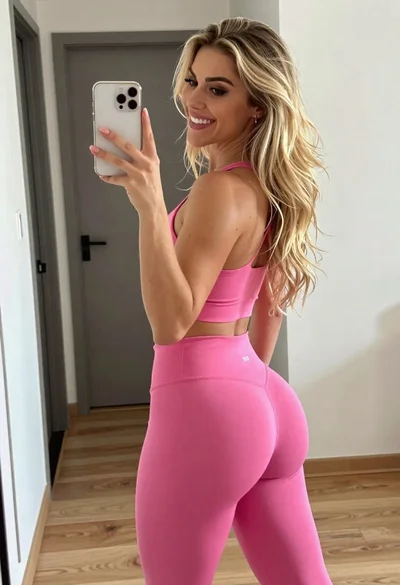
Young blonde woman taking mirror selfie in pink athletic wear indoors
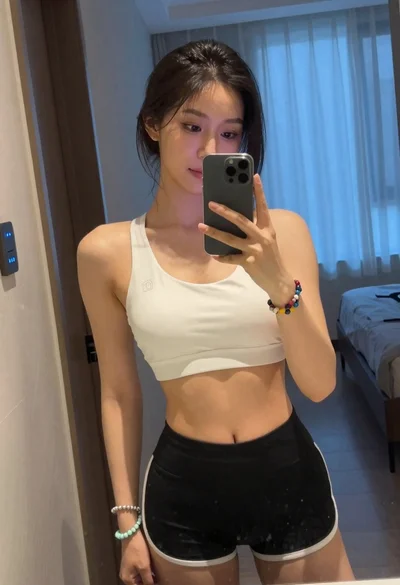
Young woman taking mirror selfie in white sports bra indoors
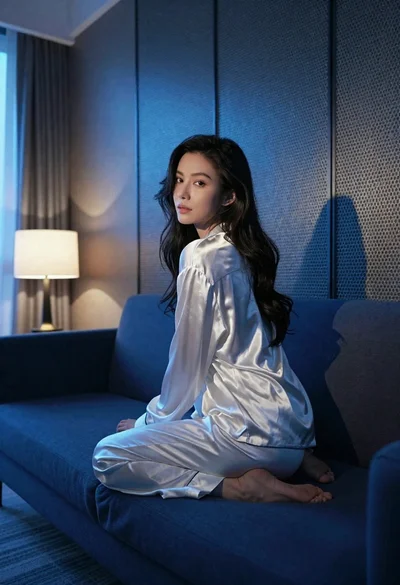
Woman in silk pajamas seated on blue sofa indoors with dramatic lighting
Smiling woman with dark hair at wooden table wearing blue ribbed outfit