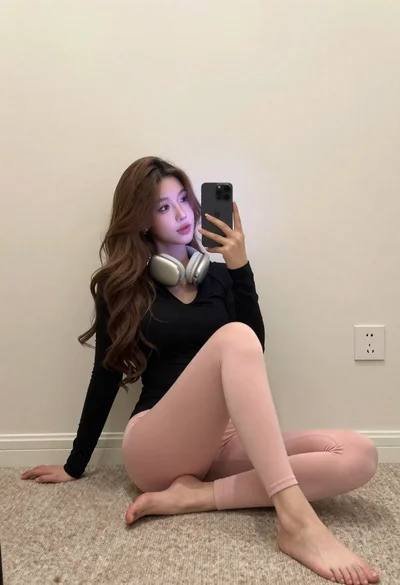
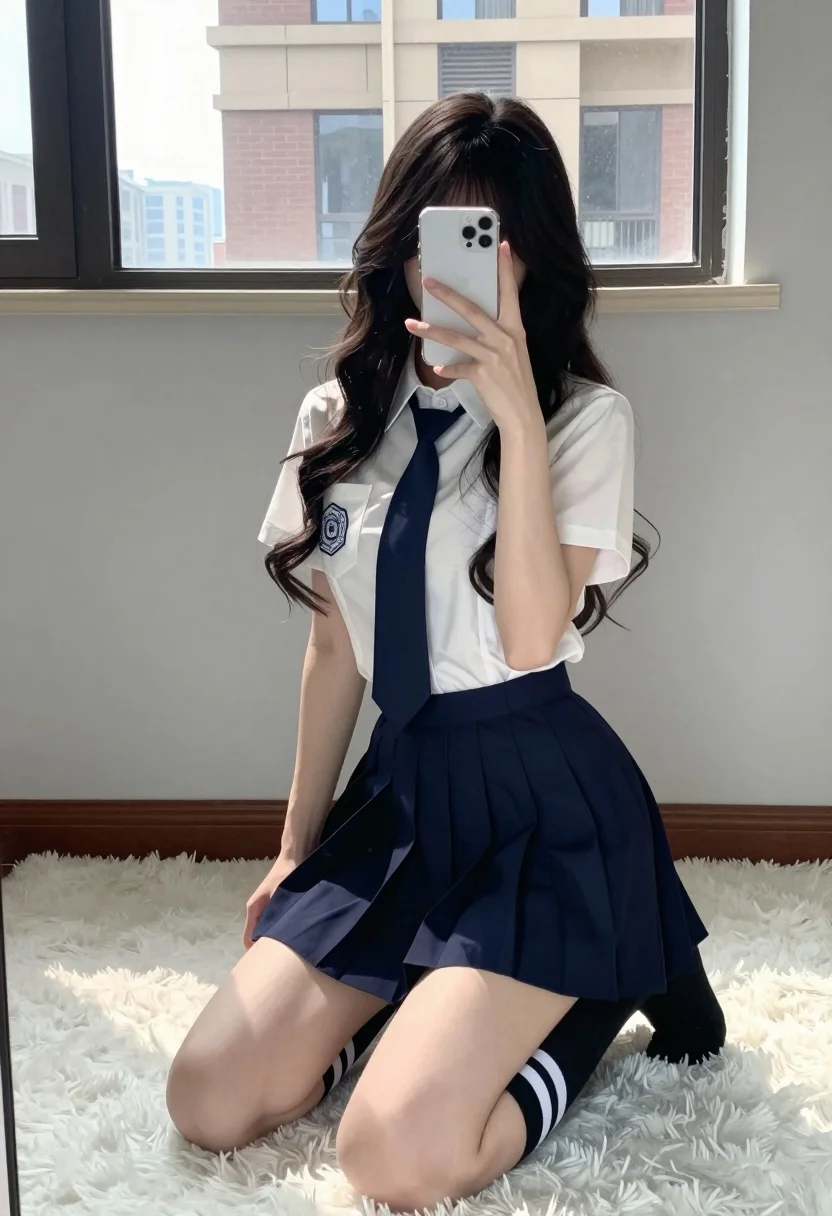
Young woman in school uniform taking mirror selfie kneeling on white rug
Prompt
A young woman with long dark wavy hair takes a mirror selfie while kneeling on a fluffy white rug.

Subject: A young woman with long, dark, wavy hair that cascades over her shoulders and partially covers her face as she holds the phone.

Clothing: She wears a crisp white short-sleeved collared shirt with a school crest embroidered on the left chest pocket, paired with a navy blue necktie and a matching navy pleated mini skirt. She is wearing black thigh-high socks featuring two white horizontal stripes near the top.

Action: The subject is kneeling on her knees with one hand resting on the floor for balance while holding a white smartphone up to cover her face in a mirror selfie pose.

Environment: The setting is a minimalist room with light grey walls and a large window in the background that reveals a brick building outside, suggesting an urban or suburban location.

Camera: The shot is a vertical mirror reflection taken from a low angle looking slightly upward at the subject, capturing the full kneeling posture within the frame.

Lighting: Bright natural daylight streams through the window behind the subject, creating soft highlights on her hair and skin while casting gentle shadows on the rug.

Style Details: The image has a clean, high-definition aesthetic with a focus on fashion and school uniform styling, featuring a soft color palette dominated by white, navy blue, and grey tones.
Description
This prompt is useful for creating character concept art for student narratives, editorial streetwear features, or intimate personal portraiture. The combination of 'low angle' perspective with the subject kneeling emphasizes vulnerability while the 'crisp white short-sleeved collared shirt' and 'navy pleated mini skirt' maintain a structured, stylized aesthetic that grounds the image in recognizable fashion tropes.
Suggestions
- Change 'fluffy white rug' to 'polished concrete floor' for a harsher contrast.
- Swap 'dark wavy hair' for 'straight black hair' to change the silhouette.
- Adjust 'bright natural daylight' to 'overcast window light' for softer shadows.
Category
Tags
Black HairCasual WearFemaleFull BodyIndoorsLow AngleRealisticStreetwearUniform
Date added
July 12, 2026
Added by
PromptDexter Team
Related Prompts
More prompts with similar categories and tags.
Young woman taking mirror selfie in room with stencil art and neon

Spider man costume selfie at a coffee shop with baristas
Woman taking mirror selfie in black bathrobe on peach sofa
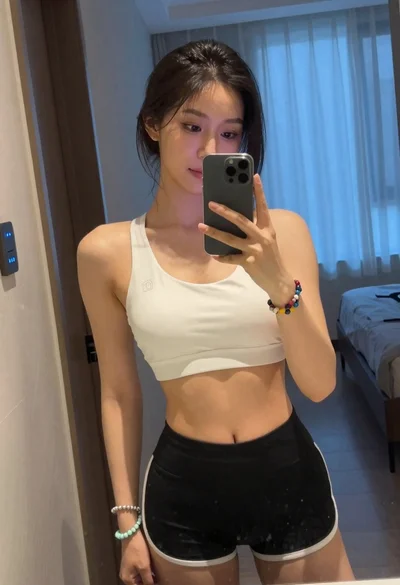
Young woman taking mirror selfie in white sports bra indoors
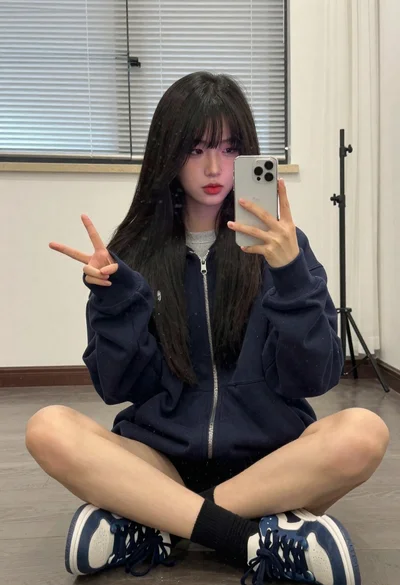
Young woman taking a mirror selfie in an indoor room setting
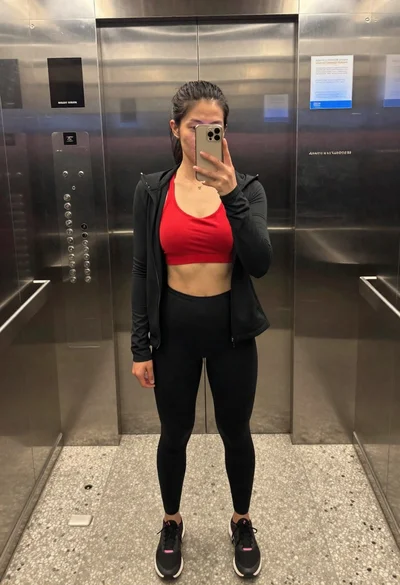
Fit woman taking a mirror selfie in an elevator interior
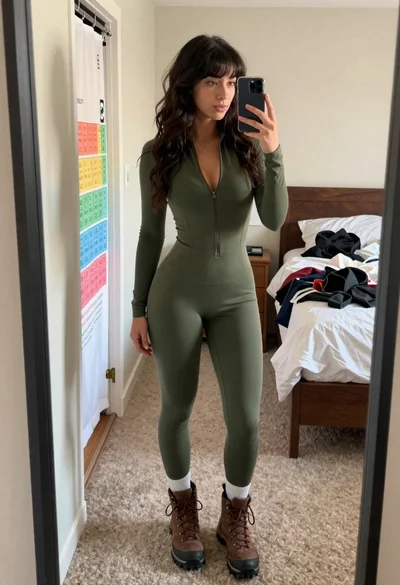
Young woman taking mirror selfie in bedroom wearing olive green jumpsuit

Young woman taking a mirror selfie in a modern bedroom setting
Young woman taking mirror selfie in bathroom wearing black corset and blue jeans
Young woman taking a mirror selfie in warmly lit room