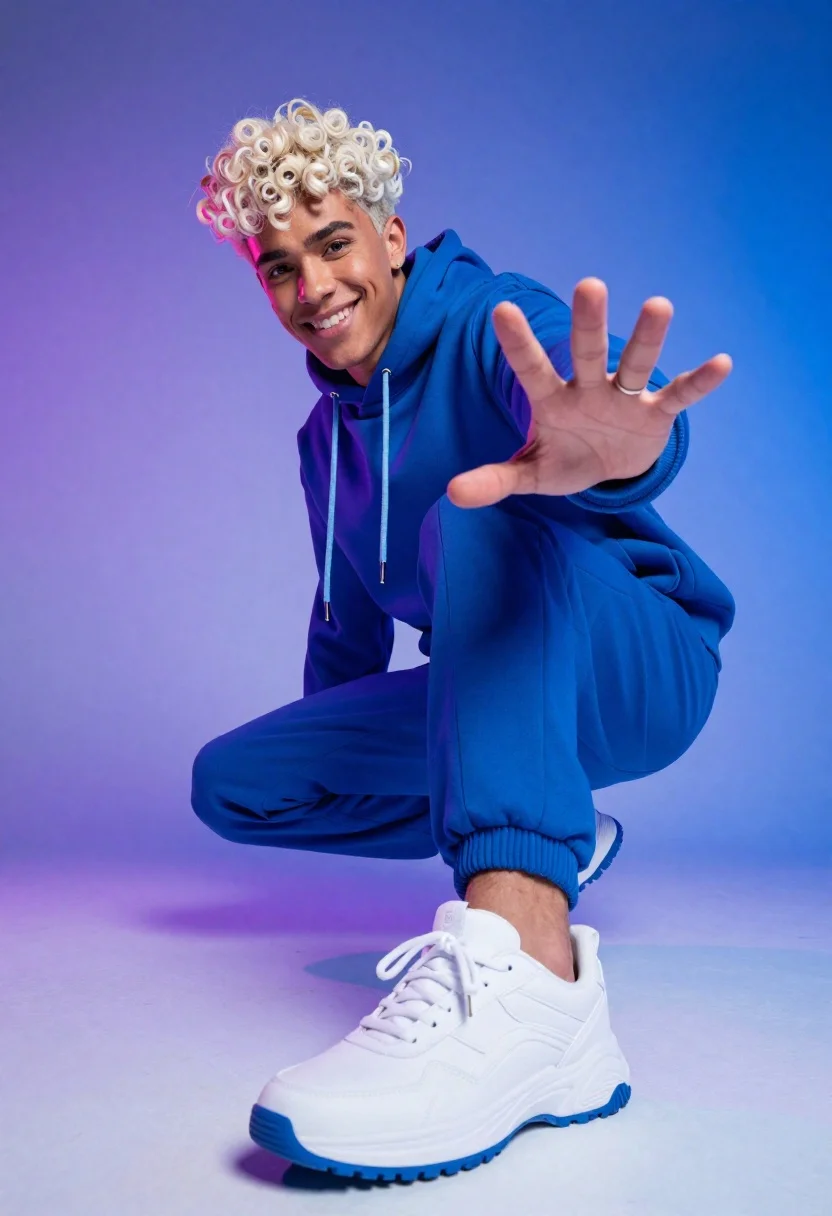
Young man crouching in blue hoodie against purple and blue gradient background
Prompt
A dynamic low-angle shot of a young man with platinum blonde curly hair crouching in an energetic pose against a vibrant blue and purple gradient background.

Subject: A handsome young male with fair skin and voluminous platinum blonde curly hair, featuring a bright smile and direct gaze toward the camera.

Clothing: He wears a matching royal blue oversized hoodie with light blue drawstrings and loose-fitting blue sweatpants with elastic cuffs, paired with chunky white sneakers that have blue soles.

Action: The subject is crouching low to the ground with his right hand extended forward in an open-palm gesture as if reaching out or stopping, while his left arm rests on his knee.

Environment: A seamless studio background featuring a smooth gradient transitioning from deep purple on the left to bright blue on the right.

Camera: Shot from a high angle looking down at the subject, utilizing a wide-angle perspective that exaggerates the depth of the foreground foot and creates a sense of dynamic movement.

Lighting: The scene is illuminated by soft, diffused studio lighting with distinct pink and purple rim lights casting colorful reflections on the left side of his face and clothing to enhance the mood.

Style Details: High-definition commercial photography style with vibrant color saturation, sharp focus on the subject, and a clean, modern aesthetic.
Description
This prompt is useful for creating album cover art, sportswear advertisements, and dynamic character concept sheets. The combination of 'low-angle shot' perspective and 'wide-angle perspective' exaggerates the foreground elements and gives the subject an imposing presence suitable for promotional materials, while the 'pink and purple rim lights' add a highly stylized, artificial glow that prevents the scene from looking like standard documentary photography.
Suggestions
- Change 'royal blue oversized hoodie' to 'charcoal grey bomber jacket' for more versatility.
- Swap 'platinum blonde curly hair' for 'slicked-back dark hair' for a different mood.
- Adjust 'soft, diffused studio lighting' to 'hard key light' for higher contrast.
Category
Tags
Fair SkinHigh AngleLow AngleMaleRealisticStudioWide Shot
Date added
June 19, 2026
Added by
PromptDexter Team
Related Prompts
More prompts with similar categories and tags.
Man in pink coat walking on foggy empty highway

Model walking down rainy city street at night
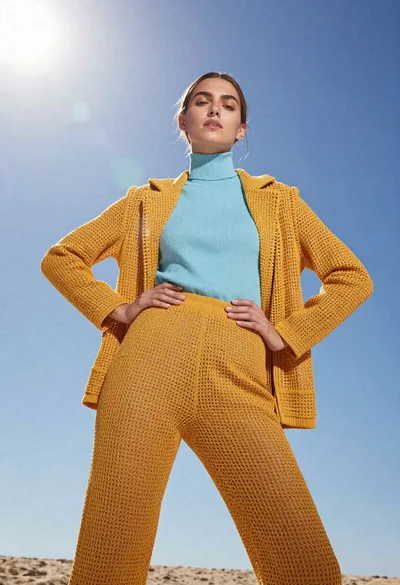
Model in yellow knit outfit against bright blue sky
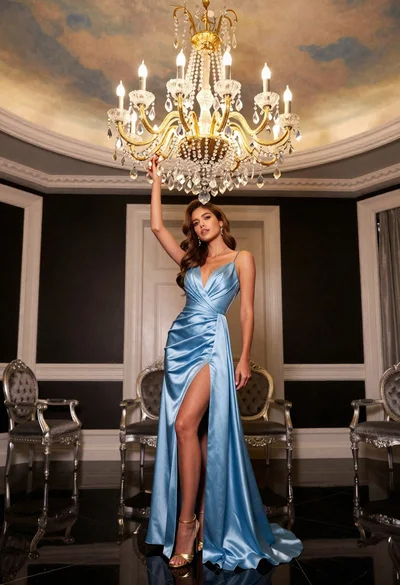
Glamorous woman holding chandelier in opulent room full body shot
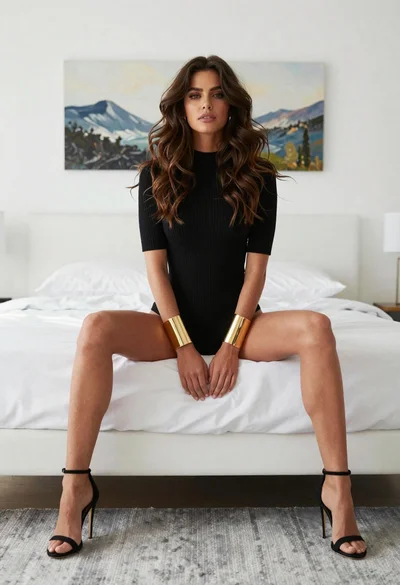
Young woman in black knit top sitting on white bed low angle
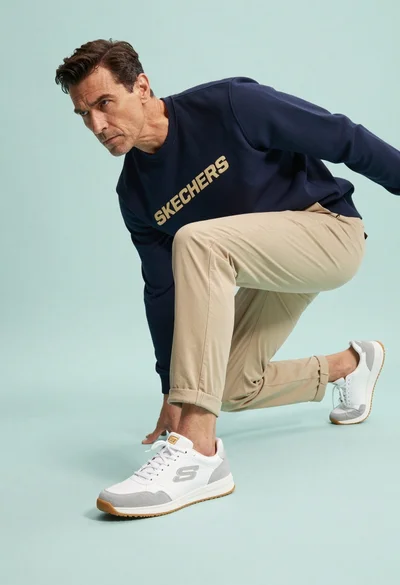
Middle aged man crouching low in athletic stance wearing sneakers studio shot
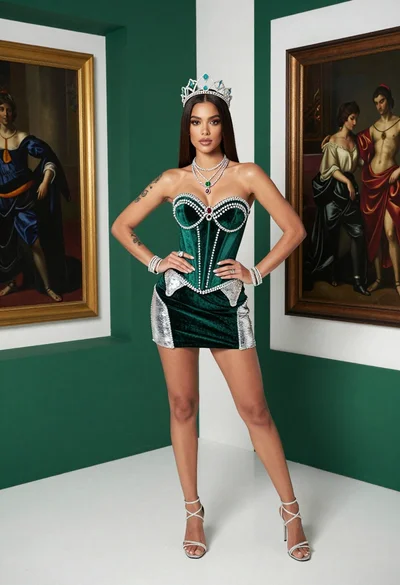
Confident woman in emerald green velvet corset and crown studio portrait
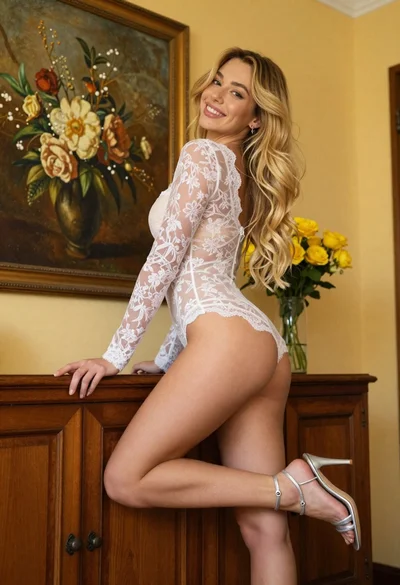
Young blonde woman in lace bodysuit leaning against wooden cabinet indoors
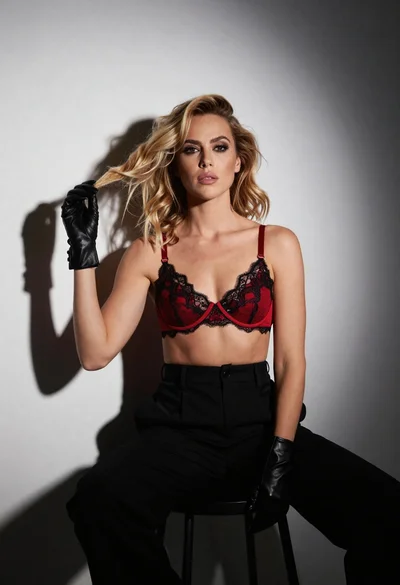
Fair blonde woman in red bra and black trousers studio portrait
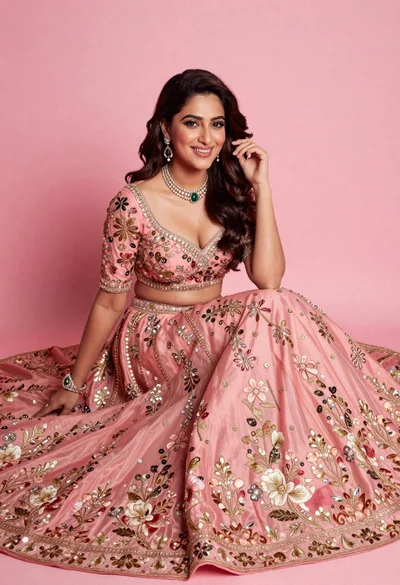
Smiling woman in elaborate pink lehenga choli against solid studio backdrop