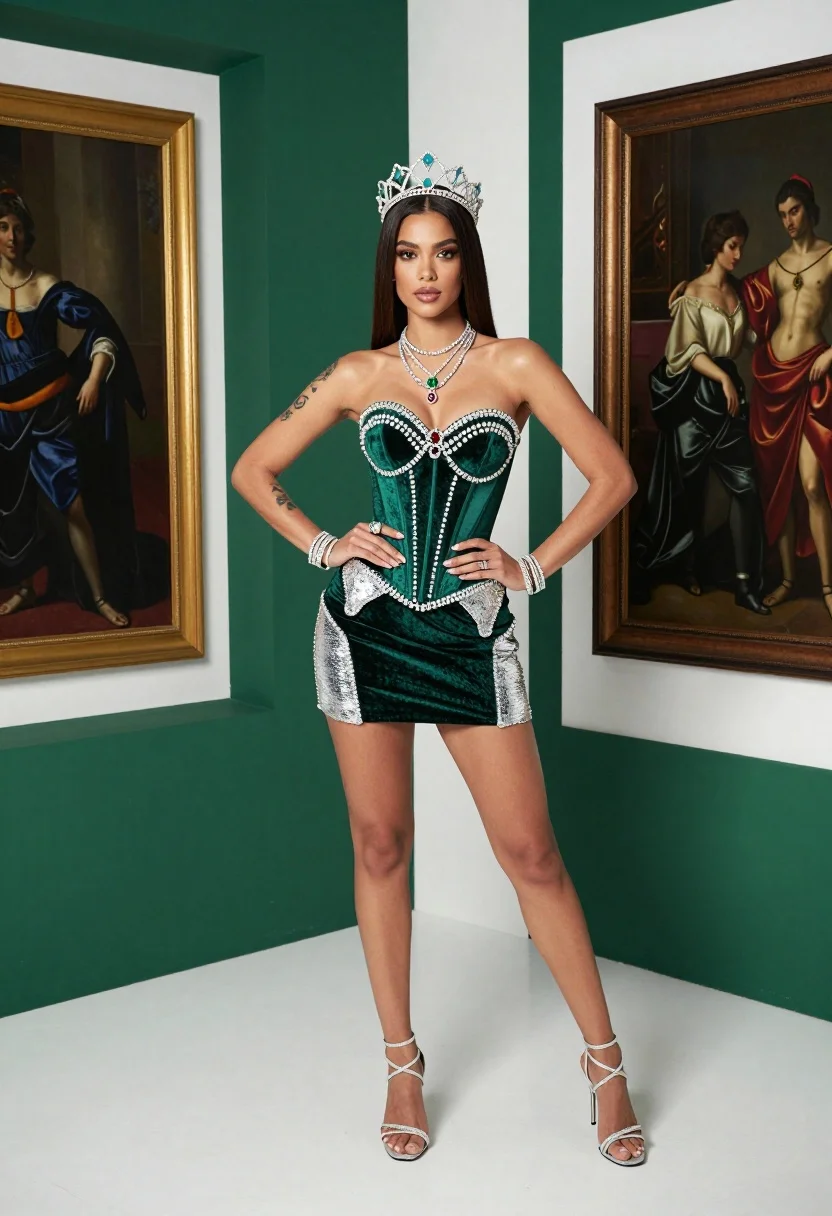
Confident woman in emerald green velvet corset and crown studio portrait
Prompt
A confident woman with long dark hair stands in a high-fashion studio setting wearing an elaborate emerald green outfit and a jeweled crown.

Subject: A woman with long straight dark brown hair, fair skin, and defined facial features looking directly at the camera with a serious expression.

Clothing: She wears a strapless emerald green velvet corset top embellished with silver sequins and rhinestone embroidery across the bust and waist, paired with a matching high-waisted mini skirt featuring silver sequined panels on the hips. She is accessorized with a large ornate silver crown studded with turquoise stones, multiple layered diamond necklaces including a red gem pendant and a green square pendant, silver bracelets, rings, and sparkly silver strappy heels.

Action: She stands with her hands resting on her hips in a confident pose, showcasing tattoos on both forearms and upper arms.

Environment: The background consists of a modern geometric space with white walls and deep emerald green panels, flanked by two large framed classical oil paintings depicting figures in historical dress.

Camera: Shot from a high angle looking down at the subject, utilizing a wide-angle lens that captures her full body and the surrounding architectural lines.

Lighting: Bright studio lighting creates soft highlights on her skin and the reflective surfaces of her outfit, casting subtle shadows to define her form against the background.

Style Details: High-gloss commercial photography with sharp focus, vibrant emerald color grading, and a polished fashion editorial aesthetic.
Description
This prompt is useful for creating high-end costume concept art, dramatic character portraits, and luxury brand lookbooks requiring intense jewel tones. The combination of 'emerald green velvet' against the 'modern geometric space' ensures that the rich color remains saturated while the 'high angle looking down' composition emphasizes both the subject's power stance and the architectural grandeur surrounding her.
Suggestions
- Change 'jeweled crown' to 'diadem with peacock feathers' for a more organic feel.
- Swap 'emerald green velvet' for 'deep sapphire velvet' to shift the color focus.
- Adjust 'high angle looking down' to 'eye-level medium shot' for a more intimate portrait.
Category
Tags
Brown HairFair SkinFemaleFull BodyHigh AngleRealisticStudioWide Shot
Date added
July 12, 2026
Added by
PromptDexter Team
Related Prompts
More prompts with similar categories and tags.

Woman standing barefoot in dry autumn field at golden hour
Full body portrait of woman in black dress against white seamless background
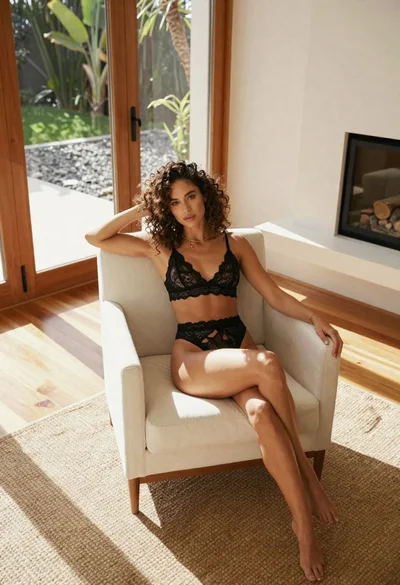
Woman in black lace lingerie sitting in white armchair modern room

Confident woman in embellished denim jumpsuit against a gray studio backdrop
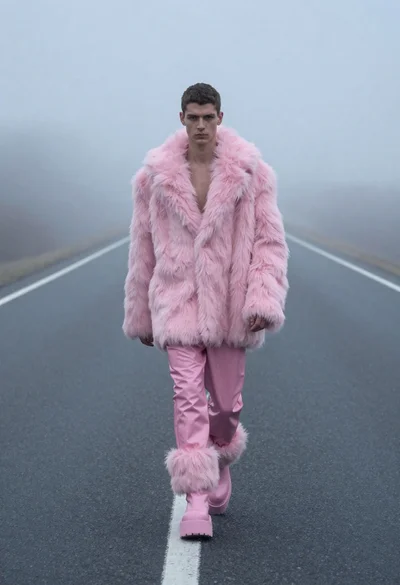
Man in pink coat walking on foggy empty highway
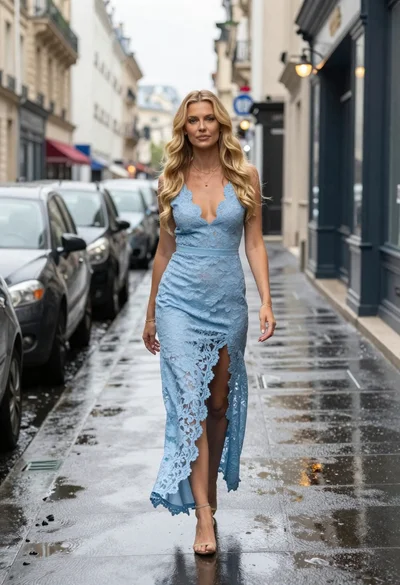
Blonde woman walking on wet parisian street

Portrait of woman in elaborate red feathered gown against vivid blue background
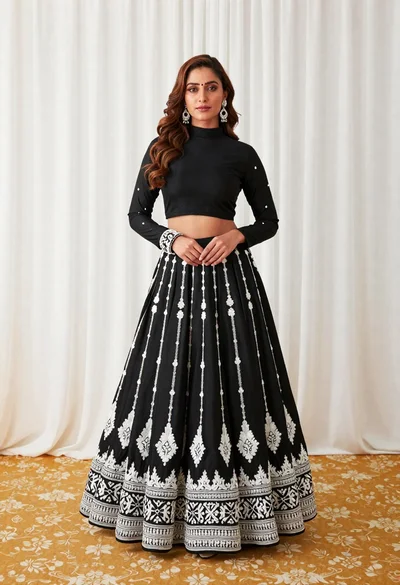
Full length portrait of woman in black traditional outfit indoors

Glamorous woman posing in shimmering two piece outfit against green backdrop

Blonde woman in victorian steampunk attire portrait