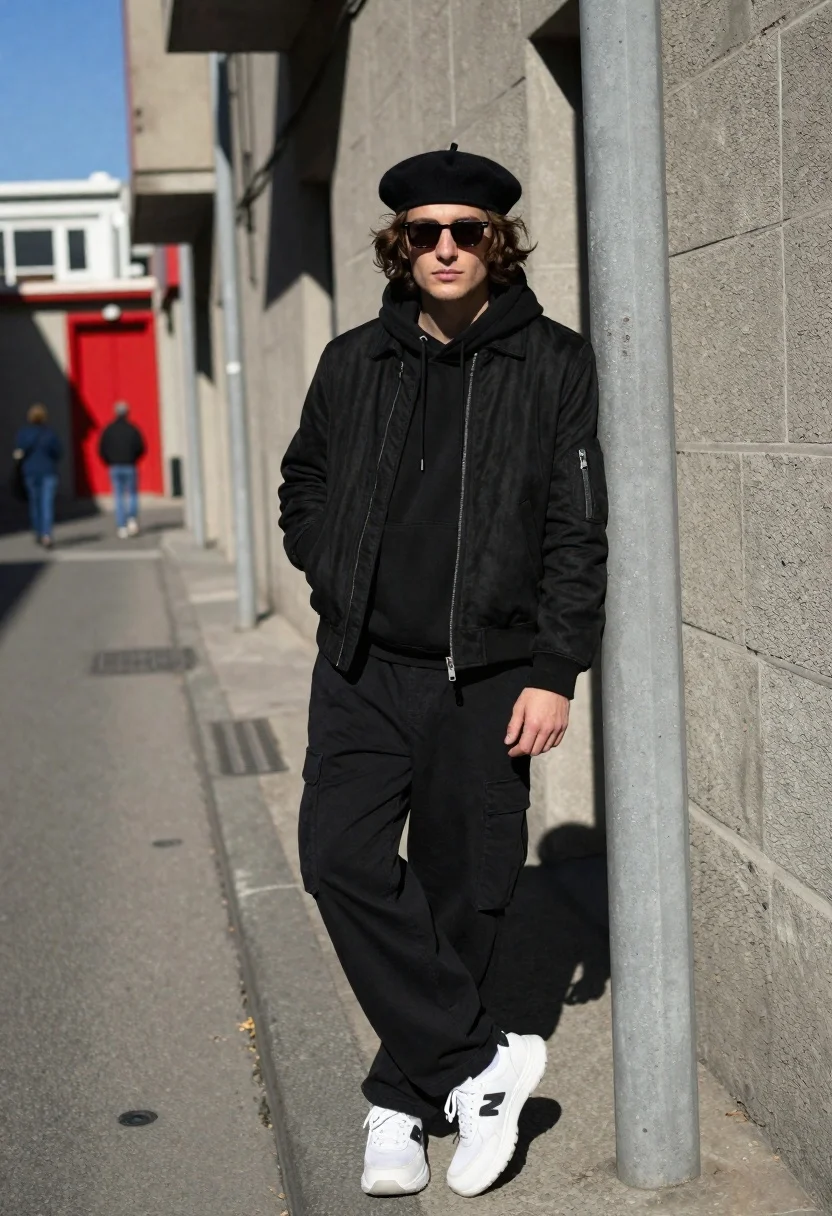
Young man in black outfit standing in an urban alleyway street
Prompt
A young man with wavy brown hair stands confidently in an urban alleyway wearing a black beret and dark sunglasses.

Subject: A young man with shoulder-length wavy brown hair, fair skin, and a serious expression looking directly at the camera. He wears a black beret and dark sunglasses that obscure his eyes.

Clothing: He is dressed in an all-black outfit consisting of a black suede bomber jacket over a black hooded sweatshirt, paired with loose-fitting black cargo pants. He wears white chunky sneakers with a large black 'N' logo on the side.

Action: The man stands leaning slightly against a concrete utility pole with his hands tucked into his jacket pockets and one hand resting near his thigh. His posture is relaxed yet posed for the camera.

Environment: The setting is a narrow city street or alleyway with grey concrete walls and pavement. In the background, there is a building with a bright red door and other pedestrians walking in the distance under a clear blue sky.

Lighting: Bright natural sunlight illuminates the scene from the upper left, casting sharp, distinct shadows on the ground and wall behind the subject. The lighting creates high contrast between the sunlit areas and the shaded corners of the alley.

Camera: The shot is taken at eye level with a medium-full body framing that captures the subject from head to toe. The composition uses a slight angle to show the depth of the street, with a shallow depth of field that keeps the subject sharp while blurring the background pedestrians.

Style Details: The image features a high-fashion streetwear aesthetic with a clean, crisp photographic quality and vibrant color saturation.
Description
This prompt is useful for creating editorial street style photography, cinematic character portraits, and mood boards depicting urban grit. The combination of 'bright natural sunlight' casting sharp shadows against the 'grey concrete walls' establishes a high-contrast, graphic look that emphasizes the texture of the 'black suede bomber jacket' while the shallow depth of field isolates the subject from the background activity.
Suggestions
- Change 'dark sunglasses' to 'reflective aviator sunglasses' for a different mood.
- Swap 'all-black outfit' for 'monochromatic black and charcoal outfit' to add subtle variation.
- Adjust 'bright natural sunlight' to 'overcast daylight' for softer shadows.
Category
Tags
AlleyBrown HairFair SkinMaleOutdoorsRealisticStreetUrban
Date added
June 19, 2026
Added by
PromptDexter Team
Related Prompts
More prompts with similar categories and tags.

Blonde woman in purple polo shirt on an urban street setting
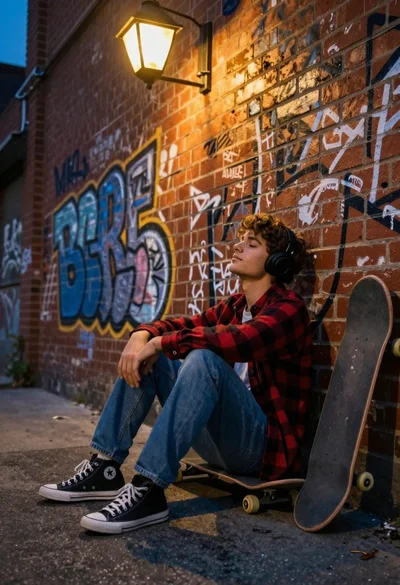
Young man sitting by graffiti brick wall with headphones low angle shot
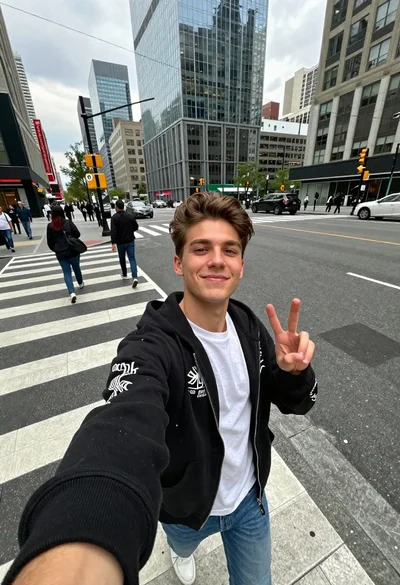
Young man taking selfie in busy city crosswalk with peace sign

Young woman in cream dress taking a selfie on sunny city street
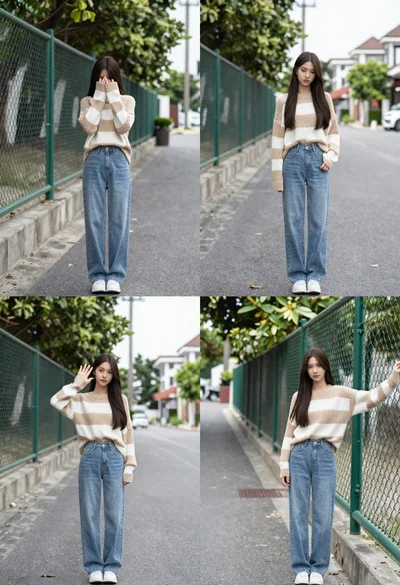
Young woman in striped sweater posing on a residential street
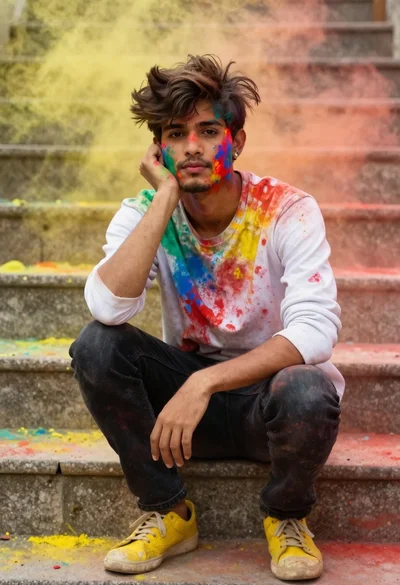
Young man with dark hair covered in colored powder on stone steps
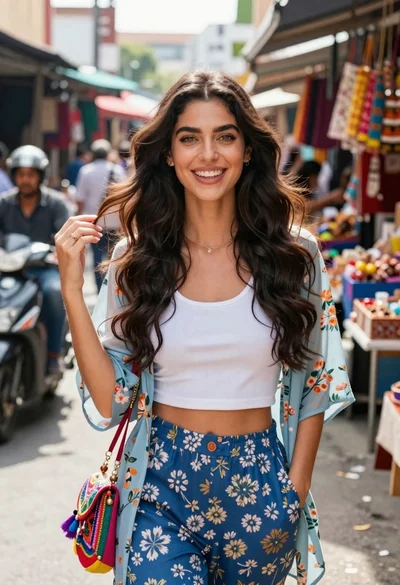
Smiling young woman in floral jacket standing in a busy outdoor market
Young woman in pink sweater standing on wet cobblestone street in alpine
Young man in knit sweater holding coffee cup on snowy mountain street
Young woman in white shirt and denim skirt standing on city crosswalk