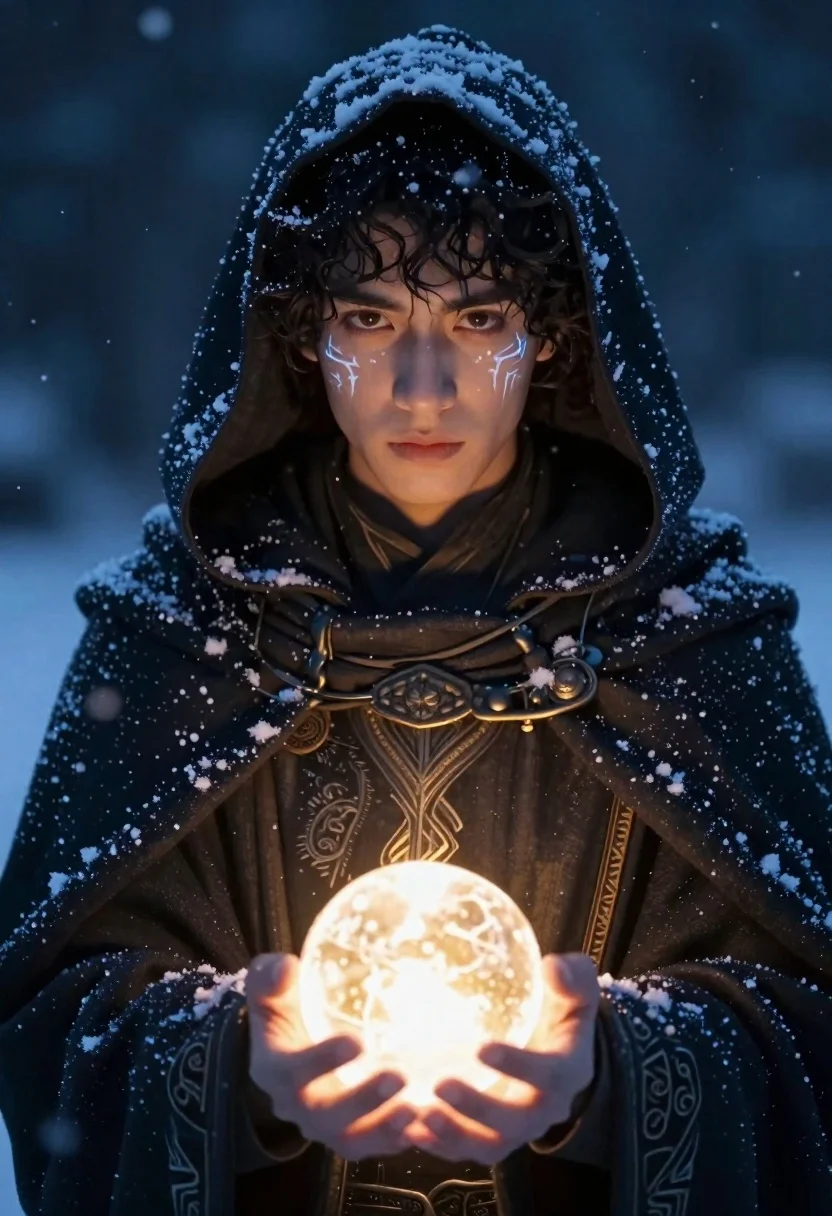
Young man in dark cloak holding glowing orb against snowy night
Prompt
A young man with dark curly hair and glowing eyes gazes forward while holding a glowing orb of light in his hands.

Subject: A young male figure with intense brown eyes, dark curly hair peeking from under a hood, and intricate glowing tattoos on his cheeks resembling frost or runes.

Clothing: He wears a heavy, textured dark cloak or robe that is dusted with snowflakes, featuring ornate embroidery on the chest and cuffs.

Action: His hands are cupped gently around a sphere of bright golden light, and he looks directly at the viewer with a calm but serious expression.

Environment: The background is a dark, snowy night scene with falling snowflakes visible in the air, creating a cold and mystical atmosphere.

Lighting: The primary light source emanates from the glowing orb held by the subject, casting a warm glow on his hands and face against the cool blue tones of the surrounding snow and darkness.

Style Details: High-fantasy digital art style with cinematic lighting, detailed textures on fabric and skin, and a moody color palette dominated by deep blues and contrasting golden light.
Description
This prompt is useful for creating high-fantasy character portraits, dark sci-fi concept art, and book cover illustrations for epic fantasy novels. The contrast established by the 'primary light source emanates from the glowing orb' casting a warm glow against the 'cool blue tones of the surrounding snow' ensures that the subject remains visually anchored despite the dramatic, snowy environment.
Suggestions
- Change 'dark curly hair' to 'wet black hair' for a more rain-soaked look.
- Add 'volumetric fog' to the environment description for increased atmosphere.
- Swap 'golden light' for 'cyan light' to shift the overall color temperature.
Category
Tags
Digital ArtMaleMedium ShotPortrait ShotRealistic
Date added
June 19, 2026
Added by
PromptDexter Team
Related Prompts
More prompts with similar categories and tags.
Majestic female warrior in ornate armor standing on a fiery battlefield
Young man in dark coat against swirling cosmic vortex of light
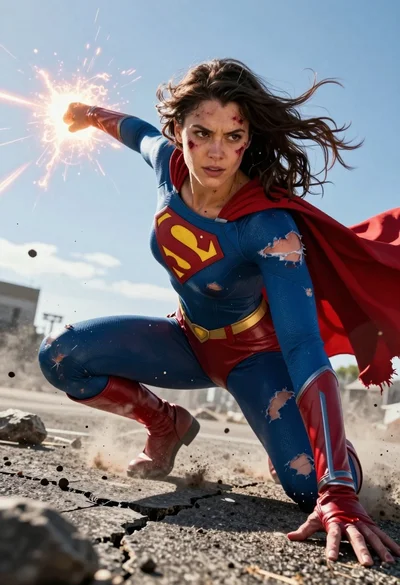
Hyperrealistic low angle shot of superhero crouching on cracked asphalt debris
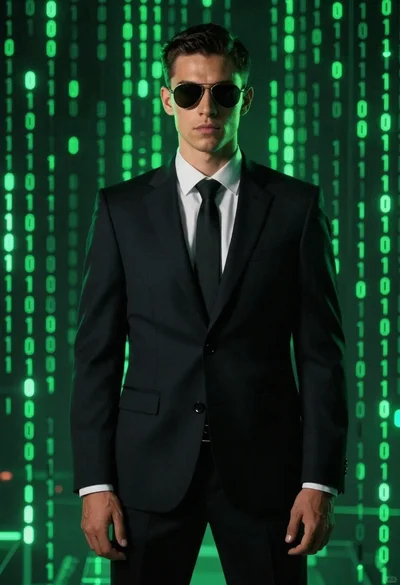
Man in dark suit against glowing digital backdrop
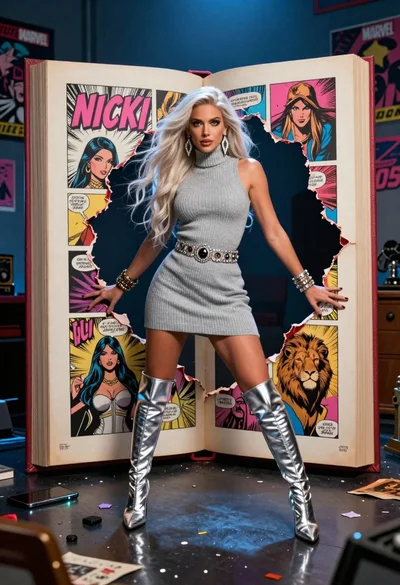
Woman in grey turtleneck dress bursts through torn hole in giant comic
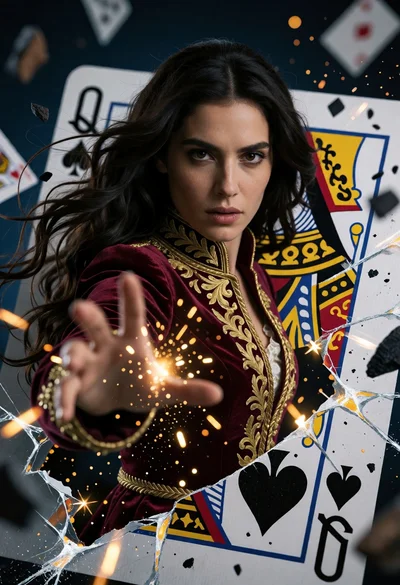
Woman emerging from cracked playing card as queen of spades portrait
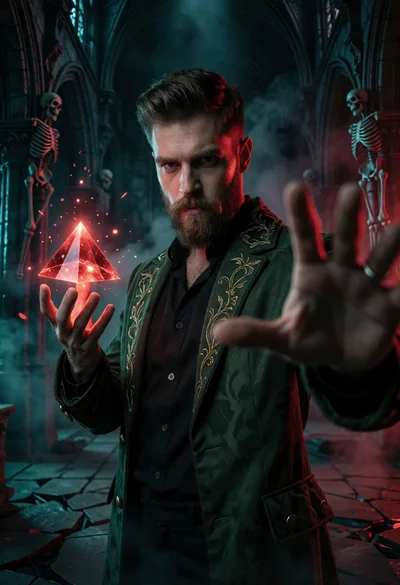
Bearded man in green coat holding glowing red pyramid inside gothic cathedral
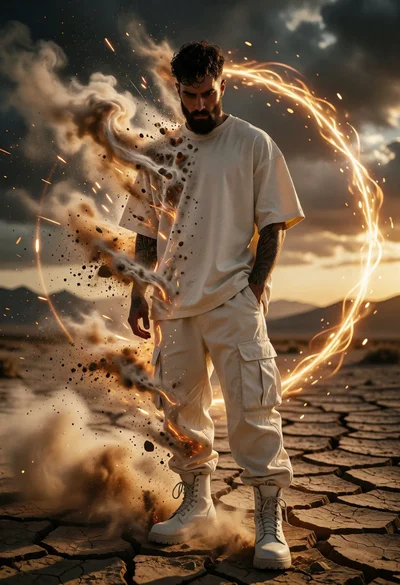
Man dissolving in desert landscape surrounded by golden energy ring
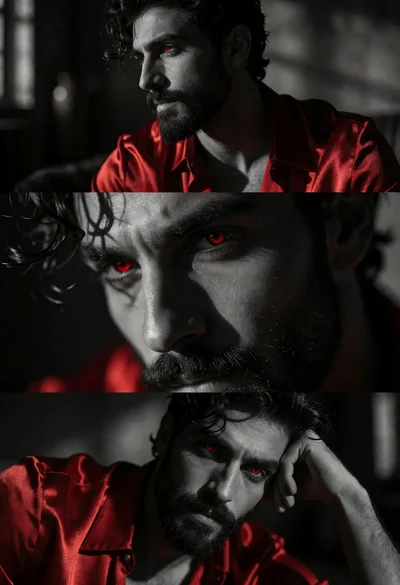
Triptych portrait of man with dark hair wearing red satin shirt
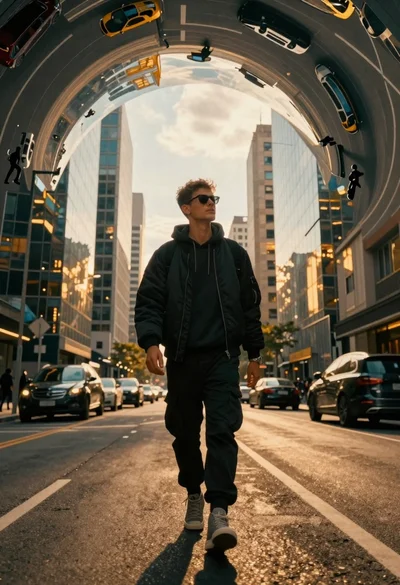
Young man walking down a surreal curved city street at golden hour