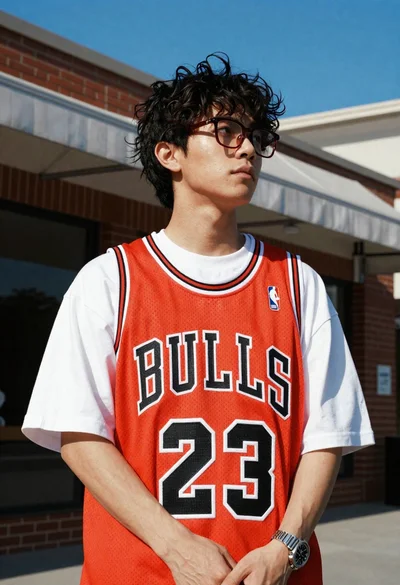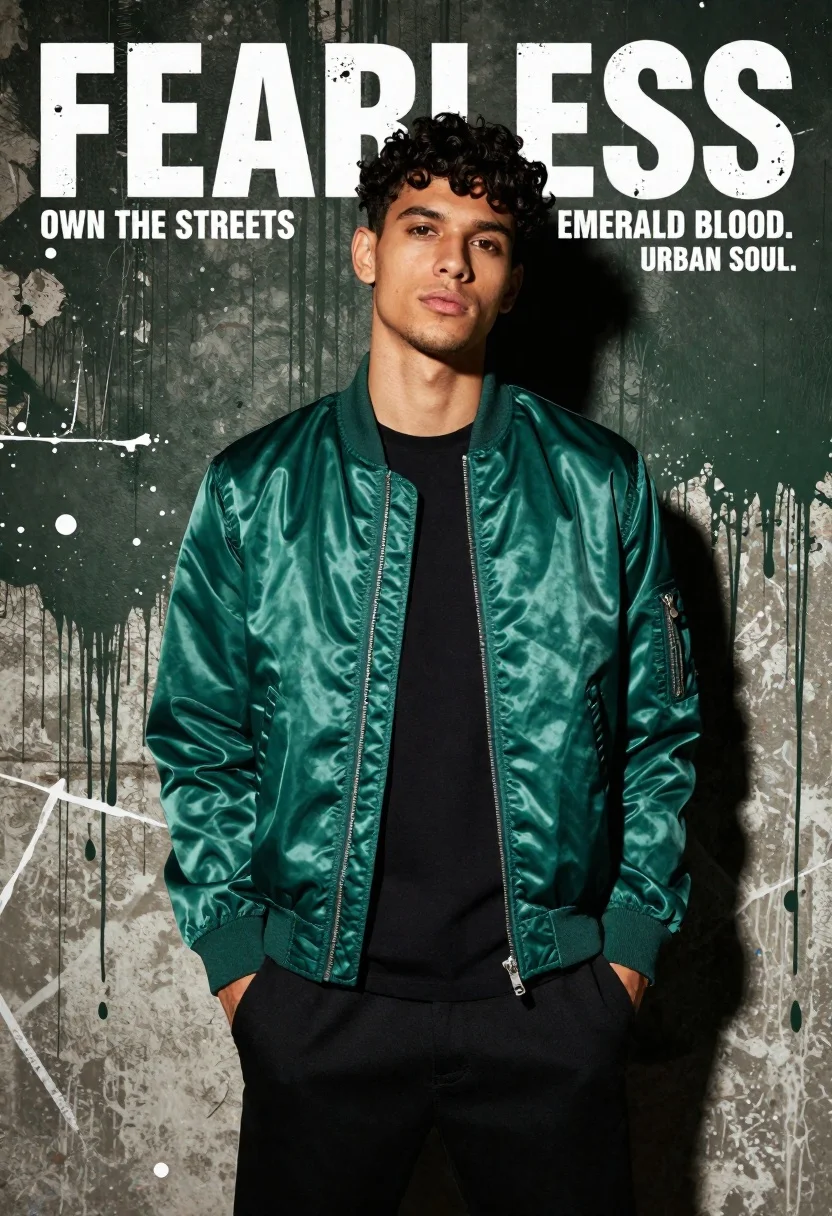
Young man in emerald bomber jacket against distressed concrete wall
Prompt
A confident young man with dark curly hair stands against a gritty urban backdrop, wearing a shiny emerald green bomber jacket over a black t-shirt and black pants.

Subject: A handsome young male model with dark curly hair and light stubble looking directly at the camera with a serious expression.

Clothing: He wears a glossy emerald green satin bomber jacket with silver zippers on the sleeves, a plain black crew-neck t-shirt underneath, and black trousers with his hands in his pockets.

Action: The subject stands facing forward with a slight tilt of the head, exuding confidence and coolness.

Environment: A textured background resembling a distressed concrete wall painted with dark green grunge splatters and white streaks.

Camera: Medium shot framing the upper body, utilizing a slightly low angle to emphasize the subject's stature.

Lighting: Dramatic studio lighting highlights the sheen of the jacket while casting deep shadows on the face and clothing for high contrast.

Text/Graphics: Large distressed typography reading "FEARLESS" at the top, with slogans like "OWN THE STREETS" and "EMERALD BLOOD. URBAN SOUL." integrated into the design.

Style Details: High-fashion streetwear aesthetic with a gritty urban texture, bold color grading emphasizing emerald green against black and white, resembling a magazine cover layout.
Description
This prompt is useful for creating high-fashion streetwear editorials, album art concepts, and mood boards requiring intense visual contrast. The combination of 'dramatic studio lighting' to emphasize the jacket's sheen alongside the 'distressed concrete wall' background ensures that the subject pops against a visually complex yet controlled setting, preventing the glossy material from looking artificial.
Suggestions
- Change 'emerald green satin bomber jacket' to 'matte emerald bomber jacket' for a less reflective look.
- Swap 'dark curly hair' for 'slicked back dark hair' for a different mood.
- Adjust 'low angle' to 'eye-level shot' if you want a more direct portrait feel.
Category
Tags
Low AngleMaleMedium ShotRealisticStreetwearStudioUrban
Date added
June 19, 2026
Added by
PromptDexter Team
Related Prompts
More prompts with similar categories and tags.

Man in suit sitting on classic red car outdoors

Stylish man on balcony overlooking eiffel tower at night
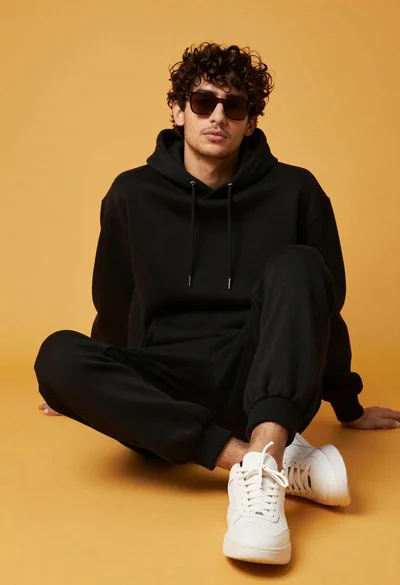
Stylish young man in black hoodie and sweatpants sitting against yellow background
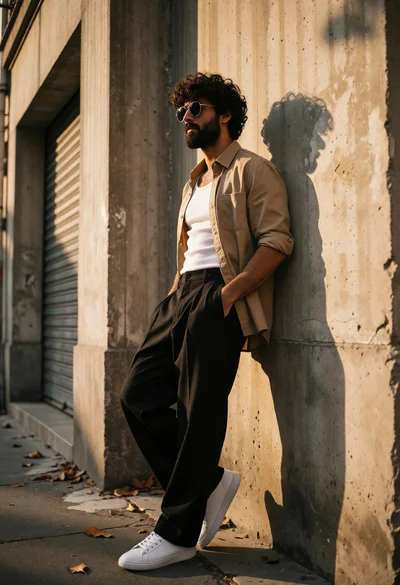
Stylish man leaning in alleyway wearing tan shirt and black trousers
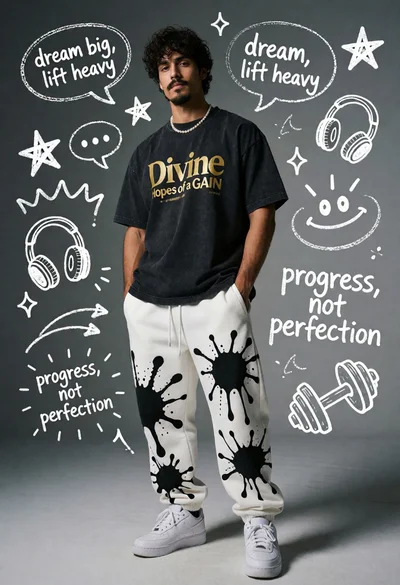
Young man standing against chalk doodles on a gray wall
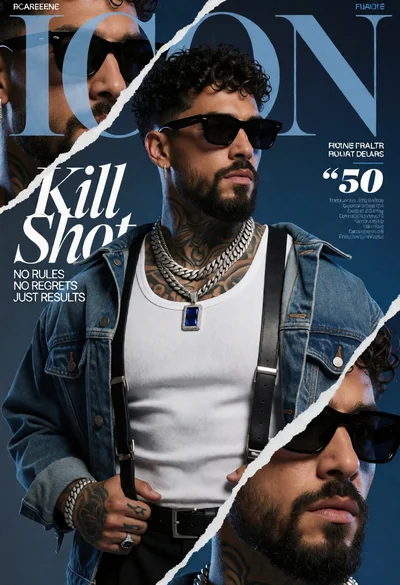
Muscular man in denim jacket against blue collage background for magazine cover
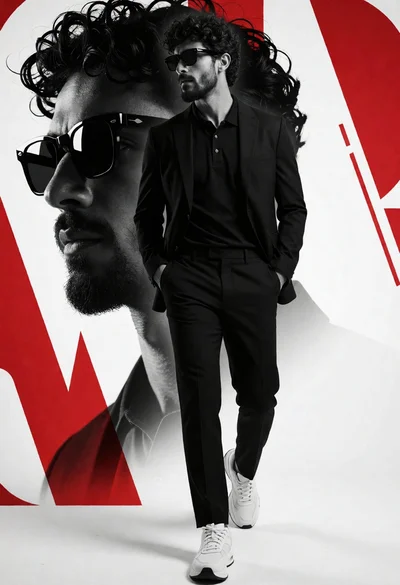
Man in black suit walking through stark studio setting with bold graphic
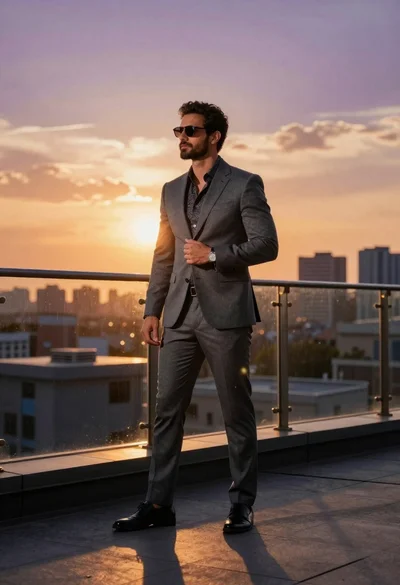
Man in suit on rooftop terrace at sunset
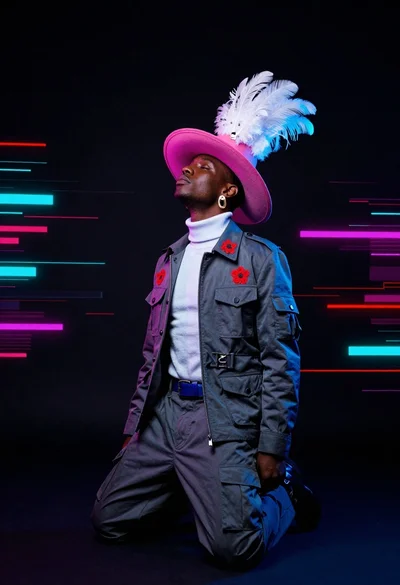
Dark skinned man kneeling in studio with neon glitch background
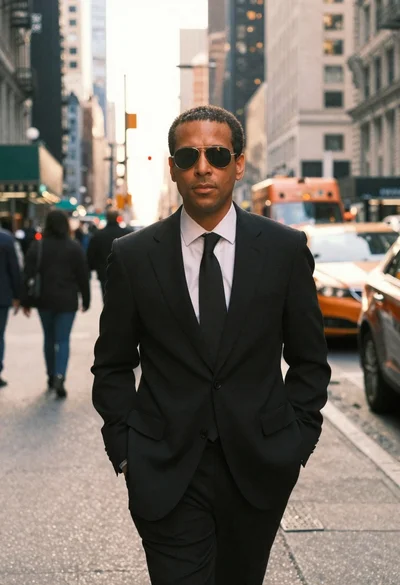
Man in suit walking down city street at golden hour