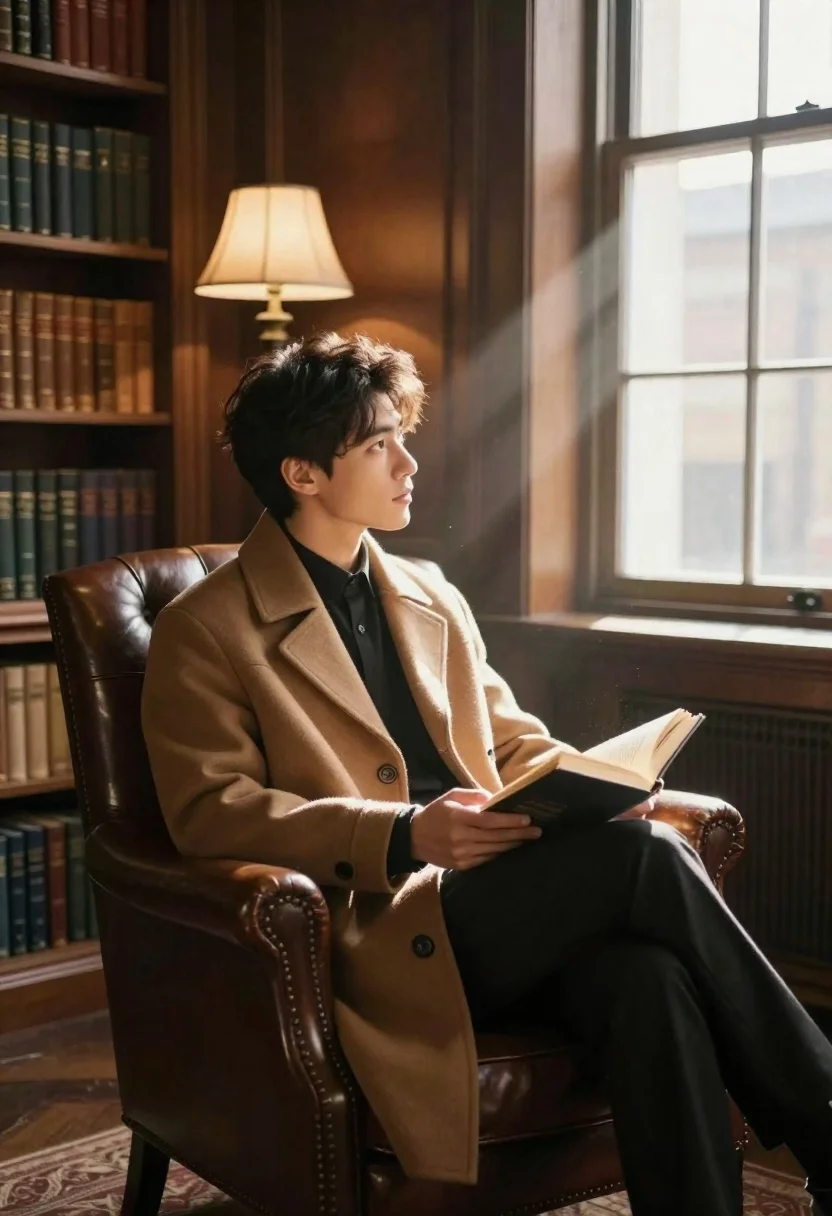
Young man reading book in leather armchair inside traditional library
Prompt
A young man sits in a leather armchair reading a book inside a quiet library.

Subject: A young man with short dark hair and a contemplative expression, looking toward the window.

Clothing: He wears a tan high-collared coat over a dark shirt and black trousers.

Action: He holds an open hardcover book in his hands while seated comfortably in a brown leather armchair.

Environment: The setting is a traditional library with floor-to-ceiling wooden bookshelves filled with books, a large window letting in bright light, and a brass floor lamp with glowing shades in the background.

Camera: The shot uses a medium framing angle that captures the subject from the side, emphasizing the depth of the room and the light rays entering through the window.

Lighting: Warm natural sunlight streams through the window creating distinct beams and dust motes, contrasting with the soft ambient glow from the interior lamps.

Style Details: The image features a cinematic color palette with rich browns and warm tones, high dynamic range lighting, and a photorealistic rendering style.
Description
This prompt is useful for creating academic editorial spreads, character concept art for literary adaptations, and sophisticated interior design mood boards. The combination of 'warm natural sunlight' streaming through the window alongside the 'rich browns and warm tones' establishes a chiaroscuro effect that highlights the subject's contemplative pose against the deep textures of the wooden bookshelves.
Suggestions
- Change 'tan high-collared coat' to 'charcoal wool blazer' for more contrast.
- Add 'dust motes visible in light beams' to enhance the atmosphere.
- Swap 'brass floor lamp' for 'bronze reading lamp' for a different metallic accent.
Category
Tags
Brown HairCasual WearIndoorsMaleMedium ShotRealistic
Date added
June 19, 2026
Added by
PromptDexter Team
Related Prompts
More prompts with similar categories and tags.
Young man examining vintage camera seated on plush green sofa
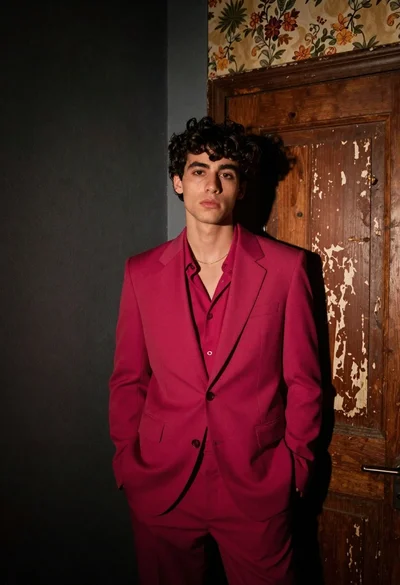
Young man in magenta suit jacket standing in dimly lit room with

Muscular man in blue blazer on solid deep blue background

Woman sitting gracefully indoors wearing yellow skirt and top

Fair skinned woman in black sequined outfit sitting elegantly indoors

Smiling blonde woman in black leather outfit at an indoor evening event
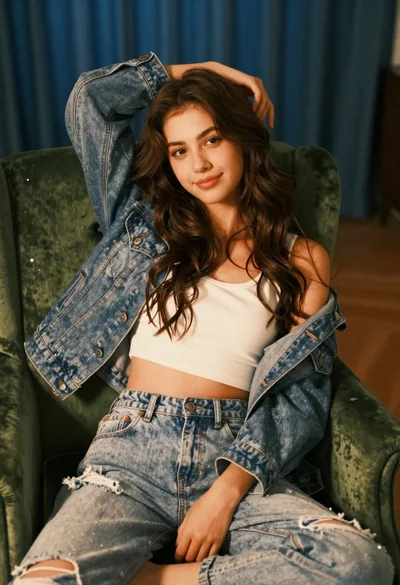
Young woman with brown hair sitting on green velvet chair indoors

Stylish young woman in denim shirt holding tablet indoors

Blonde woman in black coat leaning against white wall by window

Young blonde woman at wooden table in dimly lit upscale restaurant setting