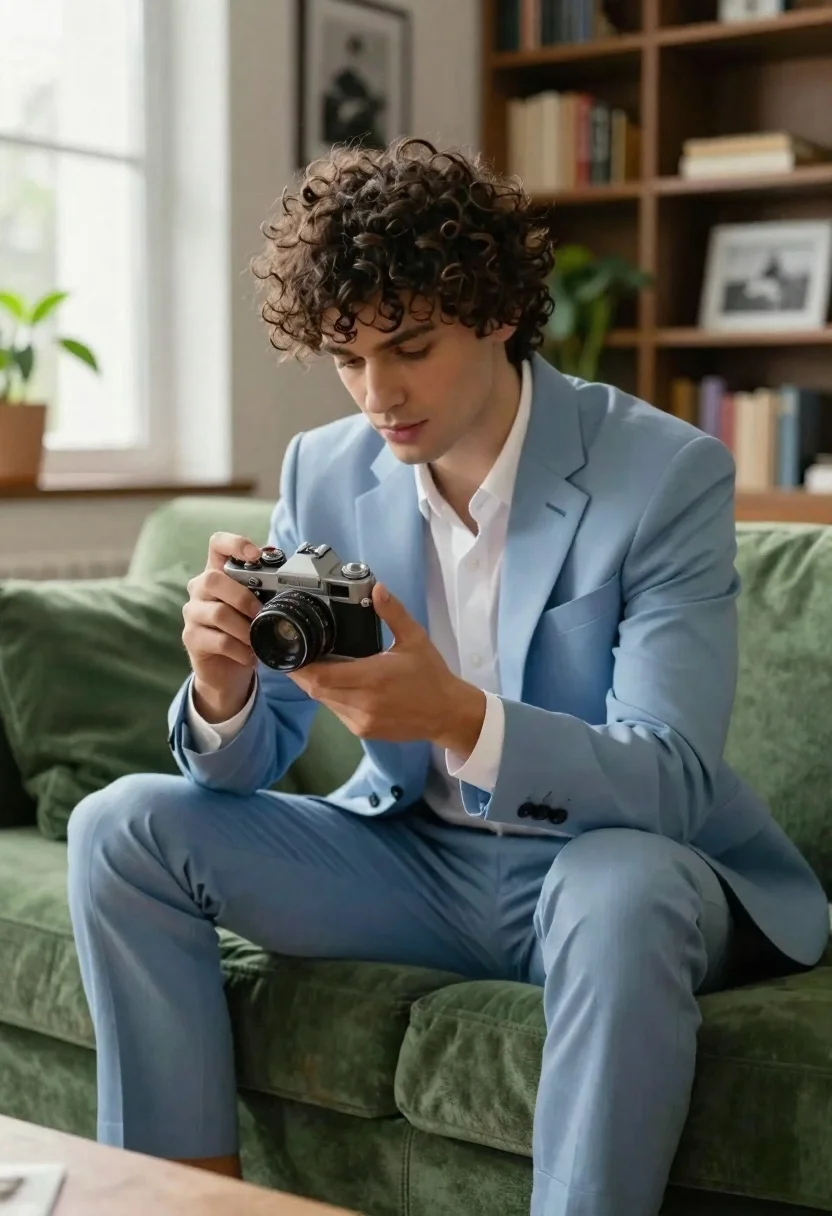
Young man examining vintage camera seated on plush green sofa
Prompt
A young man with curly dark hair sits on a plush green sofa while examining a vintage silver camera in his hands.

Subject: A handsome young man with thick curly brown hair and a focused expression looking down at an object.

Clothing: He wears a light blue suit jacket and matching trousers over a crisp white button-down shirt with the top buttons undone.

Action: He holds a retro silver film camera with both hands, inspecting the lens or body closely in a relaxed seated pose.

Environment: The setting is a cozy study or living room featuring tall wooden bookshelves filled with books, framed black and white photographs on the wall, and green houseplants near the shelves.

Camera: Shot from a medium angle slightly low to capture the subject's full seated form, utilizing soft natural light coming from a window on the left to create a gentle glow.

Lighting: The scene is illuminated by bright, diffused daylight streaming through a large window, casting soft shadows and highlighting the texture of the suit and sofa.

Style Details: The image features a cinematic color palette with high contrast between the blue suit and green furniture, rendered in a photorealistic style with sharp focus on the subject.
Description
This prompt is useful for creating editorial lifestyle spreads, character portraiture for film concepts, and interior design mood boards featuring masculine subjects. The combination of 'soft natural light' and the high contrast between the 'light blue suit jacket' and 'plush green sofa' ensures that the subject remains sharply defined against a rich backdrop, preventing the scene from looking flat despite the diffused daylight.
Suggestions
- Change 'vintage silver camera' to 'leather-bound journal' for a different prop focus.
- Swap 'plush green sofa' for 'dark walnut armchair' to deepen the color contrast.
- Adjust 'soft natural light' to 'directional window light' for more dramatic shadows.
Category
Tags
Brown HairCasual WearIndoorsMaleMedium ShotPortrait ShotRealistic
Date added
June 19, 2026
Added by
PromptDexter Team
Related Prompts
More prompts with similar categories and tags.

Muscular man in blue blazer on solid deep blue background

Woman sitting gracefully indoors wearing yellow skirt and top

Fair skinned woman in black sequined outfit sitting elegantly indoors

Smiling blonde woman in black leather outfit at an indoor evening event

Stylish young woman in denim shirt holding tablet indoors

Blonde woman in black coat leaning against white wall by window
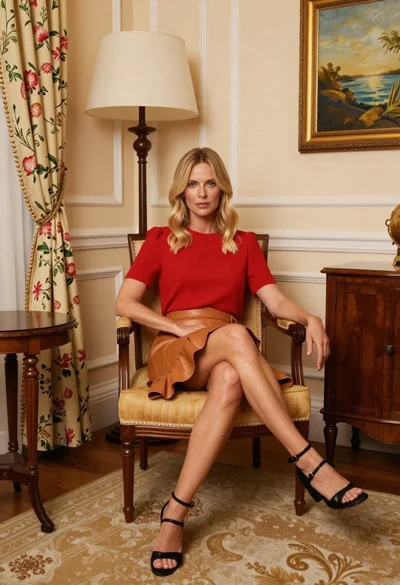
Blonde woman seated in yellow chair within elegant cream room setting
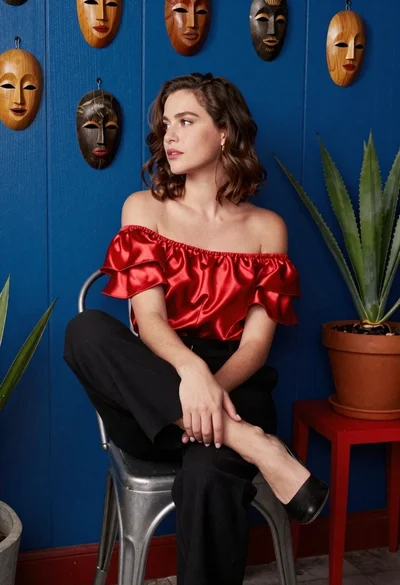
Woman in red satin top seated by blue wall with wooden masks

Man in suit sitting on classic red car outdoors
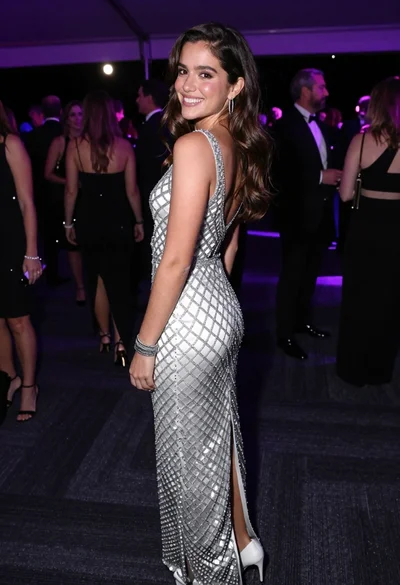
Smiling young woman in crystal gown looking over shoulder at indoor gala