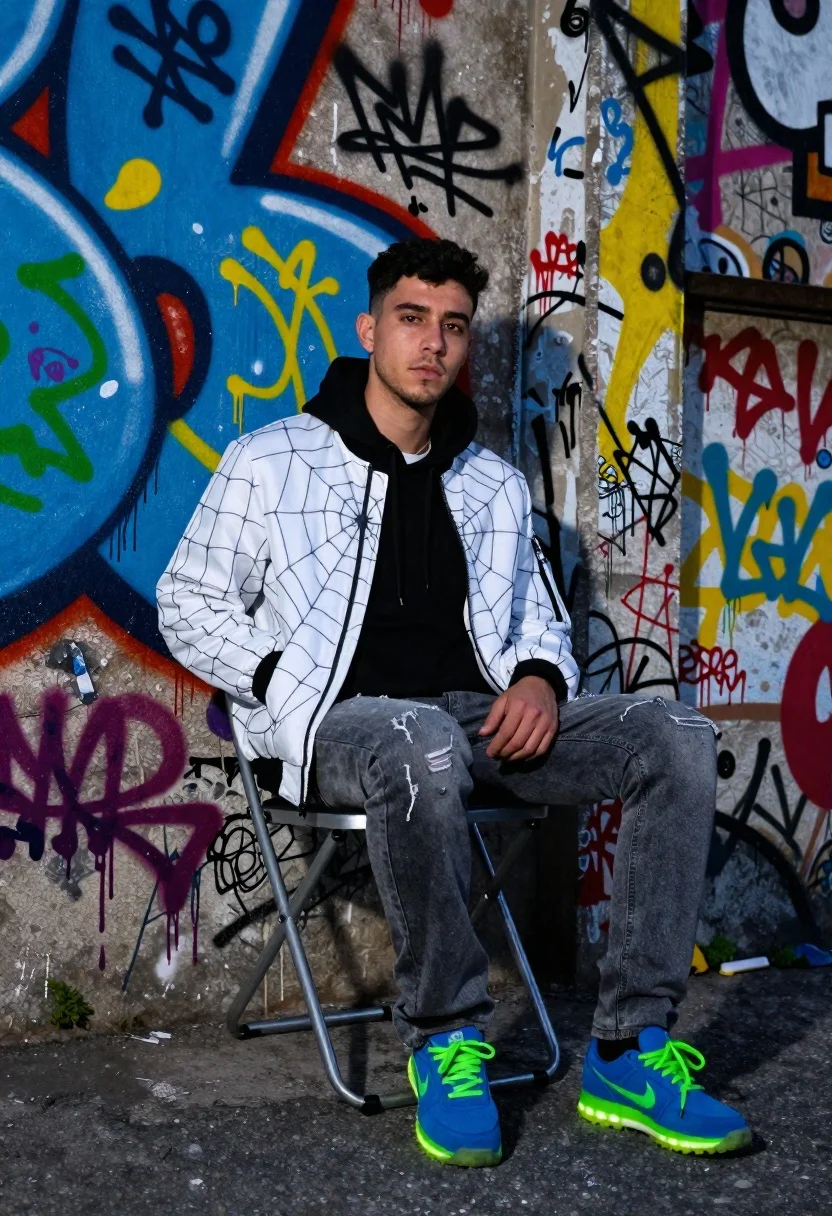
Young man sitting on chair by graffiti covered wall
Prompt
A young man with dark hair sits casually on a metal chair against a vibrant graffiti-covered wall

Subject: Young male subject with short black hair and light facial stubble looking directly at the camera

Clothing: Wearing a white bomber jacket featuring an intricate spiderweb pattern, over a solid black hoodie, paired with faded grey jeans showing wear near the ankles, finished with bright blue sneakers accented by vivid neon green laces and glowing soles

Environment: Urban alleyway setting dominated by a textured concrete wall densely layered with colorful graffiti tags in electric blues, yellows, reds, and greens using spray paint techniques including drips and bubble letters.

Objects: A simple industrial-style metal folding chair supporting the subject's seated posture.

Lighting: Cool-toned ambient light casting soft shadows that emphasize depth on the jacket texture while highlighting the luminosity of the sneakers against darker tones.
Description
This prompt is useful for creating streetwear lookbooks, urban editorial spreads, and character concept art for graphic novels. The combination of 'cool-toned ambient light' emphasizing the 'jacket texture' prevents the vibrant graffiti from becoming a flat wash of color, while the specific details like 'drips and bubble letters' ground the subject in an authentic, gritty environment.
Suggestions
- Change 'white bomber jacket' to 'oversized denim jacket' for a different material feel.
- Swap 'faded grey jeans' for 'black cargo pants' to match the darker tones.
- Adjust 'cool-toned ambient light' to 'harsh midday sun' for higher contrast.
Category
Tags
AlleyBlack HairCasual WearFull BodyMaleRealisticStreetStreetwearStudio
Date added
June 19, 2026
Added by
PromptDexter Team
Related Prompts
More prompts with similar categories and tags.
Man on ledge with airplane flying overhead by water
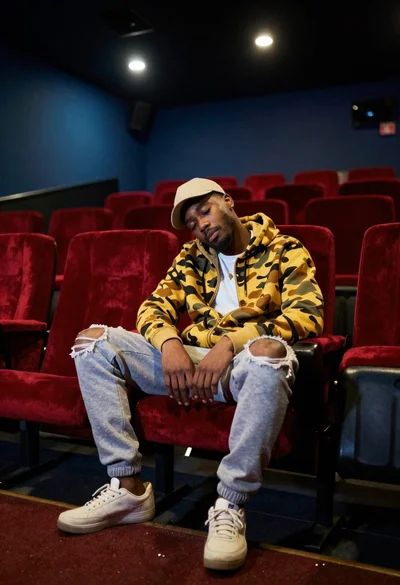
Young man dozing in empty movie theater seats
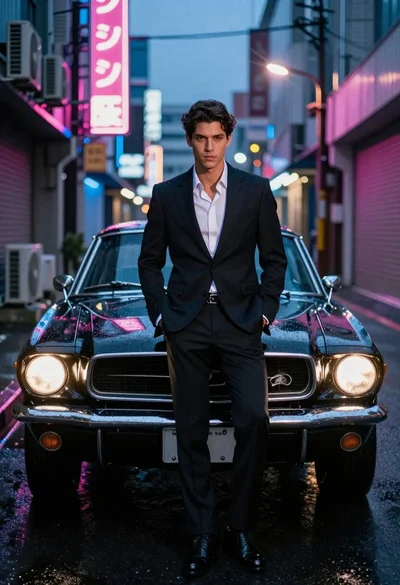
Man in suit with classic car on wet neon street
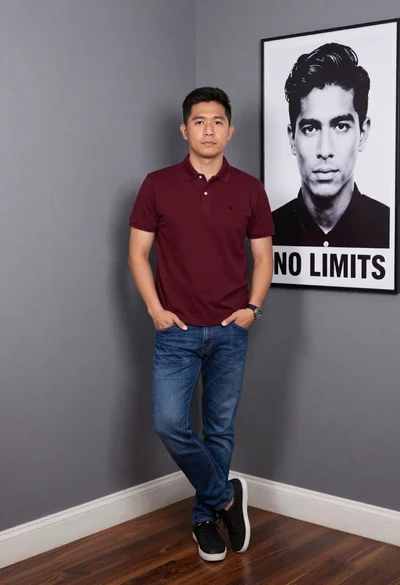
Asian man in maroon polo shirt corner studio portrait
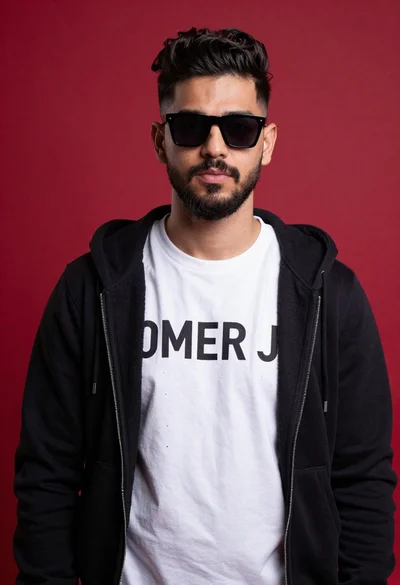
Young man portrait against a vibrant red background
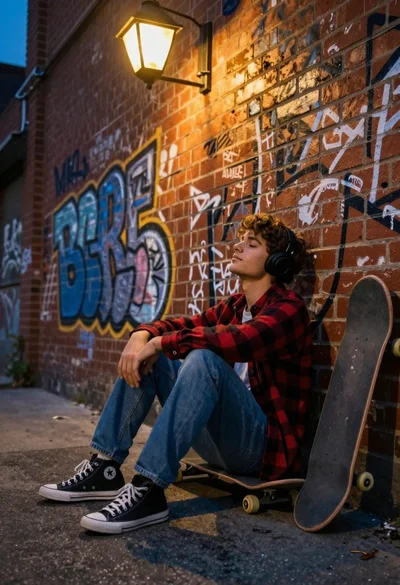
Young man sitting by graffiti brick wall with headphones low angle shot

Young man leaning on a modified sports car in city night

Muscular man by black sports car on wet city street