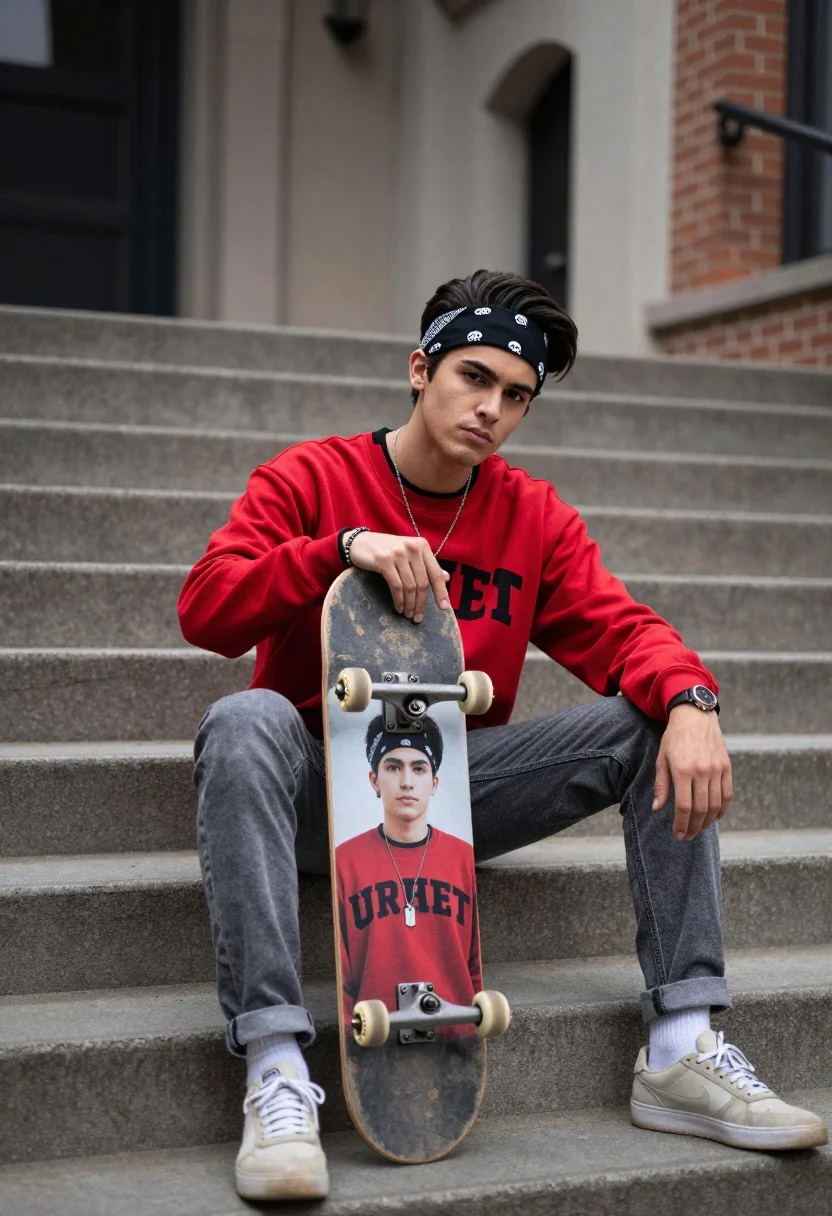
Young man sitting on concrete stairs holding skateboard against brick architecture
Prompt
A young man sits cross-legged on concrete stairs holding a skateboard with his own image printed on it.

Subject: A young man with dark hair styled upwards and wearing a black bandana with a white skull logo, looking directly at the camera with a serious expression.

Clothing: He wears a red sweatshirt with black sleeves and large black lettering across the chest, paired with grey jeans cuffed at the ankles, light-colored sneakers, a silver dog tag necklace, a wristwatch, and bracelets on his left arm.

Action: He sits in a relaxed pose holding a skateboard vertically between his legs, pointing one finger downward while resting the other hand near his knee.

Environment: The setting is an outdoor urban area featuring wide concrete steps and a building with brick walls and arched architectural details in the background.

Camera: Shot from a slightly low angle to emphasize the subject, utilizing a shallow depth of field that keeps the man sharp while blurring the background structures.

Lighting: Soft, diffused lighting creates subtle shadows and highlights on his face and clothing without harsh contrast, giving the image a calm mood.

Objects: A skateboard with a printed photo of the same young man in a similar pose is held vertically between his legs.

Style Details: The image has a polished photography aesthetic with high color saturation on the red shirt and a slightly desaturated background to draw focus to the subject.
Description
This prompt is useful for creating editorial street portraits, music album artwork, and lifestyle brand campaigns emphasizing urban youth culture. The combination of 'slightly low angle' perspective with 'soft, diffused lighting' ensures the subject dominates the frame while the shallow depth of field isolates him against the detailed brick architecture, preventing the background from competing with the vibrant red sweatshirt.
Suggestions
- Change 'red sweatshirt' to 'navy bomber jacket' for a different color pop.
- Swap 'concrete stairs' for 'graffiti-covered retaining wall' for more texture.
- Adjust 'serious expression' to 'slight smirk' for a more approachable vibe.
Category
Tags
Low AngleMaleOutdoorsRealisticStreet
Date added
July 12, 2026
Added by
PromptDexter Team
Related Prompts
More prompts with similar categories and tags.
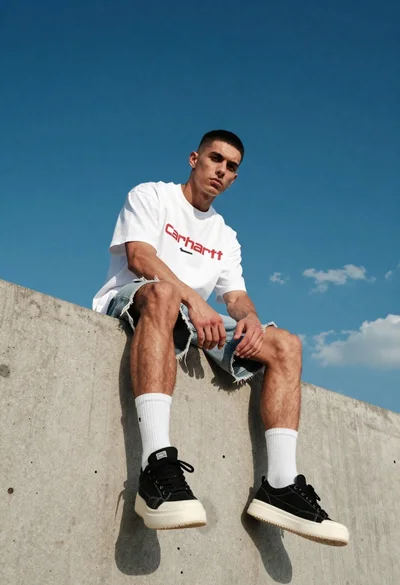
Young man sitting on concrete ledge under bright blue sky
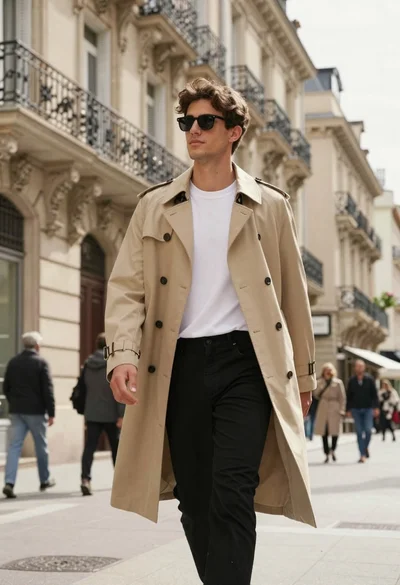
Young man in beige trench coat walking down sunlit european stone street
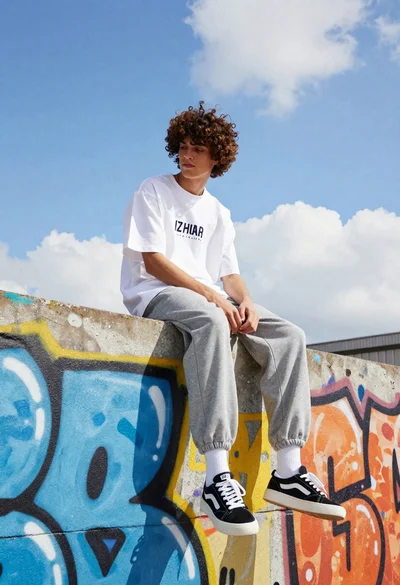
Young man with curly brown hair sitting on graffiti covered wall outdoors
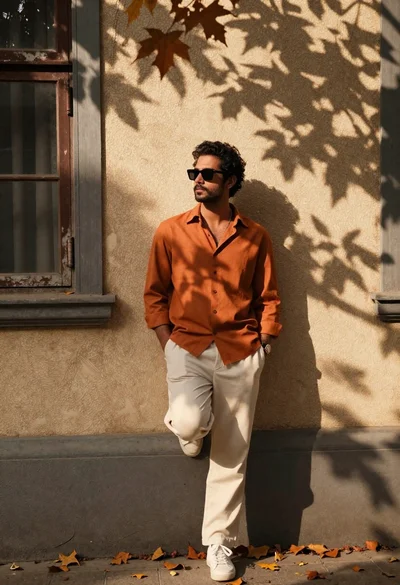
Stylish man in orange shirt leaning against beige wall with autumn leaves
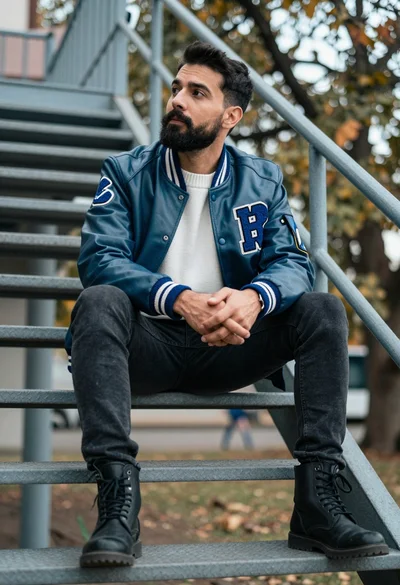
Man sitting on metal staircase looking up outdoors with blue varsity jacket
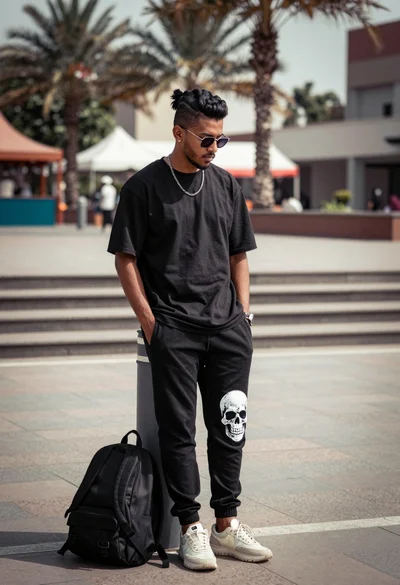
Man leaning against bollard in urban plaza with palm trees background
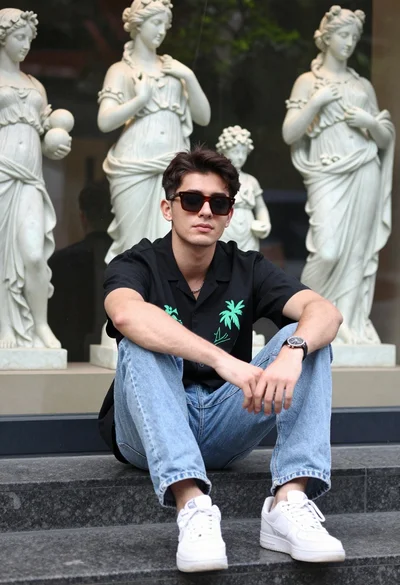
Young man sitting on stone ledge near classical statue display case
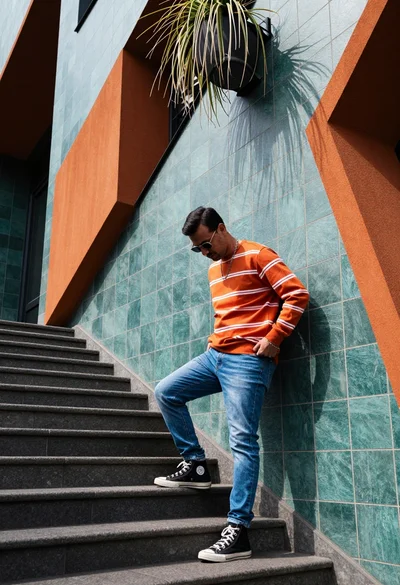
Man leaning against modern geometric orange and teal architectural wall
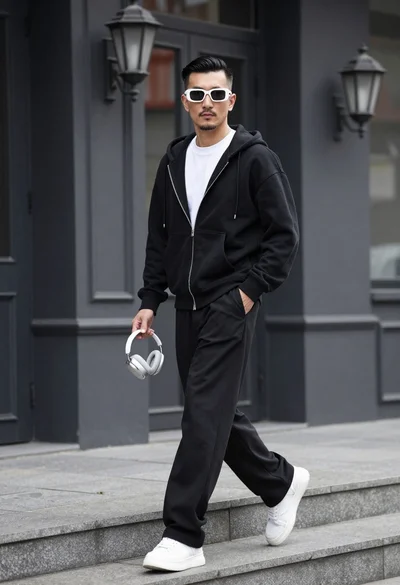
Stylish man walking down stone steps in front of dark building facade
Man crouching low in urban setting adjusting cap with vintage film look