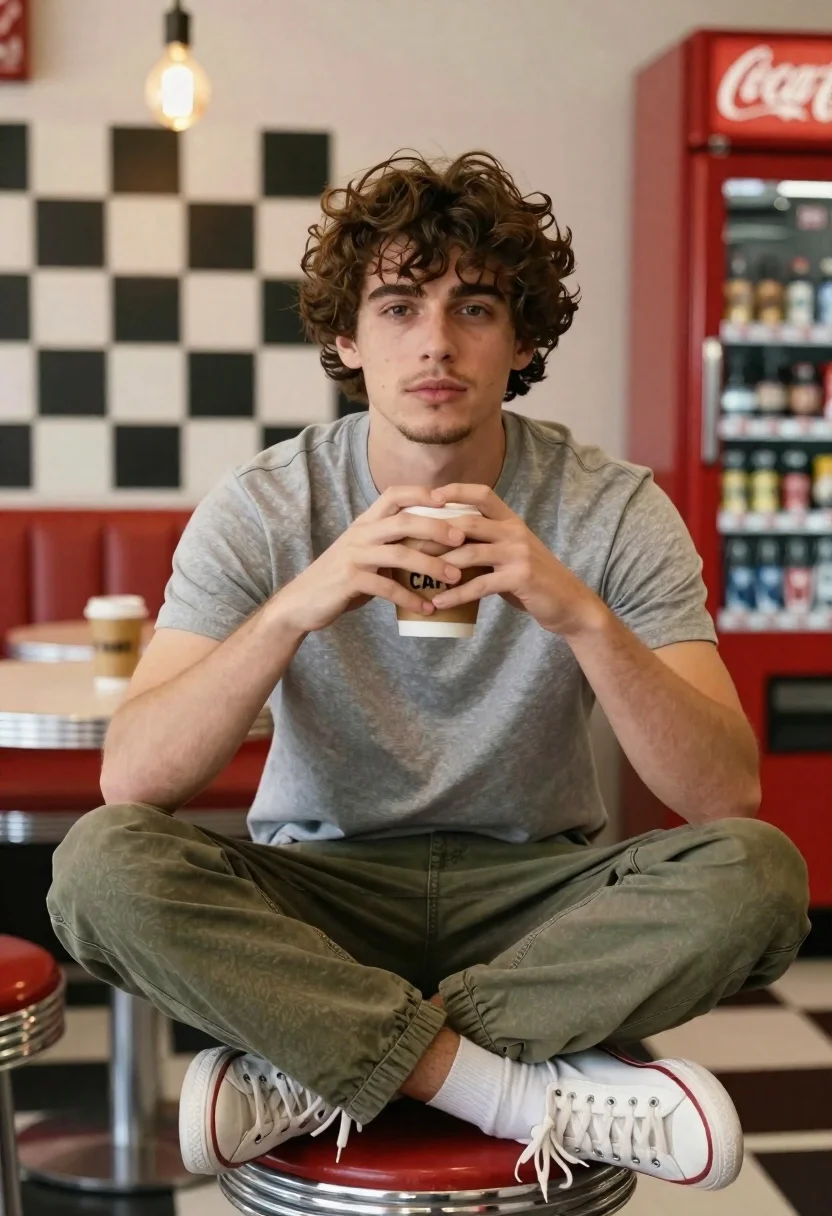
Young man sitting on red stool in retro diner setting
Prompt
A young man sits cross-legged on a red stool in a retro diner setting.

Subject: A young man with curly brown hair and light facial stubble looking directly at the camera with a calm expression.

Clothing: He wears a plain grey crew-neck t-shirt, olive green cargo trousers, and white low-top sneakers.

Action: His hands are clasped around a disposable coffee cup held in front of his chest, forming a heart shape with his fingers.

Environment: The background features a black and white checkered wall pattern, red metal stools, and a vintage red Coca-Cola vending machine to the right.

Objects: A brown paper coffee cup with the word "CAFÉ" printed on it is held by the subject.

Lighting: Warm ambient light from hanging Edison-style bulbs creates soft highlights on the subject's face and hair against the darker background.

Camera: The shot is a medium close-up taken at eye level with a shallow depth of field that keeps the subject sharp while blurring the background slightly.

Style Details: The image has a cinematic, high-quality photography aesthetic with rich colors and a nostalgic atmosphere.
Description
This prompt is useful for creating vintage lifestyle advertisements, character portraits evoking nostalgia, and mood pieces for retro brand campaigns. The combination of 'warm ambient light from hanging Edison-style bulbs' against the 'black and white checkered wall pattern' establishes a specific cinematic quality that grounds the subject in a recognizable, yet stylized, past.
Suggestions
- Change 'plain grey crew-neck t-shirt' to 'denim shirt' for more texture.
- Swap 'red metal stools' for 'chrome barstools' to update the retro feel.
- Add 'Kodak Portra 400 film grain' to enhance the nostalgic atmosphere.
Category
Tags
Brown HairIndoorsMaleRealistic
Date added
June 19, 2026
Added by
PromptDexter Team
Related Prompts
More prompts with similar categories and tags.
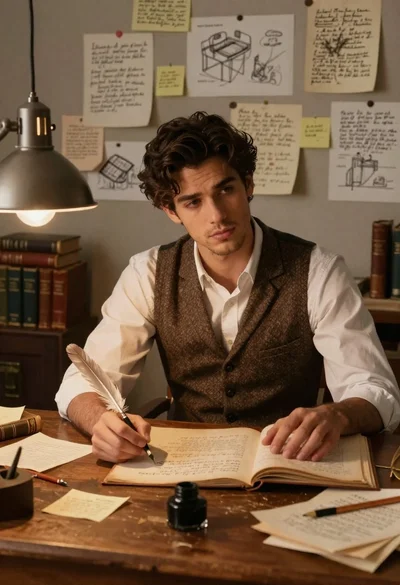
Young man writing at a cluttered wooden study desk

Young man in cafe looking out at city view
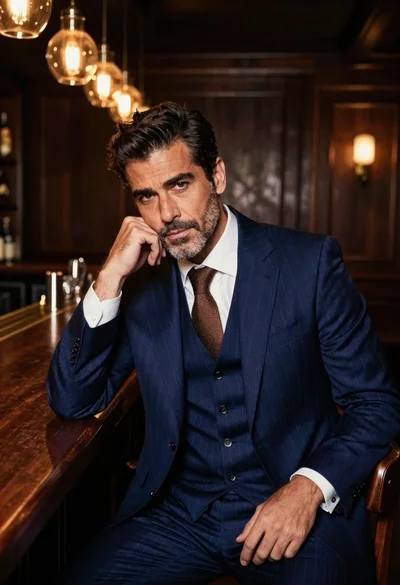
Handsome man in navy suit at dimly lit bar counter
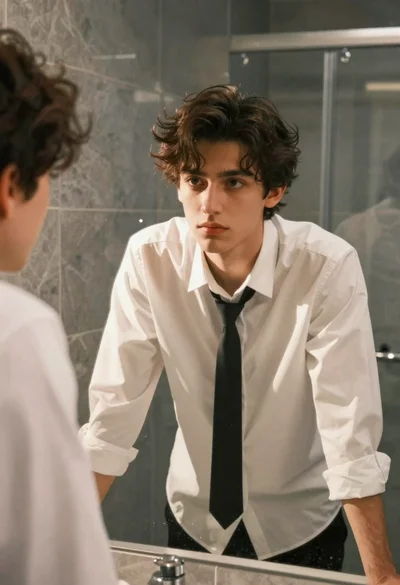
Young man in white shirt leaning over marble bathroom counter
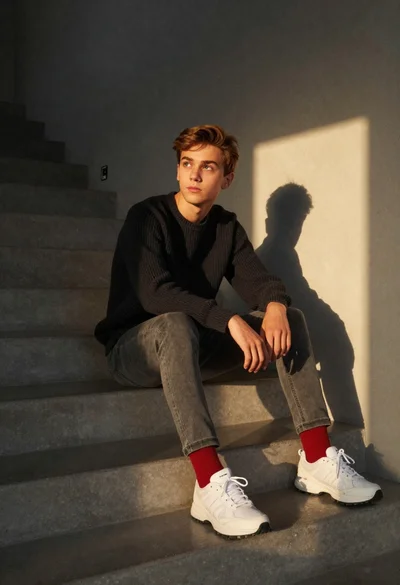
Teenage boy sitting on concrete stairs in minimalist interior
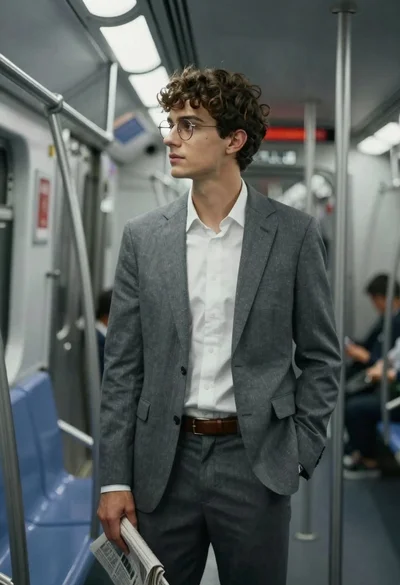
Young man in grey suit looking out subway window cinematic portrait
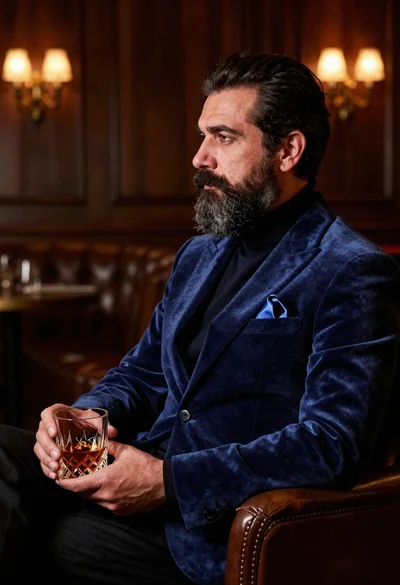
Middle aged man with beard holding amber drink in dimly lit lounge
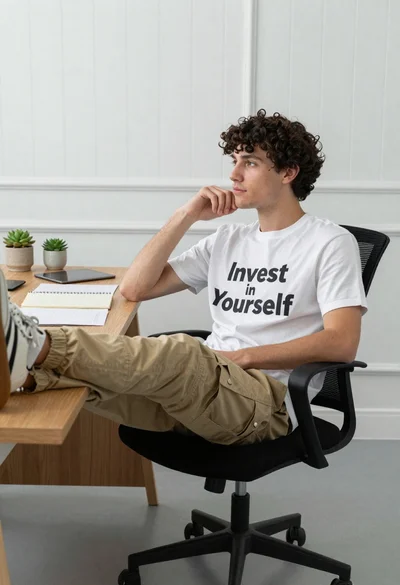
Young man sitting thoughtfully in office chair with desk objects
Young man with curly brown hair at wooden table in dimly lit

Two men looking at document in cozy living room setting