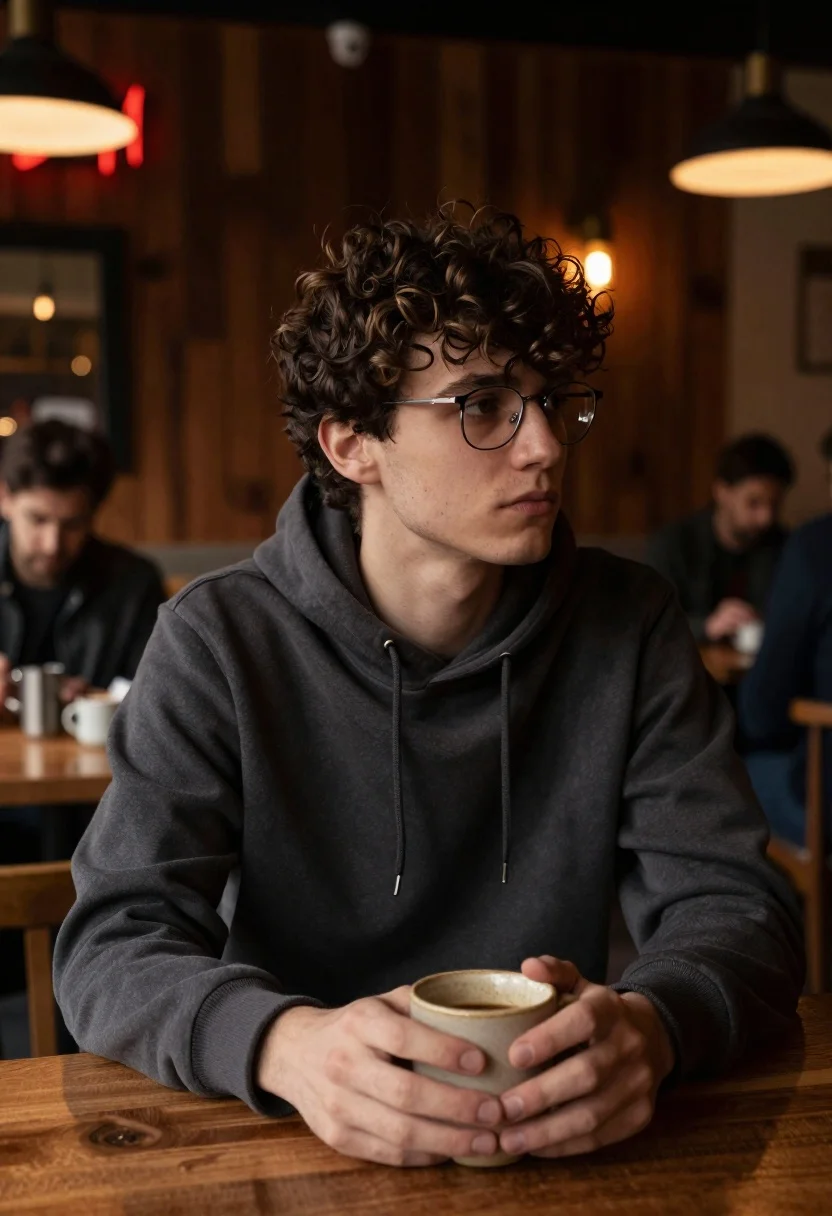
Young man with curly brown hair at wooden table in dimly lit
Prompt
A young man with curly dark hair sits alone at a wooden table in a dimly lit cafe, holding a ceramic mug with both hands.

Subject: A young man with messy curly brown hair and fair skin, wearing rectangular wire-rimmed glasses, looking off to the side with a neutral expression.

Clothing: He wears a dark charcoal grey hooded sweatshirt with visible drawstrings and ribbed cuffs.

Action: He sits in profile facing right, holding a small beige ceramic mug gently in both hands near his chest.

Environment: The setting is a cozy cafe or pub with dark wood paneling on the walls and wooden tables. In the background, other patrons are seated at tables, blurred by shallow depth of field. A red neon sign is partially visible in the upper left corner.

Lighting: The scene is lit by warm ambient light from hanging pendant lamps and soft glow from the neon sign, creating a moody atmosphere with deep shadows and highlights on the subject's face.

Camera: Shot at eye level with a medium close-up framing that emphasizes the subject against the blurred background, using a shallow depth of field to isolate him from the environment.

Style Details: The image features a cinematic color palette with warm tones, realistic textures, and soft focus in the background to create an intimate atmosphere.
Description
This prompt is useful for creating character portraits for literary fiction covers, moody editorial spreads about introspection, and atmospheric concept art for film pre-visualization. The combination of 'dimly lit cafe' setting with 'warm ambient light from hanging pendant lamps' sculpts the subject's face by ensuring deep shadows contrast against highlights, which prevents the image from looking flat while the 'shallow depth of field' isolates the man holding the mug.
Suggestions
- Change 'dark charcoal grey hooded sweatshirt' to 'tweed blazer' for a more formal look.
- Swap 'red neon sign' for 'blue neon sign' to shift the mood entirely.
- Adjust 'medium close-up framing' to 'head and shoulders shot' for tighter focus.
Category
Tags
Brown HairCafeFair SkinIndoorsMaleRealistic
Date added
June 19, 2026
Added by
PromptDexter Team
Related Prompts
More prompts with similar categories and tags.

Young woman with brown hair holding red wine at striped table setting
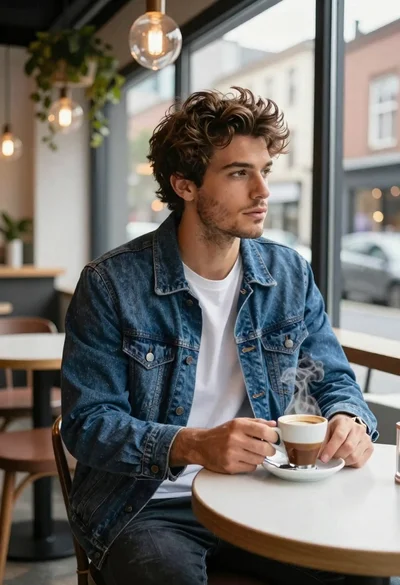
Young man in cafe looking out at city view

Young woman with dark wavy hair in black jacket at cafe
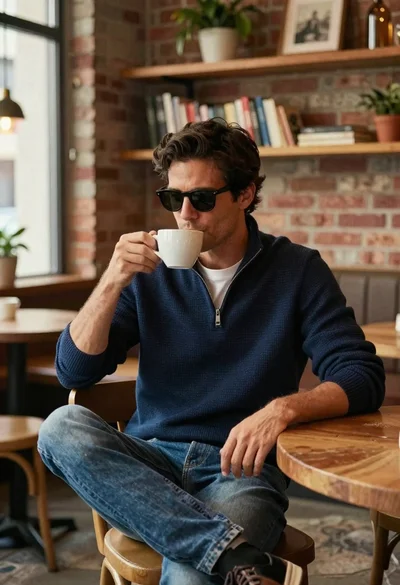
Handsome man with dark hair drinking coffee in cozy cafe

Two young people in sailor uniforms sitting at a wooden table
Stylish woman in blue shirt at modern cafe table with latte art

Young woman in white satin dress seated on an ornate sofa indoors

Close up portrait of young woman with dark brown hair indoors
Young woman in floral halter top standing in modern white kitchen

Underwater portrait of man submerged in blue water