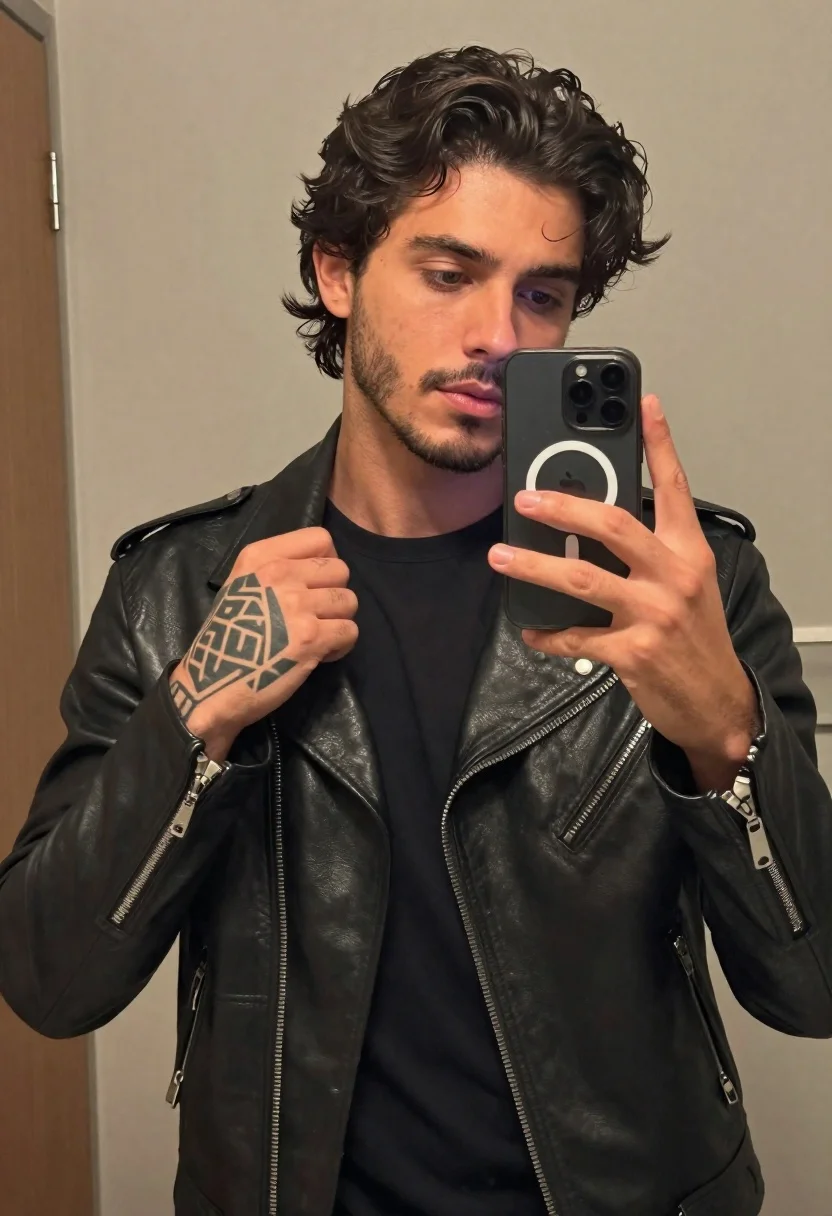
Young man taking a mirror selfie in black leather jacket
Prompt
Subject: a young man with dark wavy hair and facial stubble holding up a phone to take a mirror selfie; he has an intricate geometric tattoo on the back of his right hand as he pulls at the collar of his jacket, while his left hand grips the black smartphone.

Clothing: wearing a sleek black leather motorcycle-style jacket over a plain black t-shirt with silver zippers and snap buttons visible along the front placket.

Action: casually posing in a mirror selfie shot, looking directly into the phone's camera with one thumb near the MagSafe ring on the case.

Environment: indoor bathroom or hallway setting with neutral-colored walls and partial view of a door frame to the left; minimal background distraction keeps focus entirely on subject and reflection.

Camera: medium close-up framed from chest up within mirror surface, slight angle suggesting handheld phone capture typical for selfies.

Lighting: soft diffused ambient lighting highlighting facial features and leather texture without harsh shadows or high contrast.

Style Details: realistic photo style with sharp detail in skin tone, hair strands, fabric sheen of jacket, and clear depiction of phone hardware including triple-lens camera module and circular MagSafe ring design.
Description
This prompt is useful for creating edgy character portraits, modern streetwear lookbooks, and cinematic social media content that emphasizes personal style. The combination of 'soft diffused ambient lighting' with the specified 'fabric sheen of jacket' ensures that the leather material reads as rich and tactile rather than appearing flat or overly glossy, which grounds the otherwise casual 'mirror selfie shot' in a high-quality photographic aesthetic.
Suggestions
- Change 'black motorcycle-style jacket' to 'distressed black biker jacket' for more texture.
- Add 'rim lighting from above' to accentuate the facial stubble and hair.
- Swap 'neutral-colored walls' for 'exposed brick wall' to increase visual grit.
Category
Tags
Black HairDark SkinMaleMedium ShotRealisticSelfie
Date added
June 19, 2026
Added by
PromptDexter Team
Related Prompts
More prompts with similar categories and tags.
African american man mirror selfie in modern living room
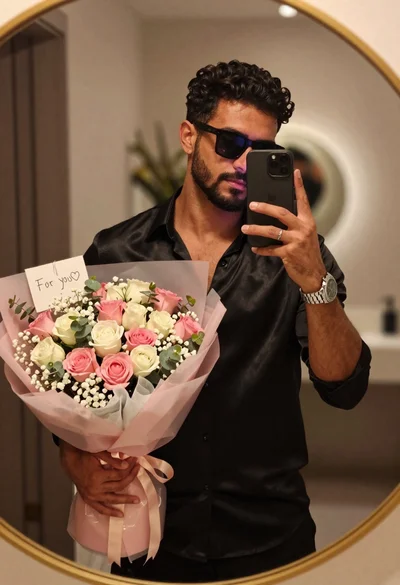
Handsome man taking mirror selfie with large pink rose bouquet indoors
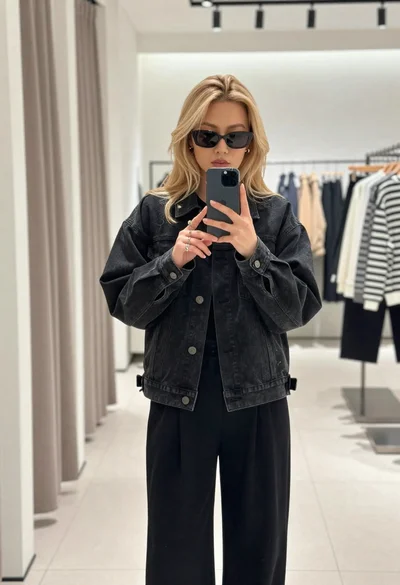
Young woman with blonde hair taking a mirror selfie in a clothing
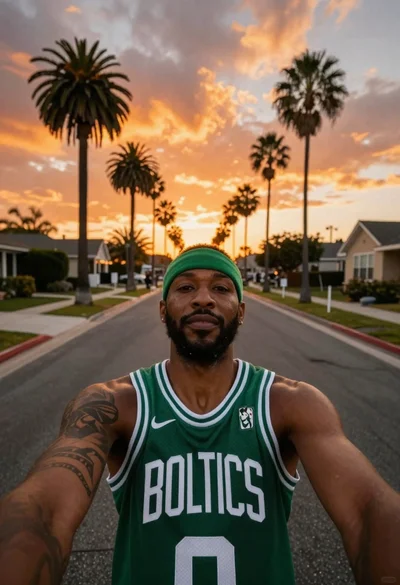
Black man in celtics jersey on suburban street
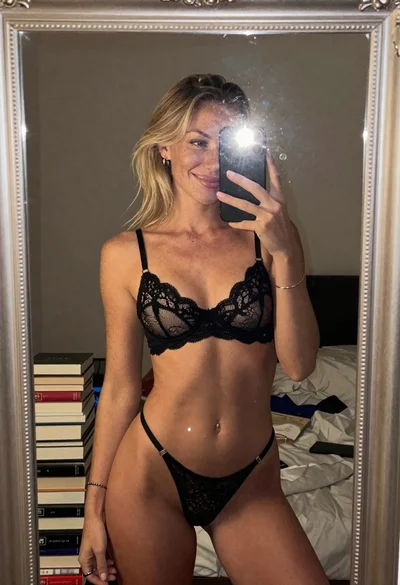
Blonde womans mirror selfie with books and lingerie
Young woman taking a mirror selfie in a tiled public restroom setting
Young woman taking mirror selfie in bedroom with dark wavy hair
Happy young couple taking a selfie in front of a large christmas