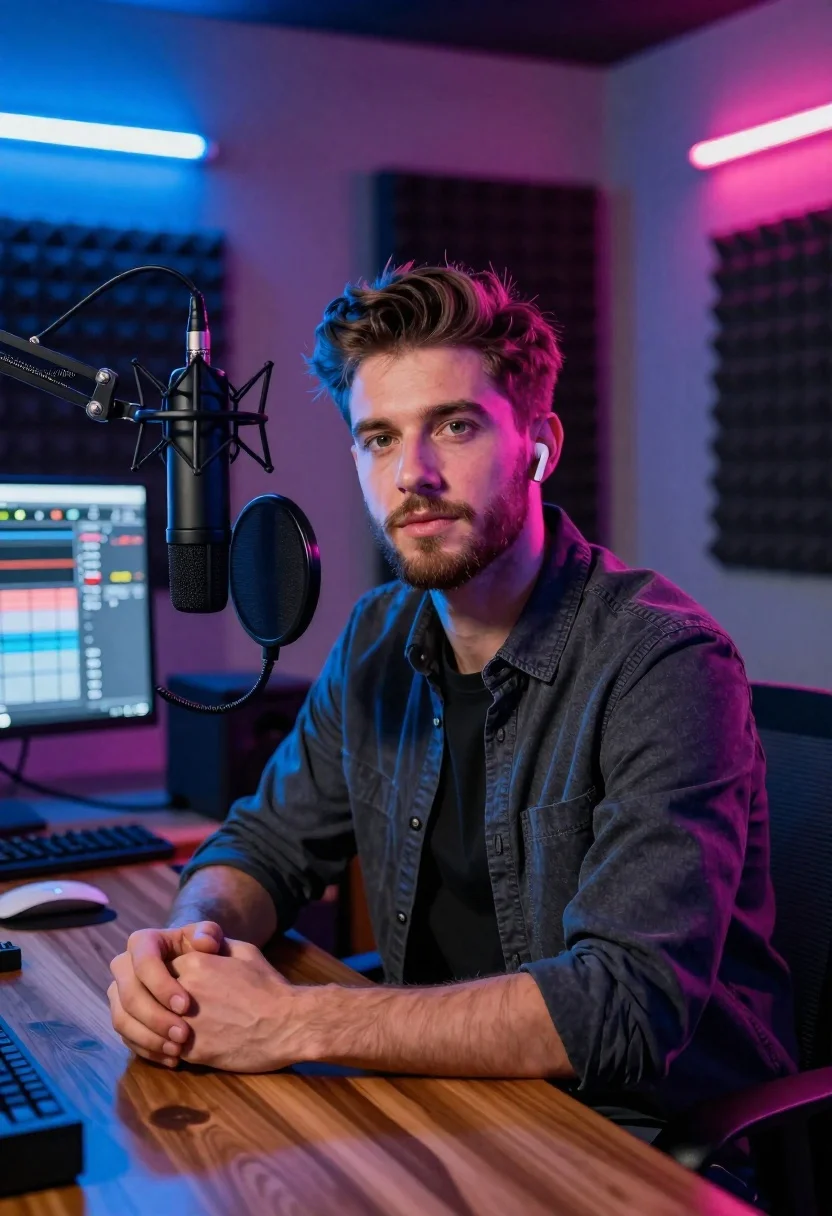
Young man with beard sitting at wooden desk in recording studio
Prompt
A young man with styled brown hair and a short beard sits at a wooden desk in a professional recording studio.

Subject: A handsome young man with short brown hair, light eyes, and a neatly trimmed beard looking directly at the camera with a calm expression.

Clothing: He wears a dark charcoal button-up shirt over a black t-shirt and has white wireless earbuds in his ears.

Action: He sits with his hands clasped on the desk, leaning slightly forward towards a large professional microphone mounted on a boom arm.

Environment: The room features soundproofing foam panels on the walls and is illuminated by neon tube lights glowing blue on the left and pink on the right.

Camera: Shot from a medium close-up angle with a shallow depth of field that keeps the subject sharp while softly blurring the background equipment.

Lighting: Dramatic dual-tone lighting with cool blue light washing the left side and warm magenta light hitting the right side, creating high contrast shadows.

Objects: A large black studio microphone on an adjustable arm, a computer monitor displaying audio editing software, a mixing console, and a white mouse are visible on the desk.

Style Details: High-definition digital photography with vibrant neon color grading, sharp focus, and a modern cinematic aesthetic.
Description
This prompt is useful for creating music album artwork, podcast promotional materials, or editorial portraits within a creative workspace setting. The combination of 'dramatic dual-tone lighting'—specifically the cool blue washing the left side and warm magenta hitting the right—is crucial because it establishes a high-contrast, modern cinematic aesthetic that prevents the scene from looking flat under standard studio illumination.
Suggestions
- Change 'dark charcoal button-up shirt' to 'textured knit sweater' for more visual interest.
- Swap 'neon tube lights glowing blue on the left and pink on the right' for 'single overhead softbox light' to soften the contrast.
- Adjust 'medium close-up angle' to 'over-the-shoulder shot' to incorporate more of the equipment.
Category
Tags
Brown HairCasual WearIndoorsMaleMedium ShotOutdoorsRealisticStudio
Date added
June 23, 2026
Added by
PromptDexter Team
Related Prompts
More prompts with similar categories and tags.
Portrait of young boy and adult man sitting together against beige background

Handsome man with mug in a softly lit cafe
Woman in rust dress sitting on couch during studio interview setting
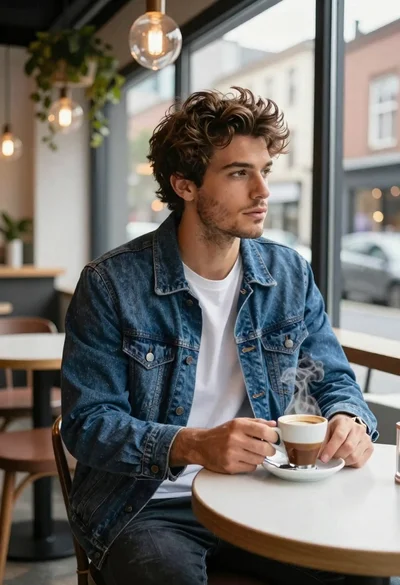
Young man in cafe looking out at city view
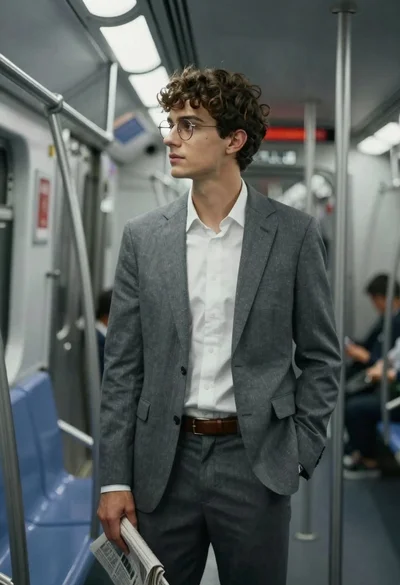
Young man in grey suit looking out subway window cinematic portrait
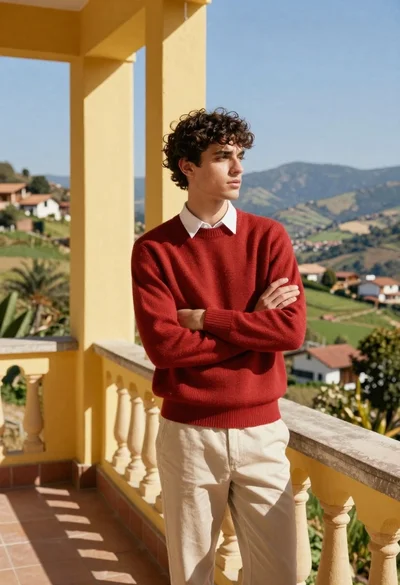
Young man in red sweater on balcony overlooking scenic valley view
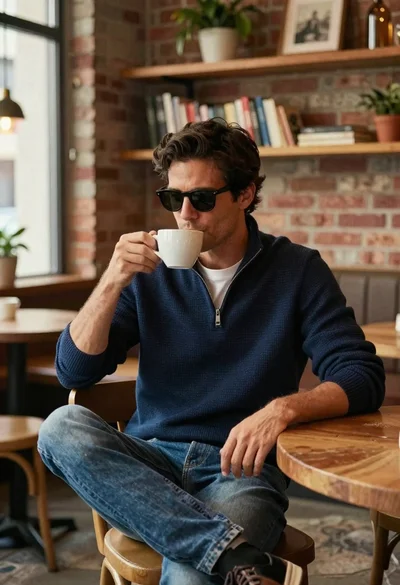
Handsome man with dark hair drinking coffee in cozy cafe
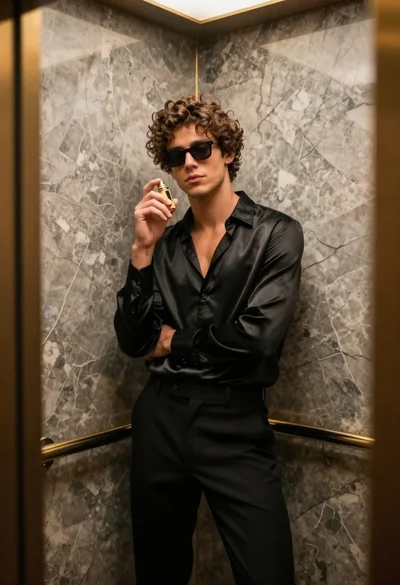
Stylish young man in black satin suit inside luxury marble elevator
