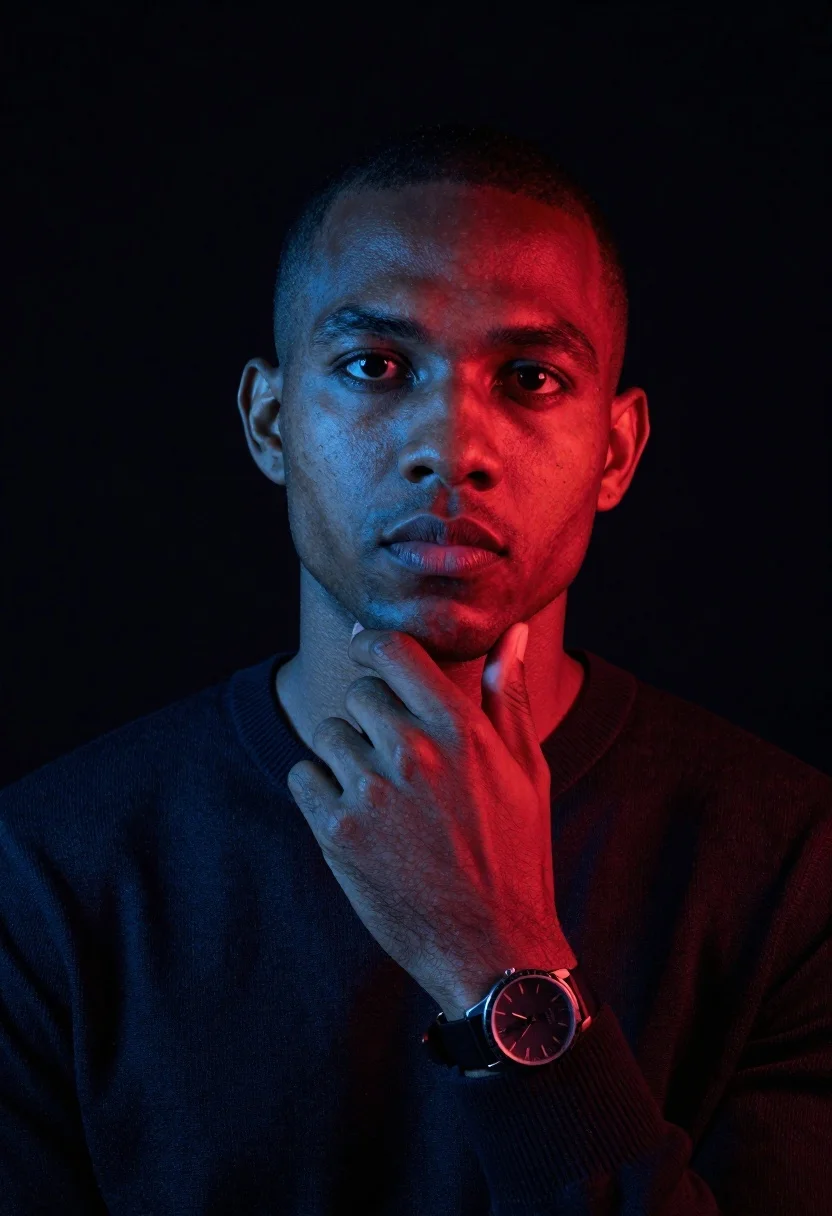
Man with dark skin in dark sweater posing against black background
Prompt
A portrait of a man with short hair looking directly at the camera with a neutral expression.

Subject: A man with dark skin and very short cropped hair, featuring a clean-shaven face and a focused gaze.

Clothing: He is wearing a dark, solid-colored crewneck sweater that appears to be made of a soft knit fabric.

Action: His right hand is raised to his chin in a contemplative pose, with fingers gently resting against the jawline.

Objects: A wristwatch with a dark face and metallic bezel is visible on his left wrist.

Environment: The background is a solid, deep black void that isolates the subject completely.

Lighting: Dramatic split lighting illuminates the scene, casting a cool blue light on the left side of the face and hand while a warm red light hits the right side.

Camera: A medium close-up shot with a shallow depth of field that keeps the face in sharp focus while softly blurring the edges.

Style Details: High-contrast studio photography with a modern, moody aesthetic defined by the vivid color-blocking between blue and red tones.
Description
This prompt is useful for creating dramatic character portraits, album art concepts, and high-fashion editorial spreads requiring intense focus on mood. The combination of 'dramatic split lighting' with contrasting 'cool blue light' and 'warm red light' forces the viewer to engage with the subject's gaze by painting distinct emotional zones across his face, while the 'solid, deep black void' eliminates all environmental distractions.
Suggestions
- Change 'dark, solid-colored crewneck sweater' to 'charcoal wool turtleneck' for a different texture.
- Adjust 'cool blue light' to 'cyan gel lighting' for a more specific color tone.
- Modify 'medium close-up shot' to 'head and shoulders portrait' to emphasize the face.
Category
Tags
Black HairCasual WearDark SkinMaleMedium ShotOutdoorsRealisticStudio
Date added
June 23, 2026
Added by
PromptDexter Team
Related Prompts
More prompts with similar categories and tags.
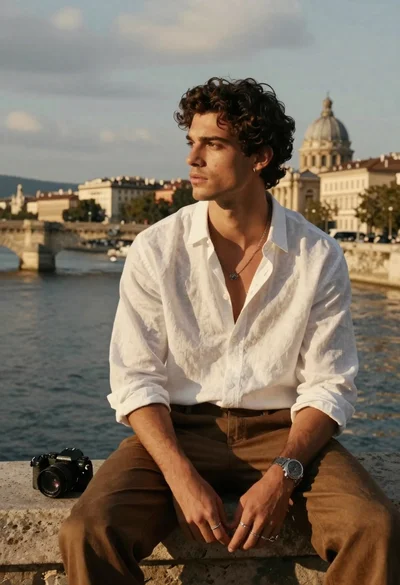
Handsome young man with dark curly hair sits on stone ledge by
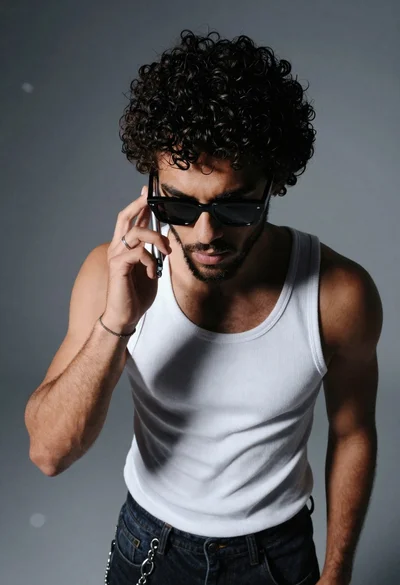
Young man with dark curly hair talking on a silver flip phone
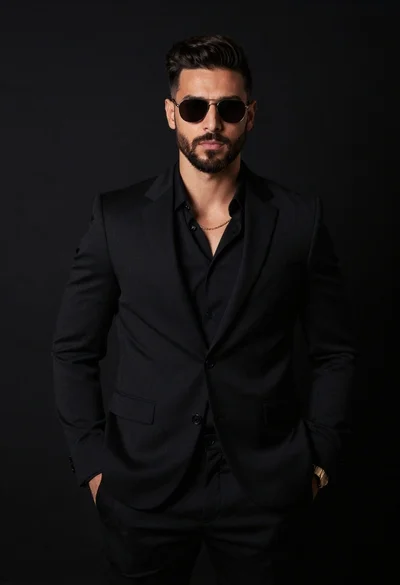
Handsome man in all black suit standing against solid dark studio background
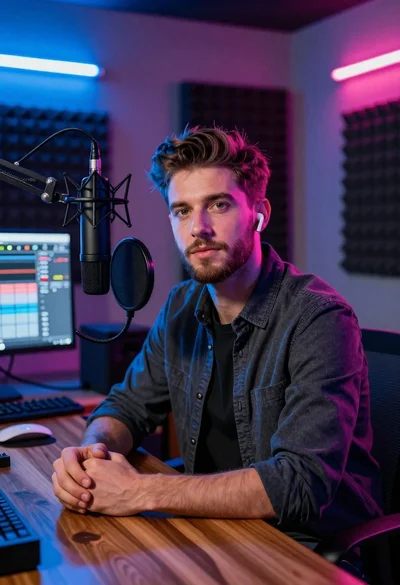
Young man with beard sitting at wooden desk in recording studio
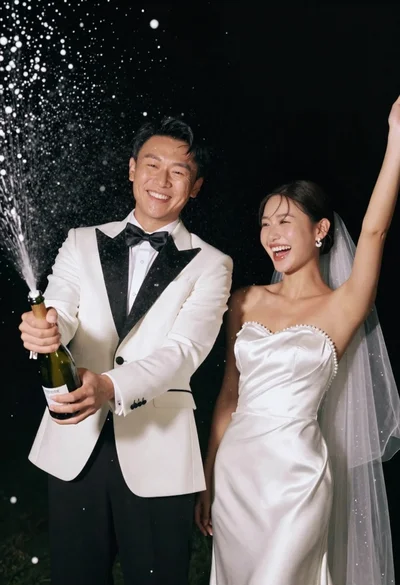
Joyful wedding couple celebrating with spraying champagne in studio
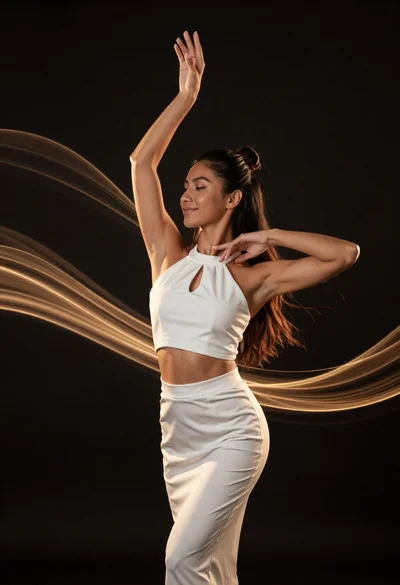
Fit woman in white outfit posing with golden light ribbons against black
Split screen profile close up of young woman with dark hair and
High contrast black and white studio portrait of muscular man and woman