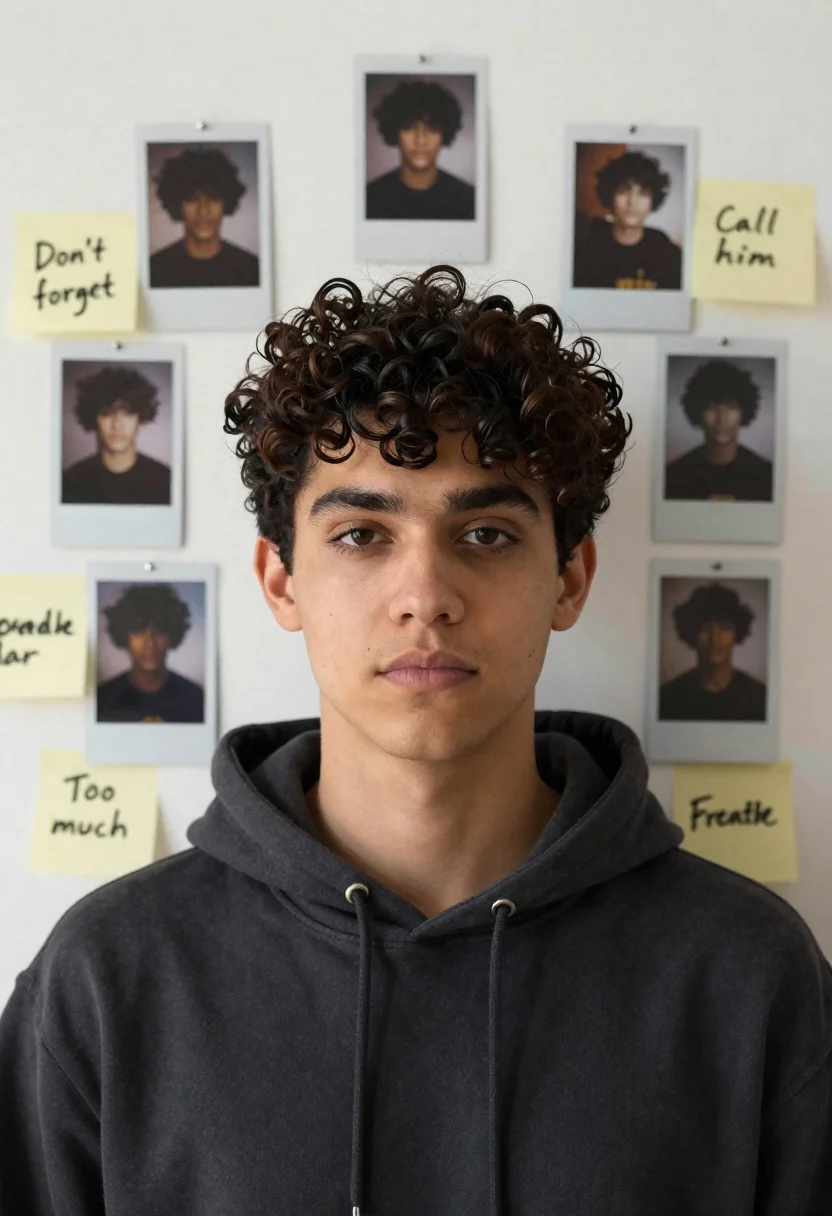
Young man with dark curly hair surrounded by polaroid photos and notes
Prompt
A young man with dark curly hair and a neutral expression is the central figure, his face partially obscured by a collage of Polaroid-style photos and handwritten sticky notes pinned to a wall.

Subject: A young man with dark curly hair and brown eyes, wearing a dark hoodie, looking directly forward with a calm but slightly intense gaze.

Clothing: Dark grey or black hooded sweatshirt with the hood down.

Action: The subject is facing forward in a static pose, while the surrounding elements are arranged around him as if pinned to a surface.

Environment: A plain, off-white or light beige wall that serves as the background for the collage.

Camera: Medium close-up shot focusing on the upper torso and head, with a flat, direct angle.

Lighting: Soft, even studio lighting illuminating the subject's face without harsh shadows, creating a clean and modern look.
Second

Subject: None.

Objects: A collection of square Polaroid-style photographs showing fragments of the subject's hair and clothing, arranged in a grid pattern around his face.

Interaction: The images and notes are pinned to the wall using small thumbtacks or push pins.

Text/Graphics: Handwritten text on various colored sticky notes including "Don't forget", "Deadline", "Call him", "Breathe", "Remember", "Too much", and "Focus".

Style Details: Digital collage aesthetic with a clean, minimalist composition and high-resolution photography style.
Description
This prompt is useful for creating character concept art, personal narrative mood boards, and editorial portraiture that suggests backstory or internal conflict. The combination of 'soft, even studio lighting' against the 'plain, off-white or light beige wall' ensures the focus remains on the subject's face while allowing the scattered Polaroid elements to feel integrated rather than cluttered, preventing any single piece from dominating the composition.
Suggestions
- Change 'dark hoodie' to 'charcoal turtleneck' for a more formal portrait.
- Add 'shallow depth of field' to make the collage elements slightly softer.
- Swap 'Polaroid-style photographs' for 'vintage film strips' to alter the nostalgic feel.
Category
Tags
MaleRealisticStudio
Date added
June 19, 2026
Added by
PromptDexter Team
Related Prompts
More prompts with similar categories and tags.
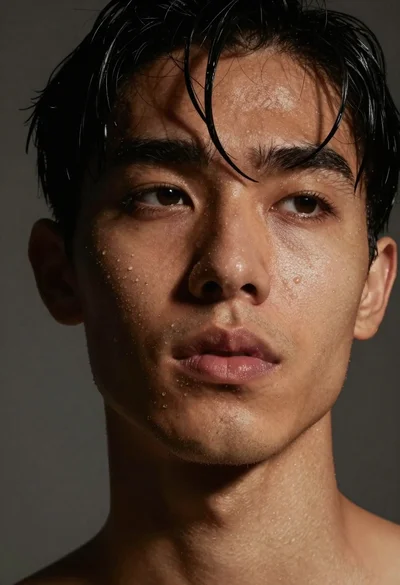
Close up portrait of dark skinned man with wet hair
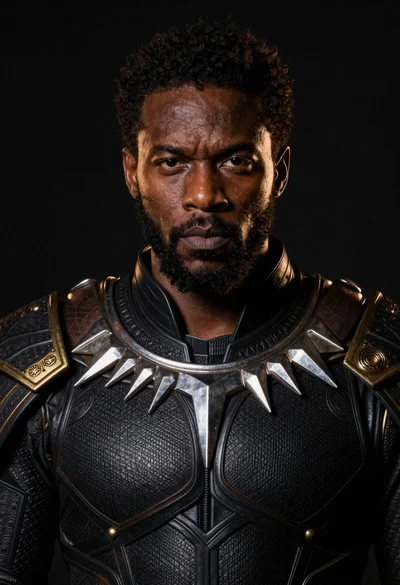
Black man in dark armored suit portrait against black background
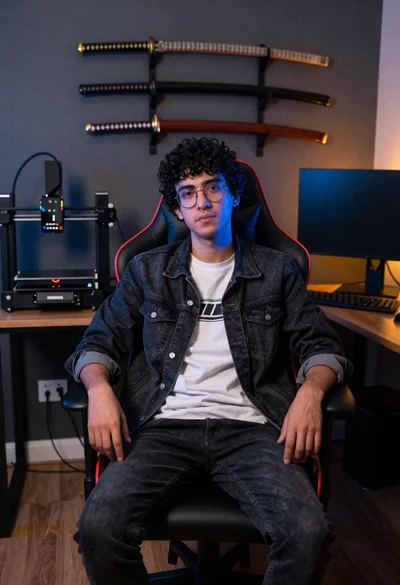
Young man sitting in office gaming chair with katanas

Digital illustration of a soccer player with flaming ball
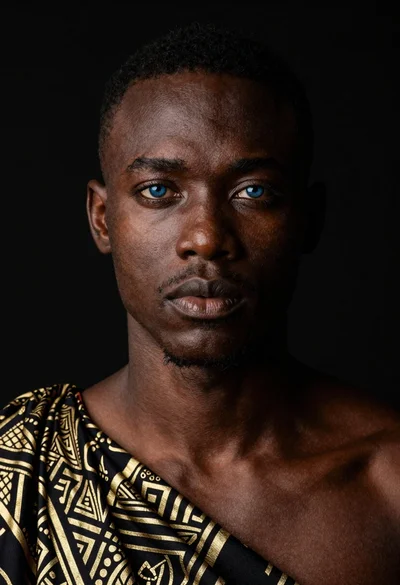
Black man portrait with blue eyes dramatic lighting
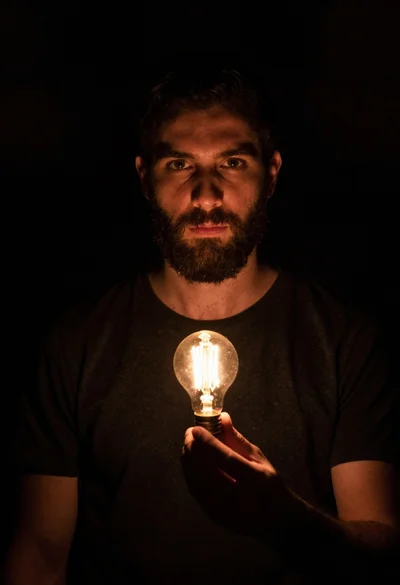
Bearded man holding illuminated lightbulb against black void
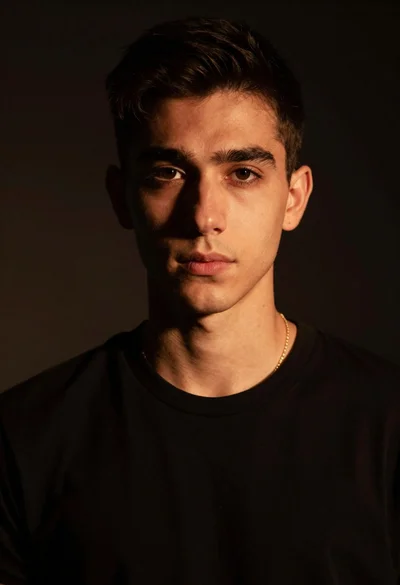
Portrait of young man with gold necklace under dramatic light
Young man portrait against a vibrant red background
Man in black leather jacket with wooden bat
Man in puffer jacket with neon studio lighting portrait