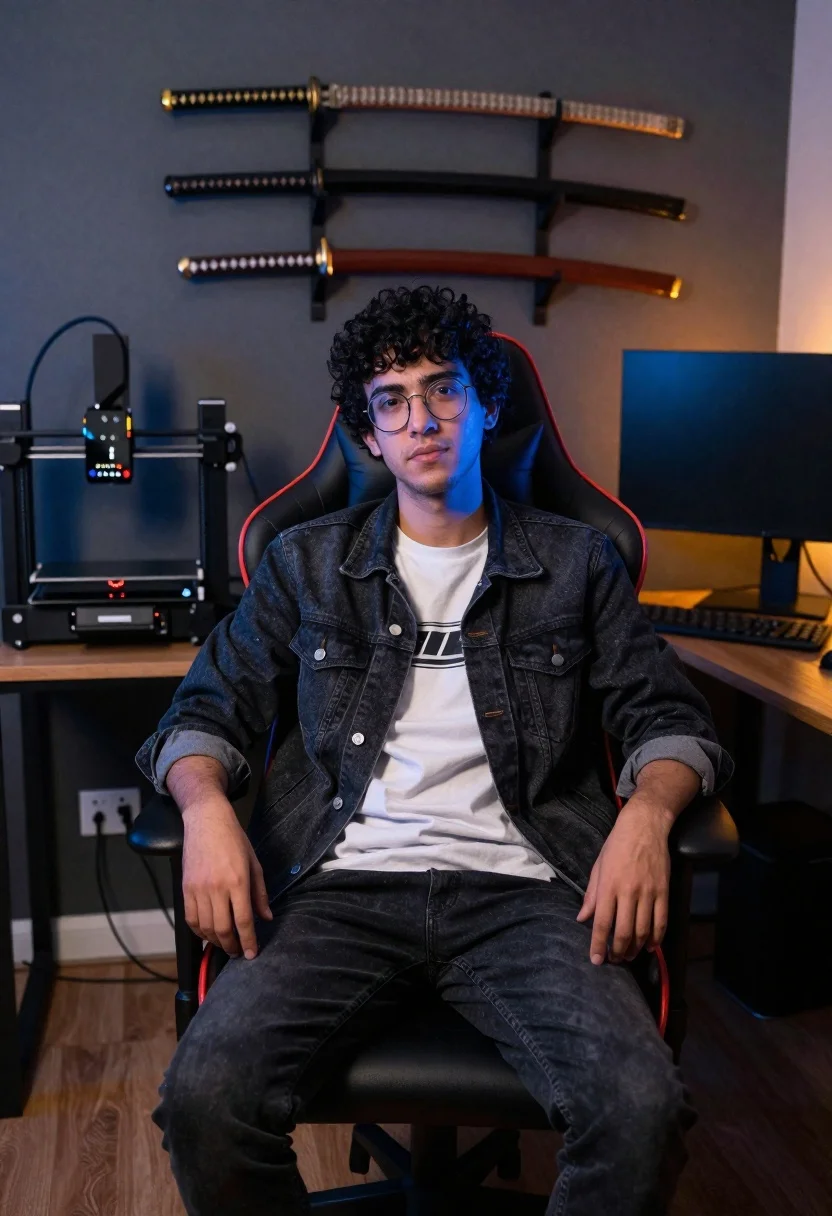
Young man sitting in office gaming chair with katanas
Prompt
A medium portrait of a young man with curly dark hair and glasses sitting in an office gaming chair

Subject: A person with short black curly hair wearing round wire-rimmed eyeglasses, looking directly at the camera with a neutral expression

Clothing: He is dressed in a white graphic t-shirt layered under an unbuttoned dark denim jacket over dark jeans

Action: Sitting upright and relaxed on a red and black gaming chair, hands resting comfortably near his thighs

Environment: The background features a wooden desk holding a 3D printer to the left and a large computer monitor with keyboard to the right, mounted against a dark grey wall adorned with three decorative katanas hanging above him

Objects: A desktop 3D printer labeled 'MNOO Lab' sits on the desk alongside cables and power outlets visible below. Three katana swords are displayed horizontally on a rack behind his head

Lighting: Soft ambient room lighting casts subtle shadows, enhanced by cool-toned blue accent light reflecting off his face from one side while warm orange tones appear subtly in another area of the scene

Camera: Captured with a slightly wide-angle lens that creates mild perspective distortion around the edges for depth.
Description
This prompt is useful for creating character concept art, modern tech lifestyle photography, and narrative portraiture for gaming or creative industries. The combination of 'soft ambient room lighting' with contrasting 'cool-toned blue accent light' and 'warm orange tones' prevents the scene from looking flat by giving the subject's face complex dimensionality, while the inclusion of specific objects like a '3D printer labeled 'MNOO Lab'' grounds the portrait in a believable, modern workspace.
Suggestions
- Change 'dark denim jacket' to 'black leather jacket' for a tougher aesthetic.
- Replace 'red and black gaming chair' with 'minimalist ergonomic chair' for a cleaner look.
- Adjust 'cool-toned blue accent light' to 'neon cyan accent light' for more intensity.
Category
Tags
Black HairIndoorsMaleMedium ShotRealisticStudio
Date added
June 19, 2026
Added by
PromptDexter Team
Related Prompts
More prompts with similar categories and tags.
Medium close up portrait of young woman wearing black top and sunglasses
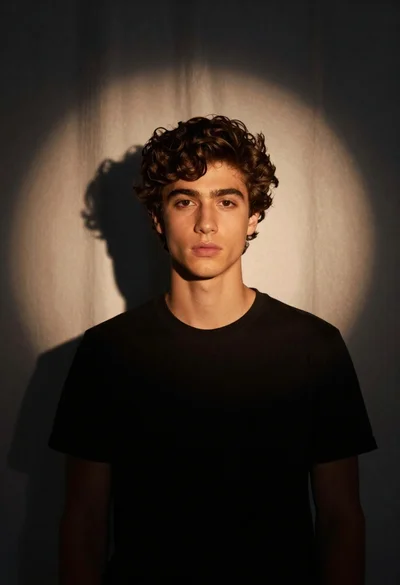
Medium close up portrait of young man in black tshirt studio setting
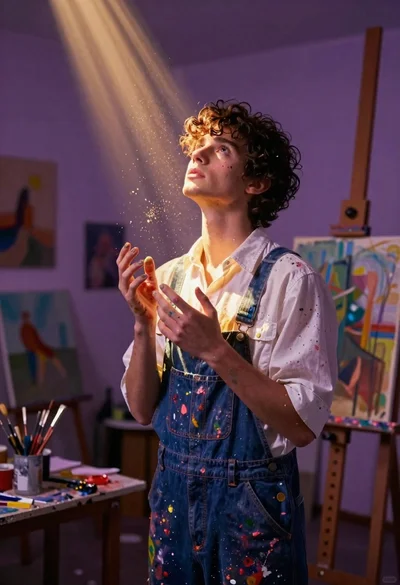
Young man in paintsplattered overalls looking up in an art studio
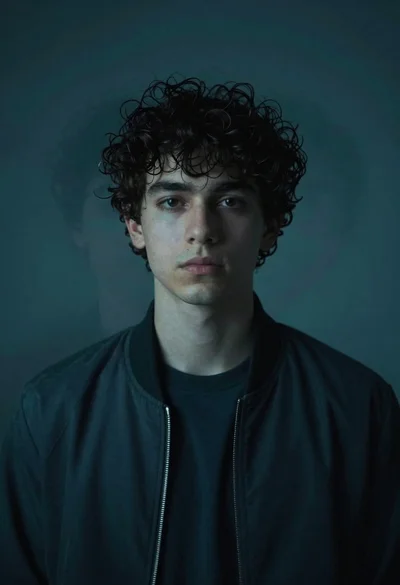
Medium close up portrait of young man with dark curly hair wearing a dark zip-up jacket
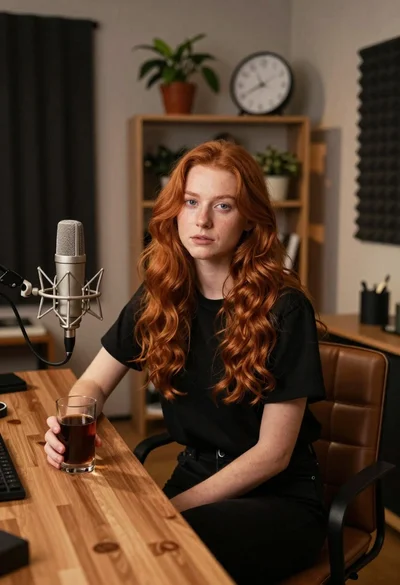
Young woman with red hair seated at wooden desk in cozy studio
Bride and groom holding rose bouquet together in front of large window
Man in chunky knit sweater leaning on marble counter in modern kitchen

Man in suit sitting in car at night