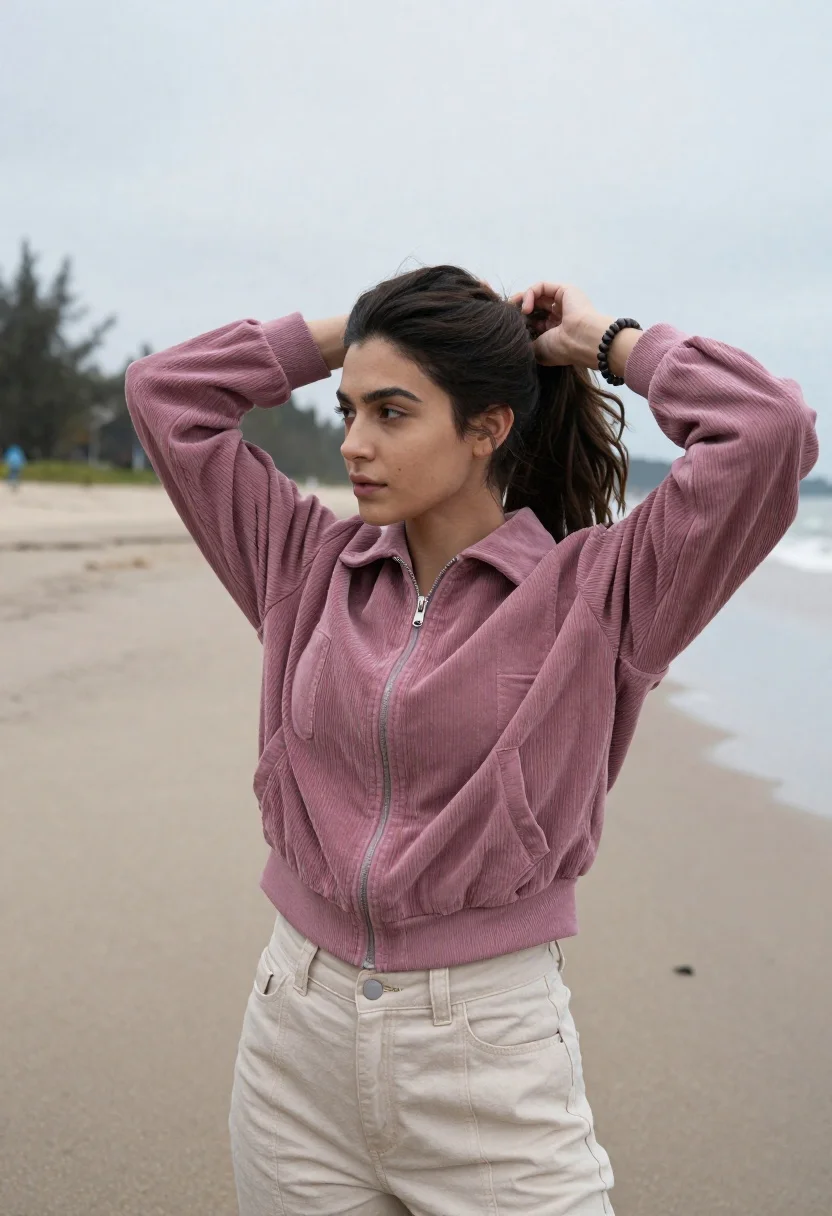
Young woman adjusting ponytail on wide sandy beach under overcast sky
Prompt
A young woman with dark hair stands on a wide sandy beach, adjusting her ponytail with both hands raised behind her head.

Subject: A young woman with long dark brown hair styled in a high ponytail, featuring loose waves and strands framing her face. She has a fair complexion, defined jawline, and is looking off to the side with a calm expression.

Clothing: She wears a dusty rose or mauve cropped jacket made of a textured fabric resembling corduroy or heavy cotton, featuring a central zipper, flap pockets, and ribbed cuffs. Her lower half is clad in light beige or cream-colored high-waisted trousers with visible stitching and a button fly. A dark beaded bracelet is visible on her left wrist.

Action: The subject stands in a relaxed pose with both arms raised behind her head as she gathers her hair into a ponytail using a dark scrunchie. Her body is angled slightly away from the camera while her face is turned in profile.

Environment: The setting is a vast, flat expanse of wet sand stretching to the horizon under an overcast sky. In the background, a line of green trees and a hazy hill are visible on the left side.

Camera: The shot is a medium close-up capturing the subject from the waist up, framed with a shallow depth of field that keeps the subject sharp while blurring the distant background.

Lighting: The scene is lit by soft, diffused natural light typical of an overcast day, creating gentle shadows and even illumination on the subject's skin and clothing without harsh highlights.

Style Details: The image has a muted, earthy color palette with a cinematic and slightly desaturated aesthetic that emphasizes texture and mood.
Description
This prompt is useful for creating editorial fashion lookbooks, atmospheric travel photography, and lifestyle branding content requiring subtle drama. The combination of 'soft, diffused natural light' and the 'muted, earthy color palette' ensures even illumination across the textured 'corduroy or heavy cotton' jacket, preventing harsh specular highlights that would distract from the subject's profile and the overall mood.
Suggestions
- Change 'dusty rose or mauve' to 'sage green' for a more cohesive natural tone.
- Swap 'wet sand' for 'dry, wind-swept dunes' to alter the foreground texture.
- Adjust 'medium close-up' to 'full body shot' to better showcase the high-waisted trousers.
Category
Tags
BeachBrunetteCasual WearFair SkinFemaleMedium ShotOutdoorsRealistic
Date added
June 19, 2026
Added by
PromptDexter Team
Related Prompts
More prompts with similar categories and tags.

Young woman in green jacket holding plush toy at festive carousel
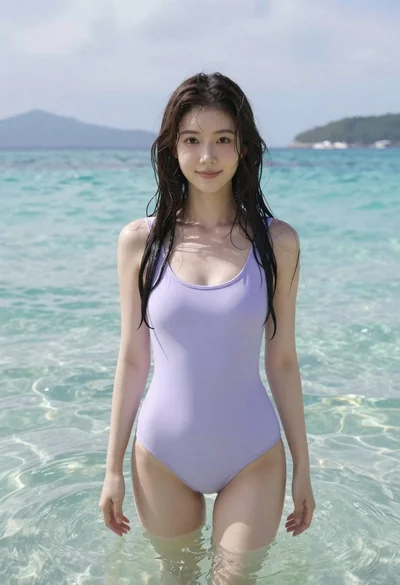
Young woman in lavender swimsuit standing in clear turquoise ocean water
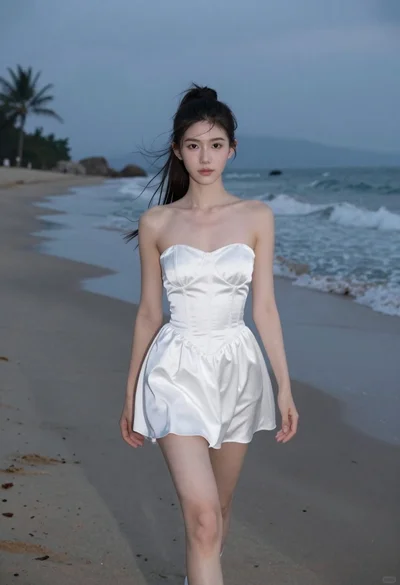
Young woman in white dress walking on sandy beach at dusk
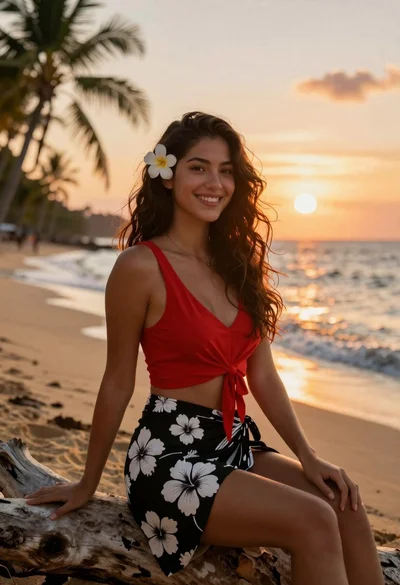
Smiling young woman in red top sitting on beach at sunset
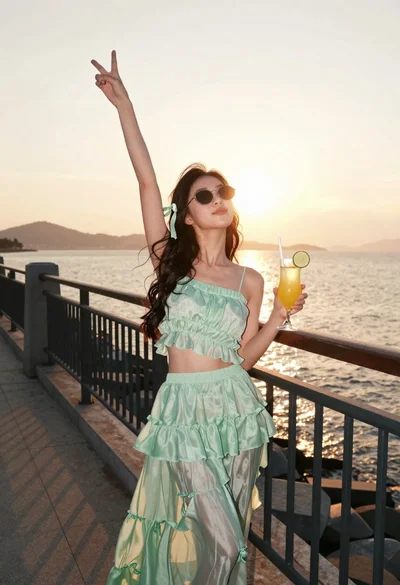
Young woman in mint green outfit holding cocktail on seaside promenade

Smiling woman in coral top standing waist deep in turquoise water

Woman in white floral midi dress standing by stone fountain in sunlit
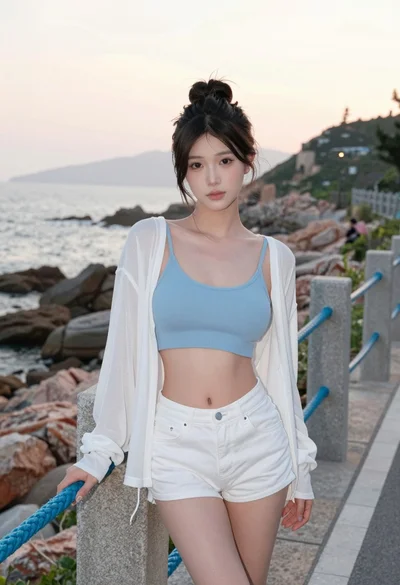
Young east asian woman by railing on rocky coastal path at sunset

Blonde woman in white bikini under thatched roof on sunny tropical beach
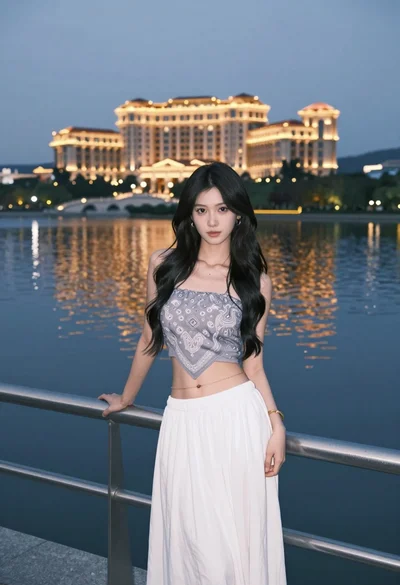
Young woman in grey top and white skirt by water at dusk