

Young woman crouching behind large ginger cat in abandoned building
Prompt
A low-angle selfie shot of a smiling young woman crouching behind a large ginger cat that dominates the foreground.

Subject: A young woman with dark hair tied in a messy bun and a large orange tabby cat looking directly at the camera.

Clothing: The woman wears a black ribbed crop top and loose-fitting blue jeans.

Action: The woman is crouching low to the ground, pointing her index finger forward toward the viewer, while the cat sits close to the lens with its head tilted slightly.

Environment: An abandoned brick building with peeling paint and overgrown vines serves as the background.

Camera: Low-angle perspective looking up at the subjects, creating a wide, immersive composition typical of a handheld selfie.

Lighting: Bright natural sunlight illuminates the scene from above, casting soft shadows and highlighting the texture of the cat's fur.

Style Details: High-resolution photography with a shallow depth of field that keeps the woman and cat in sharp focus while slightly blurring the background structure.
Description
This prompt is useful for creating narrative pet portraits, edgy lifestyle content, and cinematic character studies set in urban decay. The combination of 'low-angle perspective' and a 'wide, immersive composition' forces the viewer into the intimate space between the subjects, while specifying 'soft shadows' prevents harsh contrast that might distract from the texture of the cat's fur or the peeling paint.
Suggestions
- Change 'ginger cat' to 'Maine Coon' for a different silhouette.
- Swap 'black ribbed crop top' for 'oversized flannel shirt' for more casual wear.
- Add 'dust motes visible in sunbeams' to enhance the abandoned atmosphere.
Category
Tags
Black HairCasual WearFemaleLow AngleOutdoorsRealisticRuinsSelfieWide Shot
Date added
June 26, 2026
Added by
PromptDexter Team
Related Prompts
More prompts with similar categories and tags.
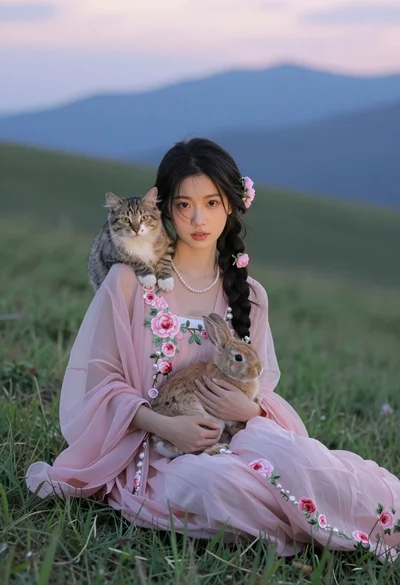
Young woman in pink floral dress holding rabbit with cat on grassy

Close up selfie of smiling woman and brindle french bulldog in bedroom

Blonde woman by white suv looking back at camera with dog

Woman riding a horse through a dusty desert storm

Woman riding snowy tiger through heavy falling snow

Woman reading to sleeping dog on rainy balcony at night

Young couple with cat in hogwarts style robes
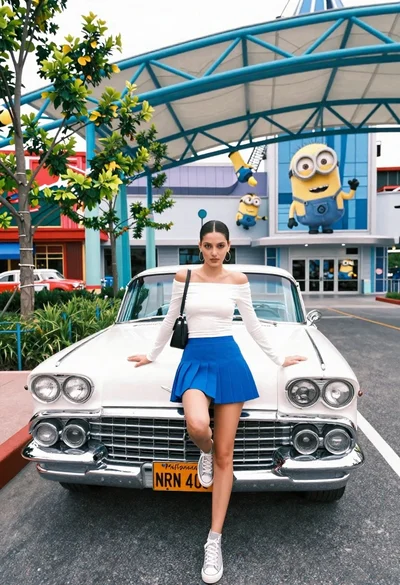
Young woman posing on vintage white car in theme park setting
