
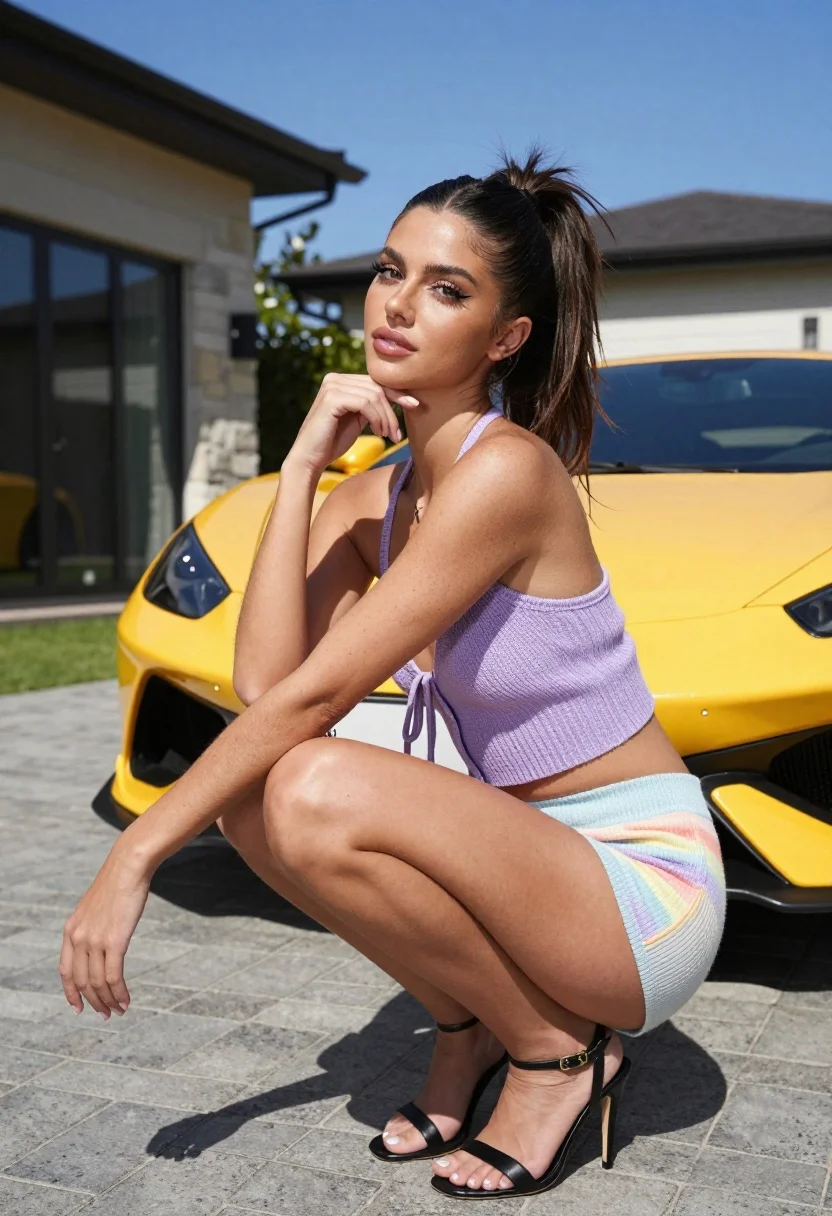
Young woman crouching near yellow sports car on paved driveway outdoors
Prompt
A young woman with a high ponytail crouching in front of a yellow sports car on a paved driveway under a clear blue sky.

Subject: A young woman with dark brown hair styled in a high messy ponytail, fair skin with visible freckles across her shoulders and arms, and defined facial features including long eyelashes and glossy lips.

Clothing: She wears a lavender knitted halter crop top with a tie-front detail and light pastel rainbow-colored shorts, paired with black strappy high-heeled sandals.

Action: She is crouching low to the ground with her left hand resting gently on her chin in a thoughtful pose, while her right arm extends slightly outward with her hand open near the pavement.

Environment: The setting is an outdoor driveway paved with grey rectangular stones, featuring a modern house with stone cladding and large glass windows in the background under a bright blue sky.

Camera: Shot from a low angle looking up at the subject to emphasize her crouching pose, utilizing a shallow depth of field that keeps the woman sharp while softly blurring the car and background architecture.

Lighting: Bright natural sunlight coming from the side casts distinct shadows on the ground and highlights the texture of her skin and clothing, creating a warm and vibrant atmosphere.

Style Details: High-resolution photography with realistic textures, vibrant color saturation, and a polished aesthetic typical of modern lifestyle portrait photography.
Description
This prompt is useful for creating automotive lifestyle editorials, fashion campaign imagery featuring vehicles, and high-end magazine spreads showcasing personal style outdoors. The combination of 'low angle looking up at the subject' with 'bright natural sunlight coming from the side' sculpts the figure against the car, ensuring that the visible freckles and knitted texture remain detailed while the shallow depth of field keeps focus on the woman despite the strong background elements.
Suggestions
- Change 'yellow sports car' to a specific model like 'vintage Porsche 911' for more character.
- Swap 'lavender knitted halter crop top' for a solid color knit to simplify the palette.
- Adjust 'bright natural sunlight coming from the side' to 'golden hour sidelight' for warmer tones.
Category
Tags
Fair SkinFemaleLow AngleOutdoorsRealistic
Date added
July 12, 2026
Added by
PromptDexter Team
Related Prompts
More prompts with similar categories and tags.
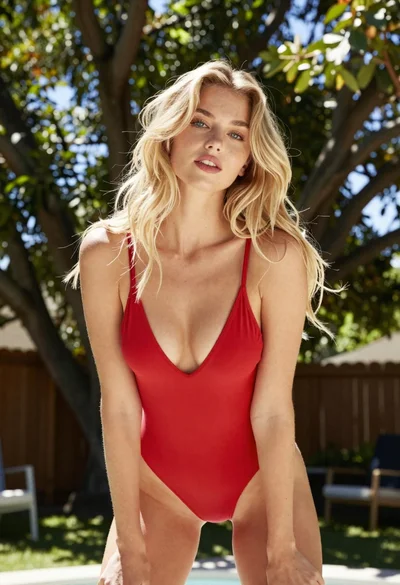
Blonde woman in red swimsuit leaning outdoors near wooden fence
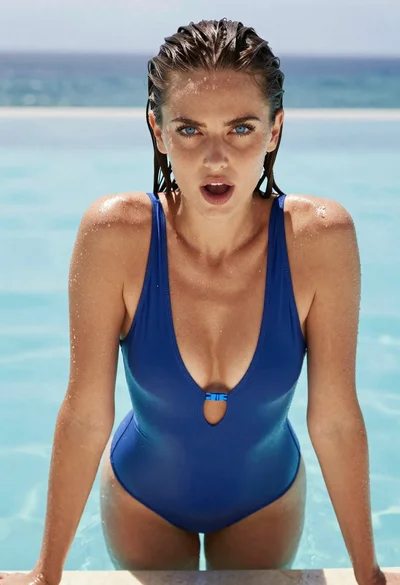
Woman with wet dark hair leaning over pool edge looking at camera

Young woman in yellow bikini by wooden post on sunny beach
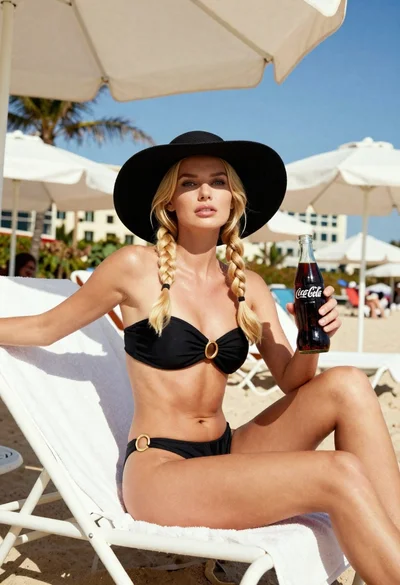
Blonde woman in black bikini on lounge chair at sunny beach

Blonde woman in black leather bodysuit on concrete ledge against blue sky
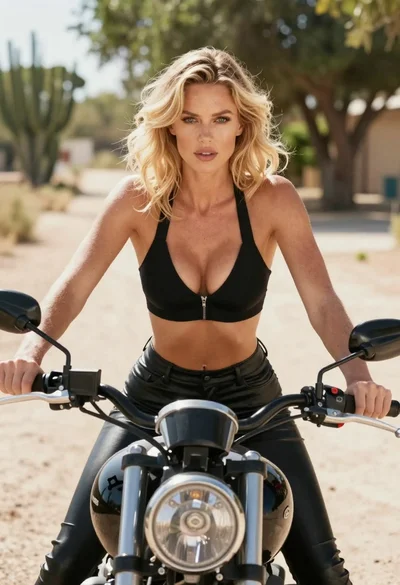
Blonde woman on black motorcycle on sunny dirt path in desert

Blonde woman in bikini on patio overlooking green hills under blue sky

Smiling blonde woman in sports bra sitting on outdoor lounge chair
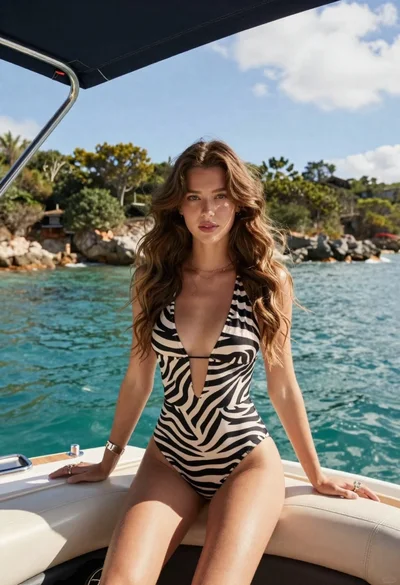
Young woman in zebra swimsuit seated on boat by turquoise water
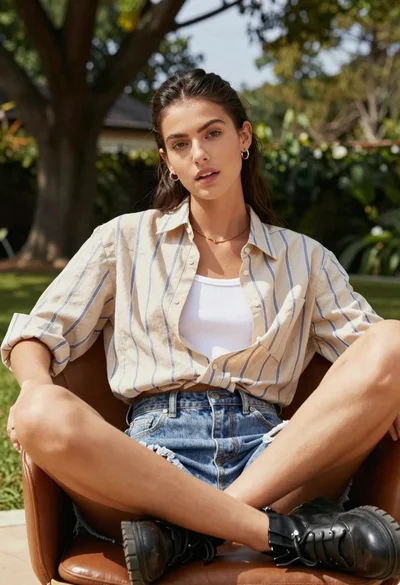
Young woman seated in leather chair outdoors with green foliage background
