

Young woman seated in leather chair outdoors with green foliage background
Prompt
A woman with dark hair pulled back sits relaxed in a brown leather chair outdoors.

Subject: A young woman with long dark hair slicked back into a ponytail, fair skin, and defined facial features looking directly at the camera with her mouth slightly open.

Clothing: She wears an unbuttoned beige button-down shirt with thin vertical blue stripes over a white tank top, paired with distressed denim shorts and black boots; she has a gold necklace and small hoop earrings.

Action: She is seated in a reclined pose with one arm resting on the back of the chair and her legs crossed at the knee.

Environment: The setting is a lush green outdoor area with large trees and dense foliage visible in the background under a bright sky.

Camera: The shot is taken from a slightly low angle, capturing the subject from the thighs up with natural depth of field blurring the background.

Lighting: Bright natural sunlight illuminates the scene from the side, casting soft shadows on her skin and highlighting the texture of her clothing.

Style Details: High-resolution photography with vibrant colors and a candid, lifestyle aesthetic.
Description
This prompt is useful for creating casual lifestyle editorials, character concept art featuring natural settings, and magazine features focusing on relaxed fashion moments. The combination of 'bright natural sunlight' casting soft shadows and the 'lush green outdoor area' ensures that the subject remains grounded in a believable environment while the 'natural depth of field blurring the background' isolates her against the foliage, preventing the setting from becoming distracting.
Suggestions
- Change 'brown leather chair' to 'weathered teak wood chair' for a different material contrast.
- Swap 'beige button-down shirt' for 'oversized white linen shirt' to match the natural aesthetic better.
- Adjust 'slightly low angle' to 'eye-level shot' if you want a more confrontational portrait.
Category
Tags
BrunetteCasual WearFair SkinFemaleLow AngleMedium ShotNatureOutdoorsRealistic
Date added
June 19, 2026
Added by
PromptDexter Team
Related Prompts
More prompts with similar categories and tags.

Smiling woman with red hair in floral twotoned dress outdoors

Young woman in red jacket on white fence in green meadow

Blonde woman in swimsuit by yacht window overlooking blue sea
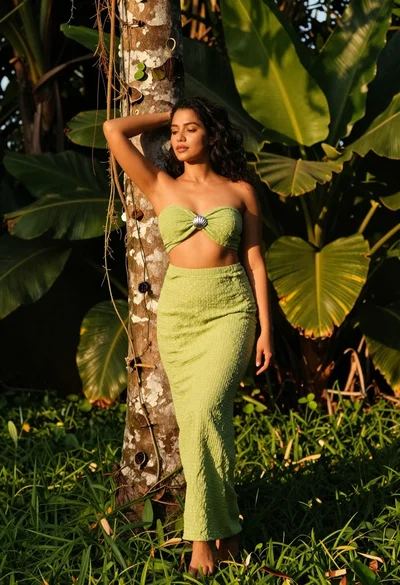
Woman in green outfit leaning on tree in lush garden at golden
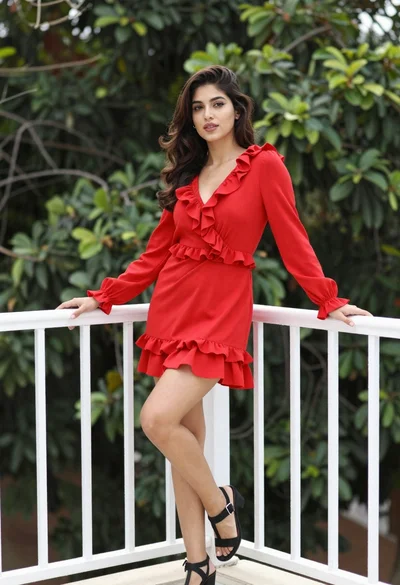
Young woman in vibrant red dress leaning on balcony railing outdoors
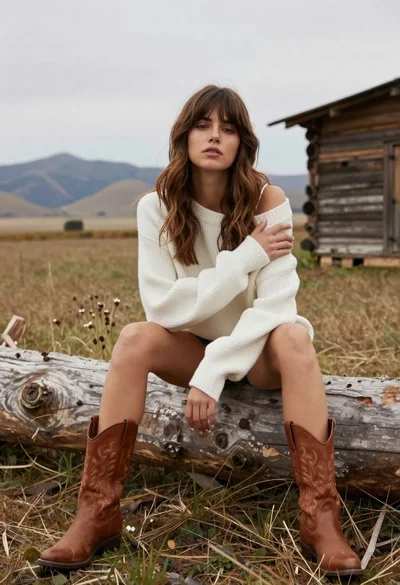
Young woman in white sweater sitting on log in grassy field

Woman in rust dress looking back over shoulder on stone staircase at

Young woman leaning against white wall with beige handbag under bright sunlight

Woman standing barefoot in dry autumn field at golden hour
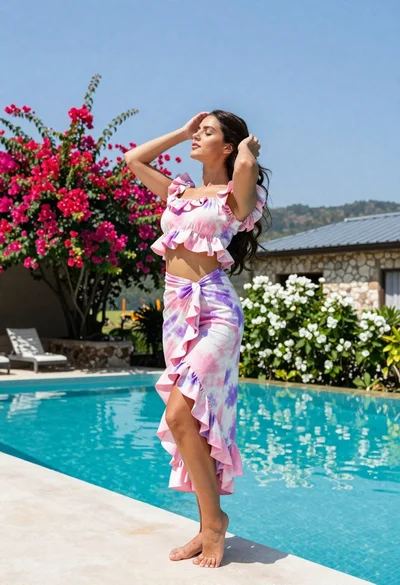
Young woman in tie dye outfit by turquoise pool under blue sky
