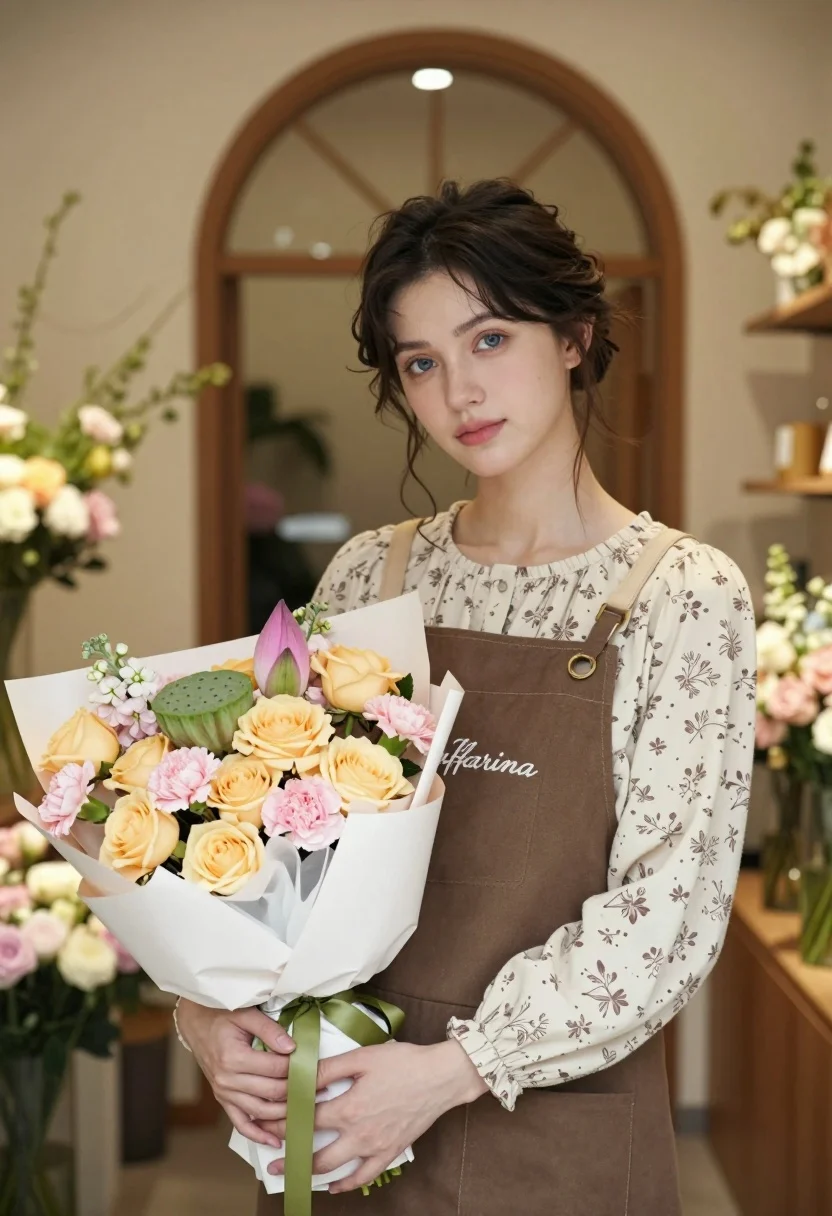
Young woman holding flowers in a softly lit flower shop interior
Prompt
A young woman with dark hair styled in a loose updo stands holding a large bouquet of flowers.

Subject: A young woman with fair skin and dark brown hair pulled back into a messy bun with loose strands framing her face, featuring soft blue eyes and a gentle, neutral expression.

Clothing: She wears a cream-colored long-sleeved blouse with a delicate floral print underneath a solid brown canvas apron that has the word "Kaffarina" embroidered in cursive script on the chest.

Action: She holds a large bouquet of flowers securely with both hands at waist level, looking directly at the camera with a calm demeanor.

Environment: The setting is a warm, softly lit flower shop interior featuring a prominent arched doorway in the background and shelves filled with various floral arrangements.

Objects: A large bouquet consisting of pale yellow roses, pink carnations, light pink hydrangeas, and green lotus seed pods wrapped in white paper and tied with a green ribbon.

Lighting: Soft, warm ambient lighting creates a cozy atmosphere with gentle highlights on her face and soft shadows that add depth to the scene.

Camera: A medium shot framed from the waist up with a shallow depth of field that keeps the subject sharp while blurring the background elements.

Style Details: The image has a high-quality, realistic photographic style with smooth skin textures and a warm color palette emphasizing pastel tones.
Description
This prompt is useful for creating artisanal product photography, lifestyle portraiture for small businesses, and editorial features for home goods magazines. The combination of 'soft, warm ambient lighting' and the 'shallow depth of field' ensures that the subject remains crisp while allowing the richly detailed background elements—like the floral arrangements and arched doorway—to provide context without becoming distracting.
Suggestions
- Change 'cream-colored long-sleeved blouse' to 'ivory silk blouse' for more sheen.
- Swap 'pale yellow roses' for 'deep burgundy peonies' for a richer color contrast.
- Adjust 'messy bun with loose strands' to 'braided crown' for a different hairstyle.
Category
Tags
BrunetteCasual WearFair SkinFemaleIndoorsMedium ShotRealistic
Date added
August 5, 2026
Added by
PromptDexter Team
Related Prompts
More prompts with similar categories and tags.
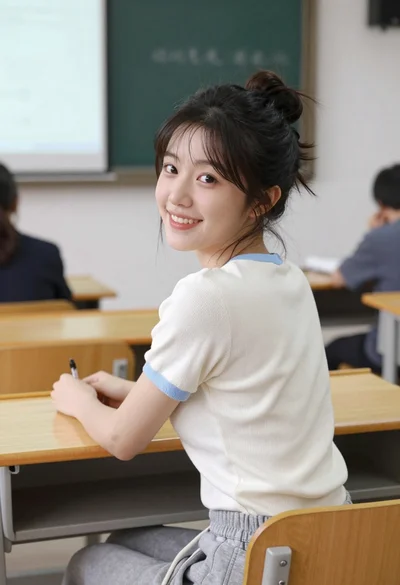
Young east asian woman smiling over shoulder at wooden desk in classroom
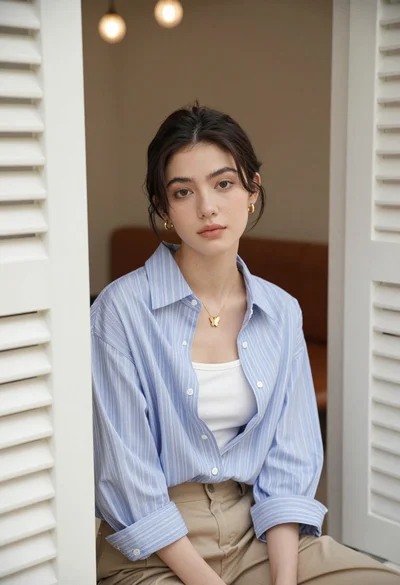
Young woman with dark hair seated in doorway between white louvered shutters
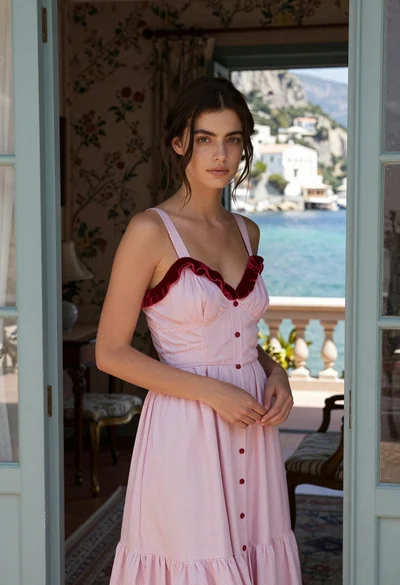
Young woman in pink striped sundress standing in doorway overlooking mediterranean coast

Smiling woman in royal blue gown on red carpet with green foliage
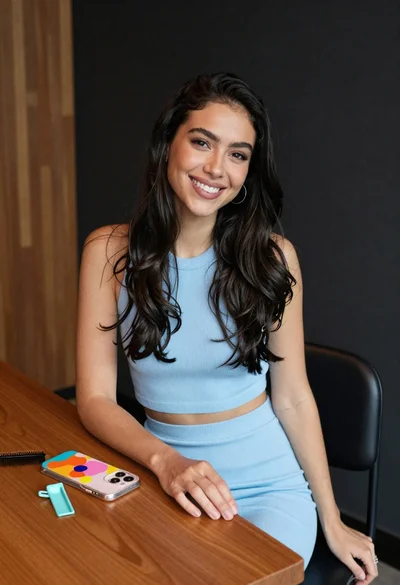
Smiling woman with dark hair at wooden table wearing blue ribbed outfit

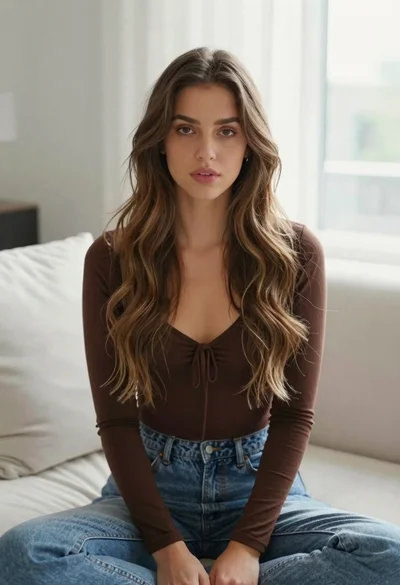
Young blonde woman in brown top seated in modern living room setting

Blonde woman looking back over shoulder against white wall

Fair skinned woman with red hair in brown satin dress against gray
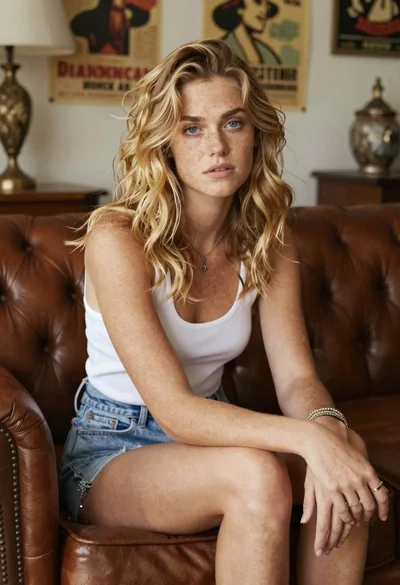
Woman with freckles sitting on brown leather sofa
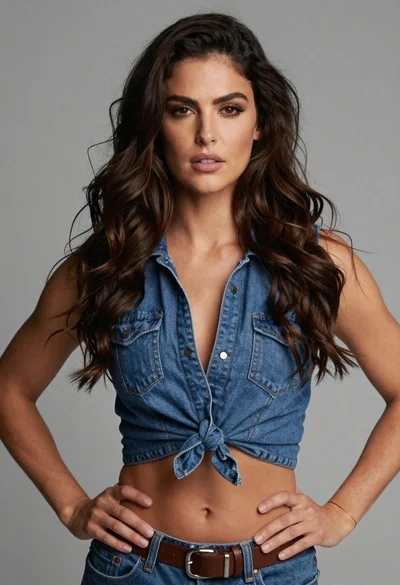
Medium close up of woman in denim crop top against gray studio