

Young woman in beige sweatshirt reclining on white bed with dark blue
Prompt
A woman with dark hair lies comfortably in a bed propped up against white pillows.

Subject: A young woman with long dark hair and bangs is the central focus, smiling gently while looking off to the side.

Clothing: She wears an oversized beige sweatshirt and white socks with black stripes around the ankles.

Action: She is reclining in a relaxed pose with her legs bent and crossed at the ankles, one hand resting near her chin and the other on her stomach.

Environment: The setting is a bedroom featuring a large white headboard, soft white bedding, and a dark blue wall in the background.

Objects: A crystal bedside table stands to the left holding a stack of books and a glass of amber liquid.

Lighting: Soft natural light streams from the side, casting gentle shadows across the bed and illuminating the woman's face.

Camera: The shot is taken from a low angle looking up at the subject with a shallow depth of field that blurs the foreground legs and background slightly.

Style Details: The image has a soft, dreamy aesthetic with warm tones and a cinematic quality reminiscent of lifestyle photography.
Description
This prompt is useful for creating intimate editorial portraits, cozy lifestyle branding materials, and magazine features focusing on quiet moments at home. The combination of 'soft natural light' and the 'low angle looking up' emphasizes the subject's gentle expression while the contrasting 'dark blue wall' prevents the entire scene from becoming washed out by the abundance of white bedding.
Suggestions
- Change 'beige sweatshirt' to 'oatmeal knit sweater' for a different texture.
- Swap 'dark blue wall' for 'muted sage green wall' to soften the contrast.
- Adjust 'shallow depth of field' to 'bokeh effect' for more pronounced background blur.
Category
Tags
BedroomBrown HairCasual WearFemaleIndoorsLow AngleMedium ShotPortrait ShotRealistic
Date added
June 19, 2026
Added by
PromptDexter Team
Related Prompts
More prompts with similar categories and tags.

Woman seated in armchair near large windows with greenery

Young blonde woman in brown top seated in modern living room setting
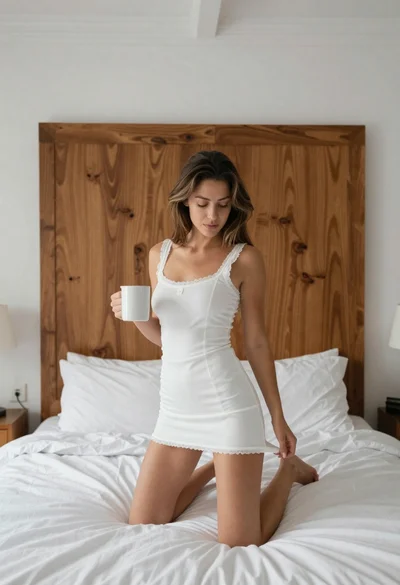
Young woman kneeling on bed holding mug in white dress

Woman sitting gracefully indoors wearing yellow skirt and top

Fair skinned woman in black sequined outfit sitting elegantly indoors

Smiling blonde woman in black leather outfit at an indoor evening event

Smiling woman in navy top sitting on black chair against white wall
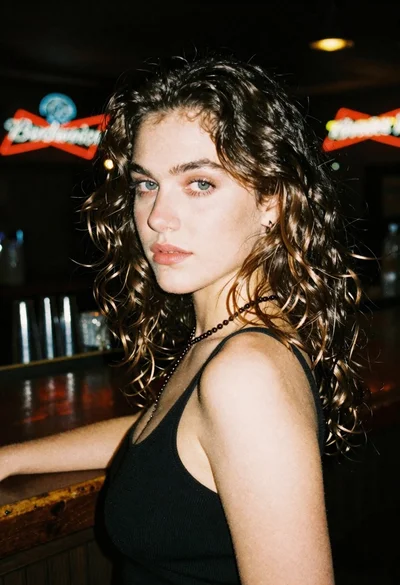
Woman with brown hair looking over shoulder in dim bar

Stylish young woman in denim shirt holding tablet indoors

Woman with chestnut hair reclining on dark couch indoors
