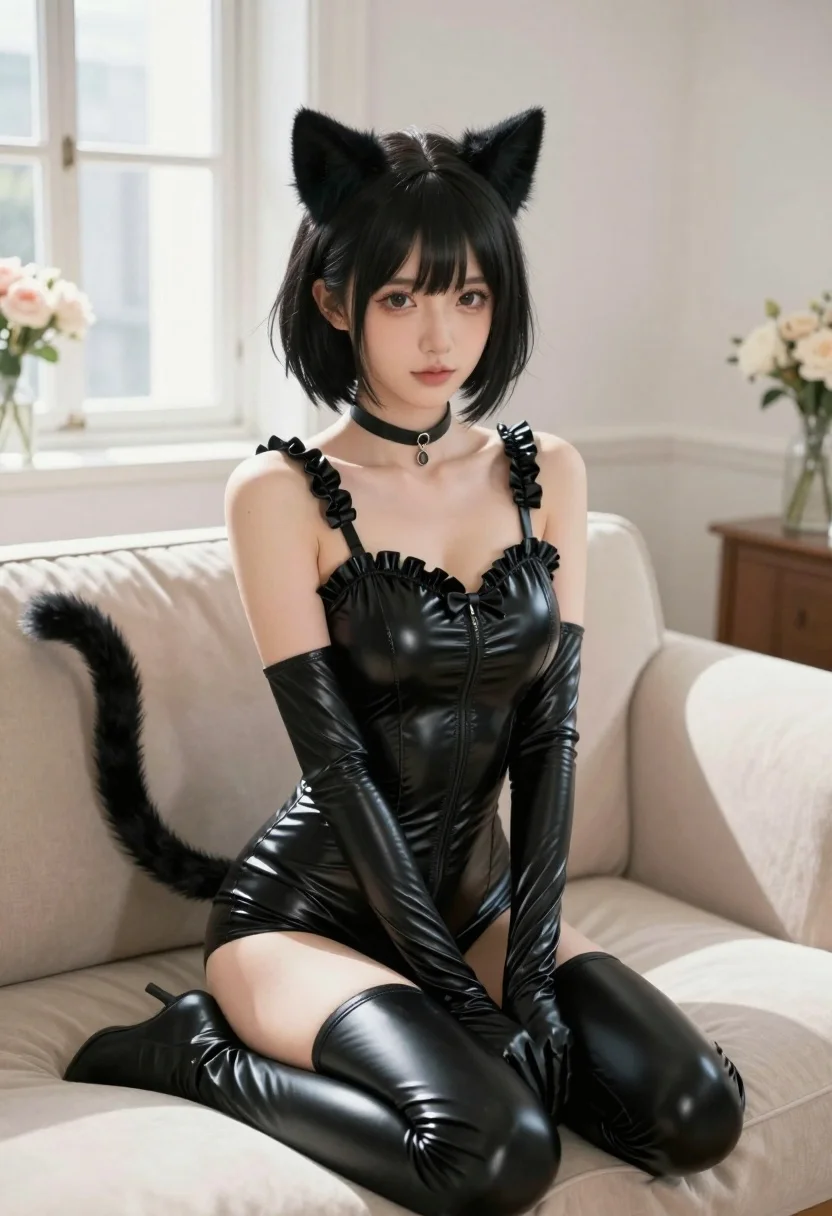
Young woman in black latex catsuit sitting on beige sofa in sunlit
Prompt
A young woman with short black hair and cat ears sits on a beige sofa in a bright room.

Subject: A young woman with short, tousled black hair, large expressive eyes, and prominent black cat ears atop her head. She has a slender build and a long, fluffy black cat tail curving behind her left shoulder.

Clothing: She wears a tight-fitting, glossy black latex catsuit featuring ruffled trim along the neckline and a central bow detail. The outfit includes matching thigh-high boots with gathered detailing at the thighs and long gloves extending to her upper arms. A black choker necklace with a small pendant rests around her neck.

Action: She sits on a sofa facing forward, looking directly at the viewer with a soft expression. Her hands rest in her lap, and her posture is relaxed yet poised.

Environment: The setting is an elegant, sunlit room with white walls and large windows in the background. A beige sofa with cushions supports her, and blurred floral arrangements are visible on side tables.

Camera: The shot is a medium close-up framed from a slightly low angle, emphasizing the subject’s upper body and face while capturing the texture of her outfit.

Lighting: Soft, natural daylight streams through the windows, creating gentle highlights on her skin and the glossy surface of her latex suit, with subtle shadows adding depth to her features.

Style Details: The image has a polished, semi-realistic digital art style with smooth textures, soft color grading, and a focus on elegant, high-fashion aesthetics.
Description
This prompt is useful for creating character concept art, editorial costume showcases, and stylized portraiture for alternative fashion magazines. The combination of 'glossy black latex catsuit' against the soft backdrop of a 'beige sofa' utilizes 'soft, natural daylight' to create controlled specular highlights on the material while keeping the background elements—like the blurred floral arrangements—subdued enough not to distract from the subject’s dramatic silhouette.
Suggestions
- Change 'glossy black latex catsuit' to 'matte black vinyl catsuit' for a different light reflection.
- Adjust 'soft, natural daylight' to 'dramatic chiaroscuro lighting' for higher contrast.
- Swap 'beige sofa' for 'velvet chaise lounge' to change the material texture.
Category
Tags
Black HairBrunetteFemaleIndoorsLow AngleRealistic
Date added
July 3, 2026
Added by
PromptDexter Team
Related Prompts
More prompts with similar categories and tags.

Woman in black mini dress seated on patterned sofa indoors

Poised woman in black gown posing indoors with dramatic low key lighting
Woman in black bodysuit and pink heels standing in an indoor hallway
Woman in sequined mini dress posing indoors leaning on turquoise ottoman

Woman in white dress leaning against classic black ferrari car outdoors

Woman in patterned mini dress leaning against white hallway wall
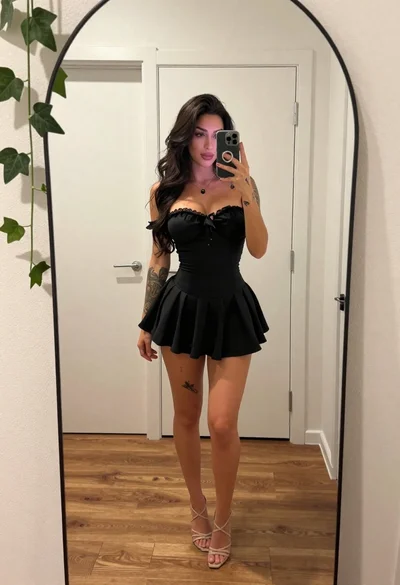
Young woman taking mirror selfie in black dress indoors
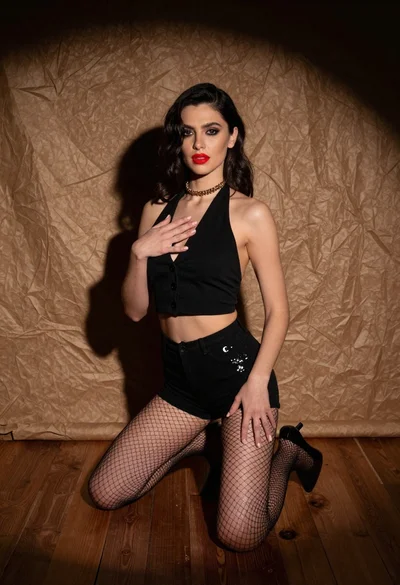
Woman kneeling in black outfit under dramatic spotlight studio lighting
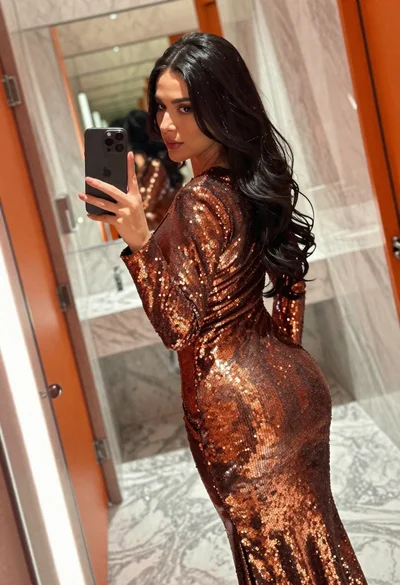
Woman in copper sequin dress taking a mirror selfie in luxurious bathroom

Blonde woman in black lace lingerie and robe in a theater aisle