
Confident woman in red lace dress seated against dark metallic wall
Prompt
A confident woman with long dark hair sits in a sleek black chair against a dark metallic wall.

Subject: A woman with long, straight black hair and a confident expression wearing a red hat tilted to the side.

Clothing: She wears a textured red lace dress with thin straps, ruffled details on the bodice, and a high slit revealing her legs.

Action: She leans back in the chair with one arm extended along the metal frame of the seat, while her other hand rests near her thigh; she gazes directly at the camera with a slight head tilt.

Environment: The setting is an interior space featuring dark metallic walls that reflect light and a grey floor.

Camera: The shot is taken from a low angle looking up at the subject, emphasizing her posture and height.

Lighting: Soft studio lighting highlights her skin and the texture of the red dress while casting subtle shadows against the dark background.

Style Details: High-fashion editorial aesthetic with a focus on bold color contrast between the red outfit and the dark surroundings.
Description
This prompt is useful for creating high-fashion magazine editorials, dramatic character portraits, and luxury brand advertising campaigns. The combination of 'low angle looking up' and 'dark metallic walls that reflect light' exaggerates the subject's imposing presence, while specifying 'soft studio lighting' ensures the intricate texture of the red lace dress remains visible against the deep background.
Suggestions
- Change 'red lace dress' to 'velvet gown' for a different material feel.
- Add 'rim lighting from above' to enhance the silhouette.
- Swap 'dark metallic walls' for 'polished obsidian wall' for more dramatic reflection.
Category
Tags
Black HairBrunetteFemaleIndoorsLow AnglePortrait ShotRealisticStudio
Date added
June 19, 2026
Added by
PromptDexter Team
Related Prompts
More prompts with similar categories and tags.
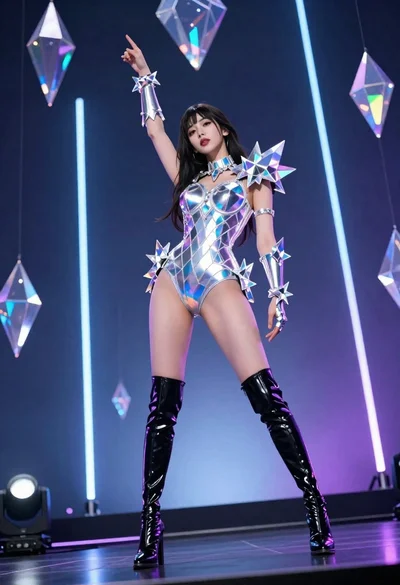
Woman in futuristic crystal bodysuit on glowing stage
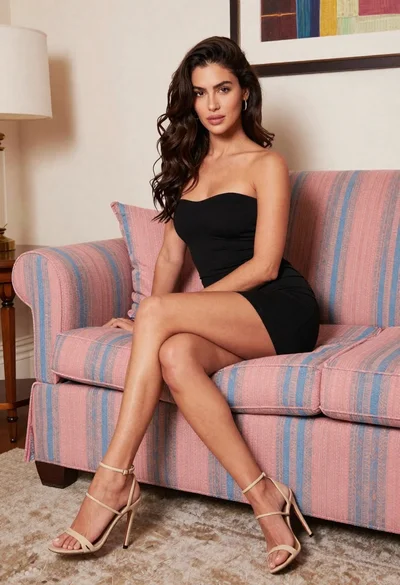
Woman in black mini dress seated on patterned sofa indoors

Poised woman in black gown posing indoors with dramatic low key lighting
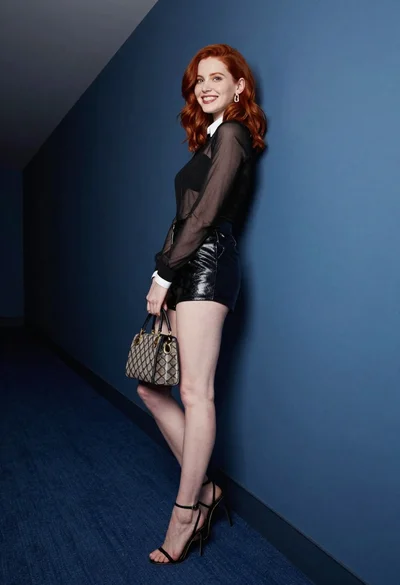
Red haired woman in black top and shorts leaning against blue wall
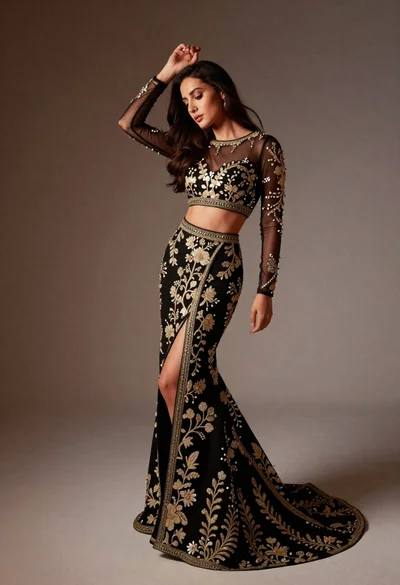
Full length studio portrait of woman in elaborate black and gold ensemble
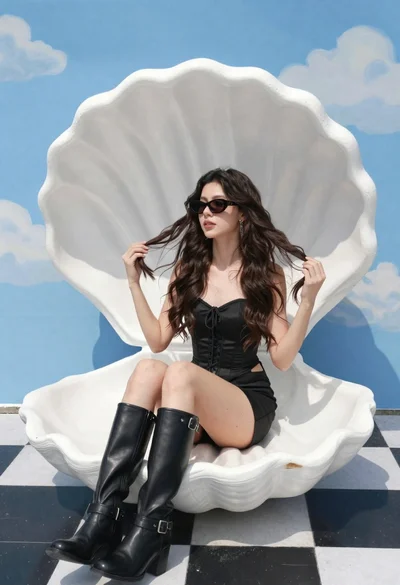
Young woman in black corset dress on white shell chair against blue

Glamorous woman posing in black dress under blue ambient club lighting
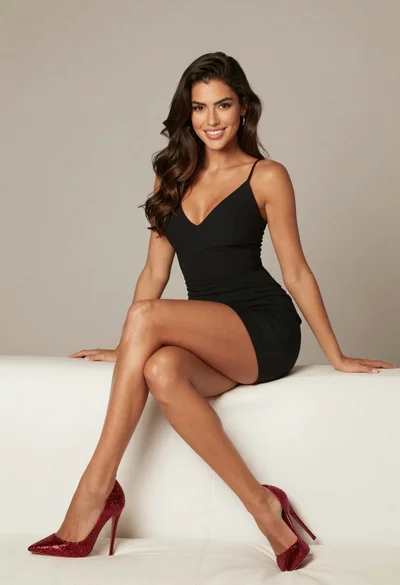
High fashion portrait of woman on white leather couch
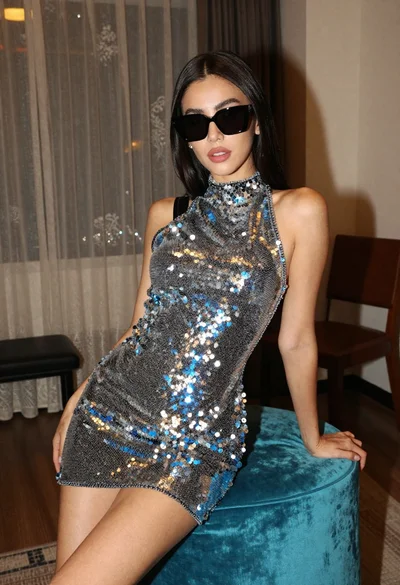
Woman in sequined mini dress posing indoors leaning on turquoise ottoman
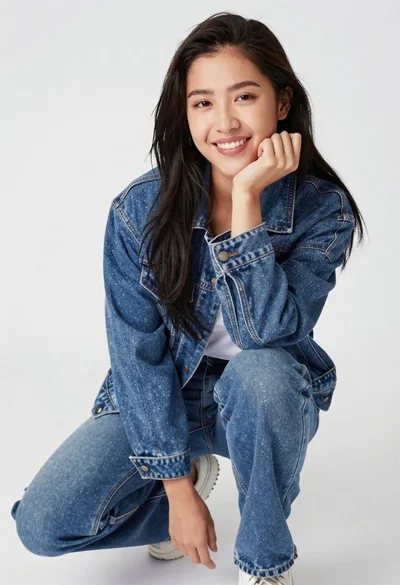
Young woman in denim jacket crouching on plain white studio background