
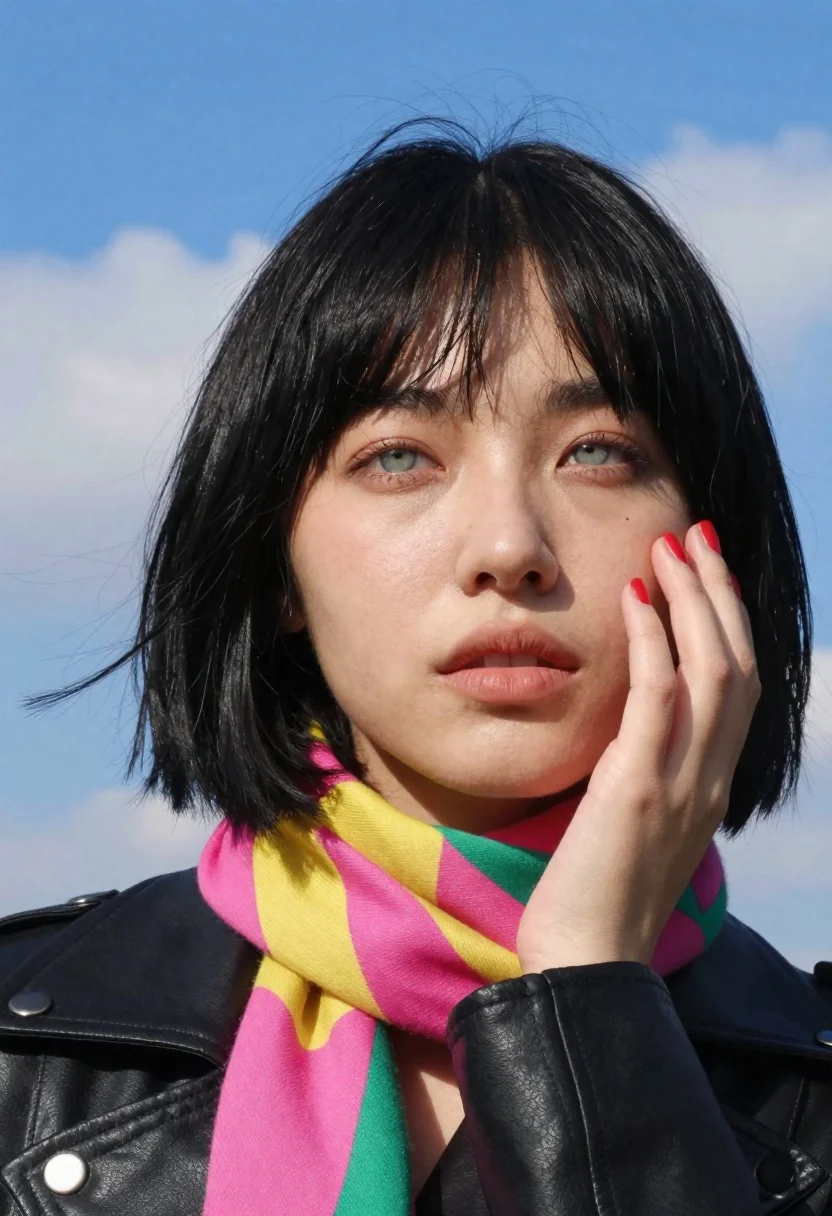
Young woman in black leather jacket with colorful scarf against blue sky
Prompt
A close-up portrait of a young woman with short black hair and bangs against a bright blue sky.

Subject: A young woman with fair skin, striking light-colored eyes, and a soft, contemplative expression. She has a short, sleek black bob haircut with straight-cut bangs that frame her forehead. Her lips are slightly parted, and she has red nail polish on her fingernails.

Clothing: She is wearing a black leather jacket with silver snap buttons visible on the collar. Around her neck is a thick, colorful scarf featuring a patchwork pattern of bright pink, yellow, and green stripes.

Action: Her right hand is raised to her face, with her fingers gently resting against her cheek and jawline in a thoughtful or pensive gesture. She is looking slightly off-camera with a calm demeanor.

Environment: The background is a clear, vibrant blue sky with soft, scattered white clouds, indicating an outdoor setting on a sunny day.

Lighting: Bright, natural sunlight illuminates the scene from above, casting soft shadows under her chin and nose while highlighting the texture of her skin and hair.

Camera: A medium close-up shot framed tightly on the subject's head and shoulders, utilizing a shallow depth of field to keep the background slightly blurred.

Style Details: High-resolution photography with vivid colors and sharp focus on the facial features, capturing a cinematic and fashion-forward aesthetic.
Description
This prompt is useful for creating editorial portraiture, character concept art, and vibrant lifestyle advertising featuring strong color contrasts. The combination of 'black leather jacket' against a 'vibrant blue sky' maximizes the visual pop of the 'colorful scarf,' ensuring that the bright pink, yellow, and green stripes remain distinct from both the dark clothing and the background, preventing them from becoming muddy or desaturated.
Suggestions
- Change 'bright pink, yellow, and green stripes' to 'jewel-toned paisley pattern' for a richer look.
- Swap 'black leather jacket' for 'deep burgundy velvet jacket' to soften the contrast.
- Adjust 'medium close-up shot' to 'headshot' to focus more intensely on the expression.
Category
Tags
Black HairCasual WearFair SkinFemaleFull BodyLight SkinMedium ShotOutdoorsRealistic
Date added
June 23, 2026
Added by
PromptDexter Team
Related Prompts
More prompts with similar categories and tags.
Stylish young woman in black vest standing on paved road near green

Fair blonde woman in black corset and denim shorts studio portrait
Smiling woman with red hair in floral twotoned dress outdoors

Young woman with braided hair in misty woodland setting
Young woman with dark hair looking back down an upscale beige hallway
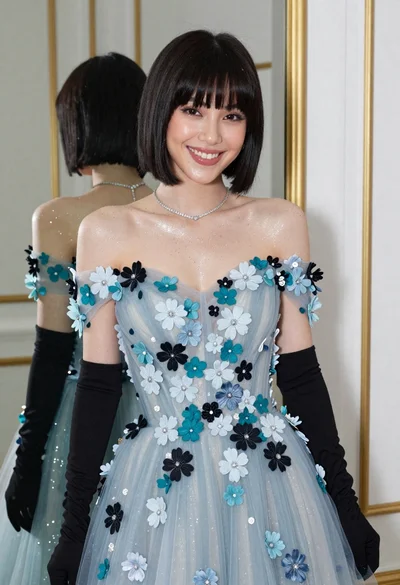
Smiling woman in blue floral dress posing before a mirror indoors

Young blonde woman in athletic wear at outdoor driving range at night

Smiling woman in white floral dress standing next to bicycle on cobblestone
