

Young woman in black mini dress sitting in retro diner booth
Prompt
A woman with long dark hair sits in a retro diner booth drinking from a large paper cup through a straw.

Subject: A young woman with long, wavy dark brown hair and fair skin. She has a slender build and is looking slightly to the side while sipping her drink.

Clothing: She wears a tight-fitting black mini dress featuring a plunging neckline and a corset-style laced front panel that exposes part of her midriff.

Action: She is seated on the white vinyl bench, leaning back against the red padded wall with one hand resting on it while holding a large drink cup in the other.

Environment: The setting is a classic American diner interior characterized by bright red and white colors, including a red tiled wall section visible in the background.

Camera: The shot is taken from a medium distance at eye level, capturing the subject from the thighs up with a shallow depth of field that blurs the background slightly.

Lighting: The scene is lit with soft, even indoor lighting that highlights her skin tones and creates gentle shadows within the folds of her dress.

Objects: A large white paper cup with red stripes and palm tree graphics sits in her hand, and a red plastic tray rests on the white table next to her.
Description
This prompt is useful for creating vintage lifestyle photography, character concept art for film, and themed social media content evoking nostalgia. The combination of 'bright red and white colors' with 'soft, even indoor lighting' ensures the subject pops against a saturated backdrop without harsh shadows, which keeps the focus squarely on her 'tight-fitting black mini dress' while maintaining the authentic visual language of a classic diner.
Suggestions
- Change 'large paper cup with red stripes and palm tree graphics' to 'vintage milkshake glass' for more authenticity.
- Adjust 'soft, even indoor lighting' to 'neon glow from overhead signs' for drama.
- Swap 'red padded wall' for 'chrome jukebox background' to add visual interest.
Category
Tags
Brown HairCasual WearFair SkinFemaleIndoorsMedium ShotRealistic
Date added
June 19, 2026
Added by
PromptDexter Team
Related Prompts
More prompts with similar categories and tags.

Young woman kneeling on sofa holding controller in modern living room
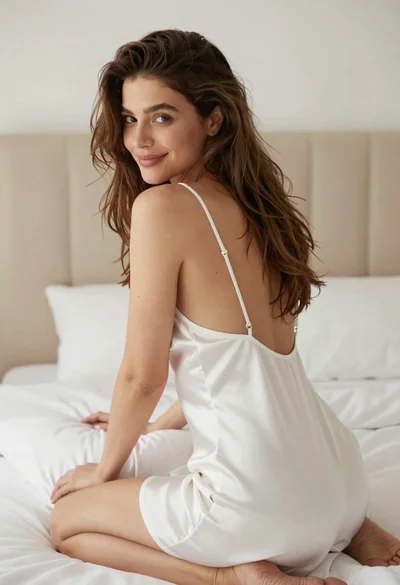
Woman in white satin slip dress seated on bed looking back over

Young woman with brown hair holding red wine at striped table setting

Young woman mirror selfie in modern bathroom wearing black crop top

Young woman in black crop top and cream trousers indoors looking over

Young woman taking a mirror selfie kneeling on wooden bedroom floor
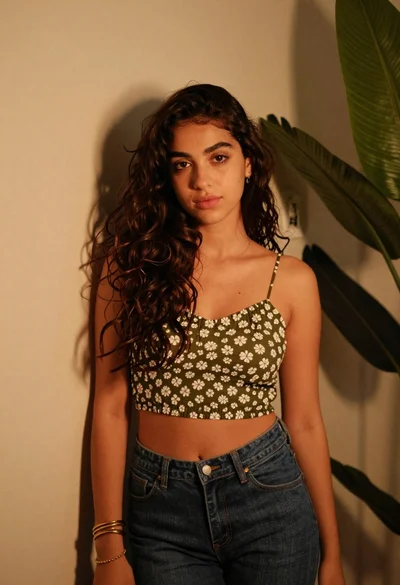
Young woman in olive top and denim jeans indoors with green leaves
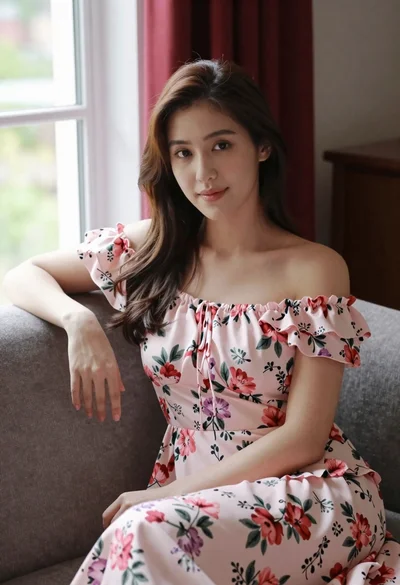
Woman in pink floral dress seated indoors by window with red curtains

Young woman taking a selfie seated in a car interior during daylight

Woman in black dress seated in dimly lit diner booth
