
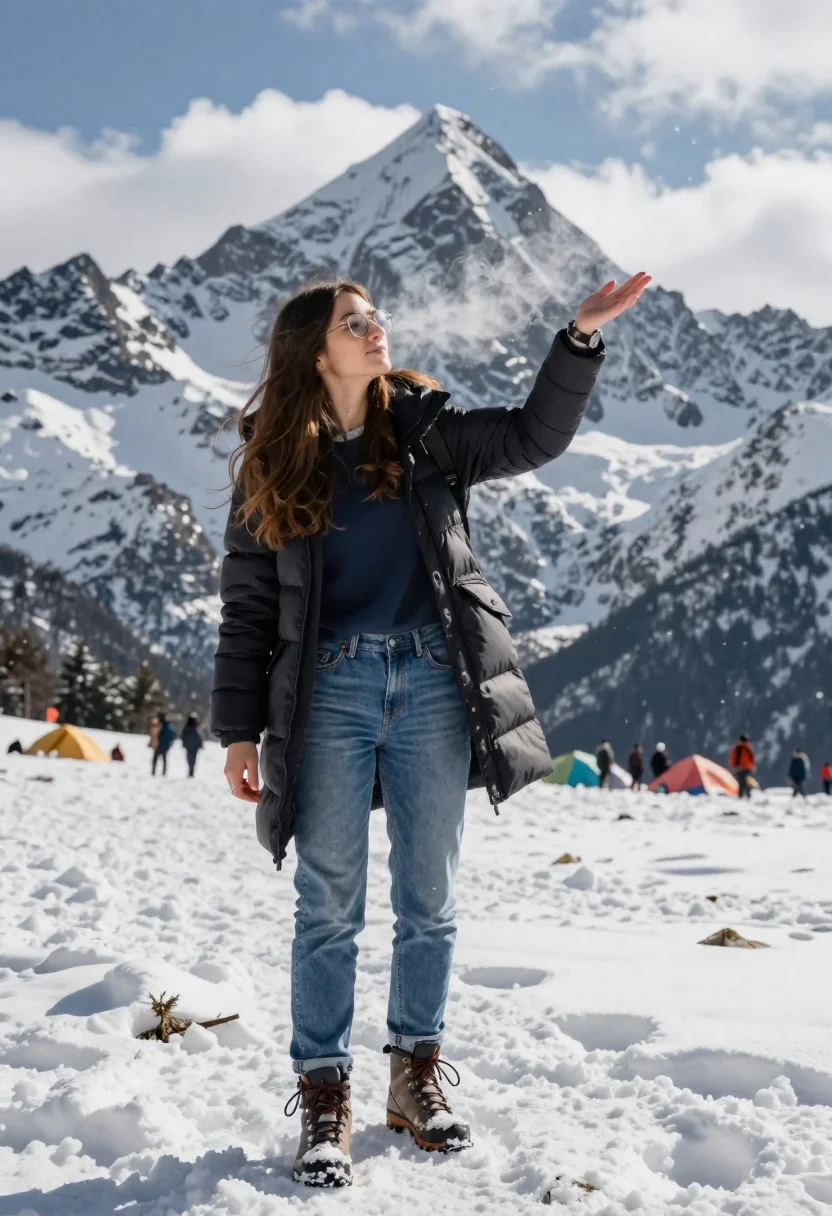
Young woman in black winter coat reaching for snowy mountain peak from
Prompt
A young woman with long brown hair stands in a snowy mountain landscape, her hand extended as if touching the snow-covered peak behind her.

Subject: A young woman with long brown hair and round glasses, wearing a dark puffer jacket over a blue shirt and blue jeans, standing tall against a backdrop of towering snow-capped mountains.

Clothing: She wears a black quilted winter coat with a hood, a navy blue t-shirt underneath, blue denim jeans, and heavy-duty hiking boots covered in snow; she also wears a wristwatch on her left arm.

Action: Her right hand is extended forward as if reaching out to touch the mountain peak behind her, while her left hand hangs by her side; steam rises from her hands and face, indicating extreme cold.

Environment: A vast snowy mountain range with sharp peaks under a cloudy blue sky; in the distance, small figures of people are gathered around colorful tents at the base of the mountains.

Camera: The shot is taken from a low angle looking up at the woman, emphasizing her scale against the massive mountains; the composition uses depth of field to keep focus on her while blurring distant elements slightly.

Lighting: Bright daylight with soft shadows cast by the snow; light reflects off the icy surfaces and highlights the texture of her clothing and breath vapor.

Style Details: Cinematic realism with high contrast between the white snow and dark clothing; subtle post-processing effects like frost particles and breath condensation enhance the cold atmosphere.
Description
This prompt is useful for creating dramatic adventure photography, cinematic travel posters, and editorial winter fashion spreads emphasizing scale. The combination of 'low angle looking up' and 'high contrast between the white snow and dark clothing' visually exaggerates the subject's struggle against the environment, while specifying 'steam rises from her hands and face' grounds the scene in a palpable sense of extreme cold.
Suggestions
- Change 'dark puffer jacket' to 'wool peacoat' for a different texture.
- Add 'lens flare through falling snow' for more atmospheric light.
- Swap 'cloudy blue sky' for 'overcast, diffused light' to soften shadows.
Category
Tags
Brown HairCasual WearFemaleFull BodyLow AngleMountainsOutdoorsRealisticWide Shot
Date added
June 26, 2026
Added by
PromptDexter Team
Related Prompts
More prompts with similar categories and tags.
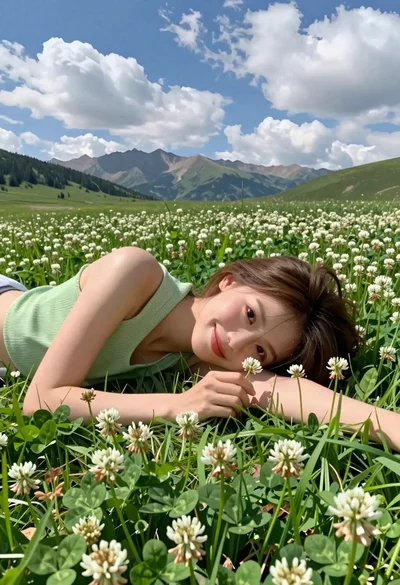
Young woman with brown hair lying in meadow of white flowers
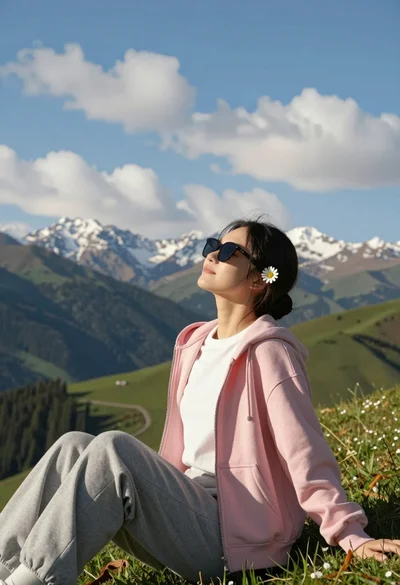
Young woman relaxing on grassy hillside with mountains under blue sky

Two smiling women on wooden stumps in a lush tropical garden overlooking
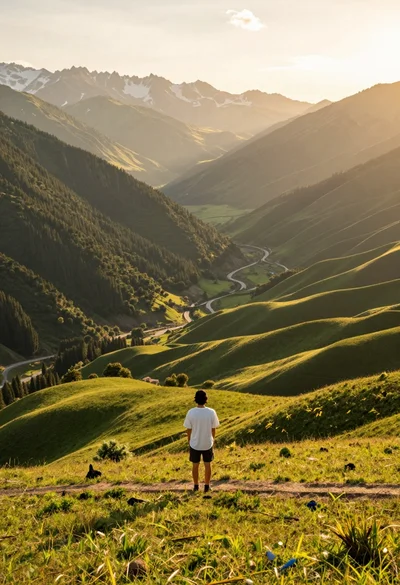
Solitary figure on grassy hill overlooking vast mountain valley at golden hour
Exhilarated tourist woman at machu picchu summit at dawn
Young woman in orange tank top standing before snow capped mountains
Young woman in pink shirt holding vintage bicycle in grassy field

Romantic couple embracing on misty mountains during golden hour sunrise