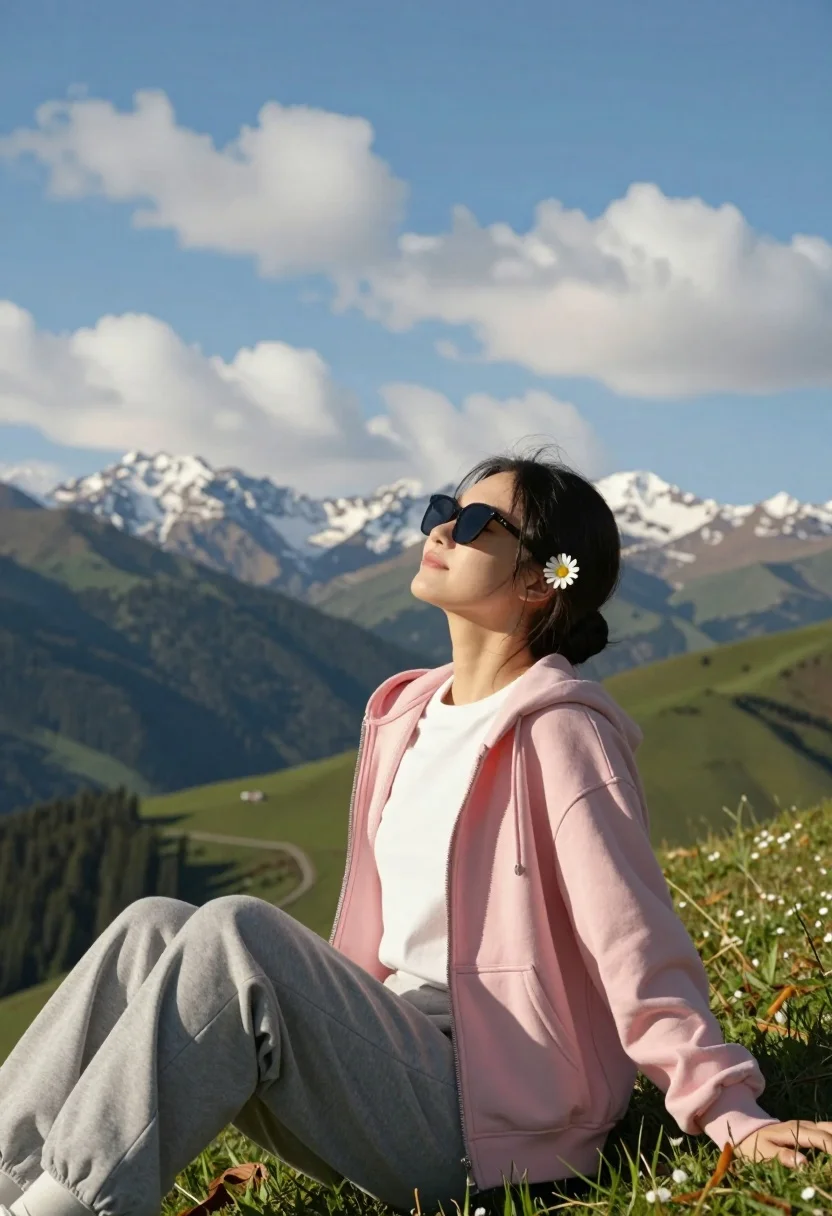
Young woman relaxing on grassy hillside with mountains under blue sky
Prompt
A young woman sits relaxed on a grassy hillside with her eyes closed and head tilted upward, soaking in the sunlight against a backdrop of majestic mountains under a bright blue sky dotted with fluffy white clouds.

Subject: A young woman with dark hair pulled back into a low bun, wearing stylish sunglasses and a small white daisy flower tucked behind her left ear.

Clothing: She wears a soft pink zip-up hoodie over a plain white t-shirt, paired with comfortable grey sweatpants.

Action: Her body is angled slightly to the side in a seated pose, legs bent at the knees, arms resting loosely on her thighs, and her face turned upward toward the sky with a peaceful expression.

Environment: A lush green mountain landscape stretches into the distance, featuring rolling hills, forested slopes, and snow-capped peaks under a vast sky filled with scattered cumulus clouds.

Camera: Shot from a low angle looking up at the subject, emphasizing the grandeur of the mountains behind her, with natural depth of field blurring the distant scenery slightly.

Lighting: Warm golden sunlight bathes the scene from above and to the right, casting gentle shadows and highlighting the contours of her face and clothing while creating a serene, late-afternoon atmosphere.

Style Details: Naturalistic photography with vibrant colors, soft focus in the background, high dynamic range capturing both bright sky and shadowed valleys, evoking a sense of tranquility and connection with nature.
Description
This prompt is useful for creating travel magazine features, lifestyle brand campaigns promoting outdoor wear, and serene personal portrait collections. The combination of 'low angle looking up at the subject' against 'majestic mountains under a bright blue sky' compositionally emphasizes the subject's small scale relative to nature's grandeur, while the 'warm golden sunlight' ensures soft highlights on her hair and clothing without blowing out the details in the distant, 'snow-capped peaks'.
Suggestions
- Change 'soft pink zip-up hoodie' to 'terracotta knit sweater' for an autumnal feel.
- Swap 'fluffy white clouds' for 'dramatic cirrus streaks' to increase sky movement.
- Adjust 'low angle looking up at the subject' to 'eye-level medium shot' for a more intimate portrait.
Category
Tags
Black HairCasual WearFemaleFull BodyLow AngleMountainsNatureOutdoorsPortrait ShotRealistic
Date added
July 3, 2026
Added by
PromptDexter Team
Related Prompts
More prompts with similar categories and tags.
Young woman in black winter coat reaching for snowy mountain peak from
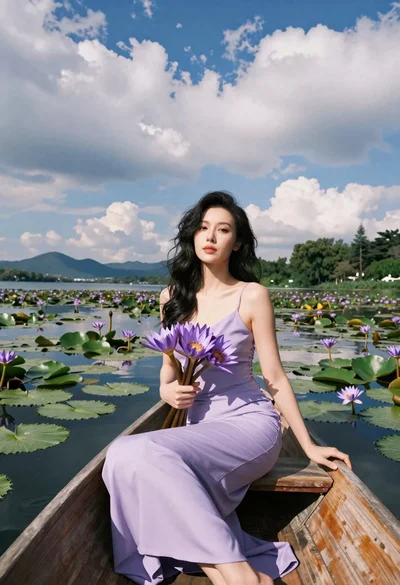
Serene portrait of woman in wooden boat holding purple lilies on lake
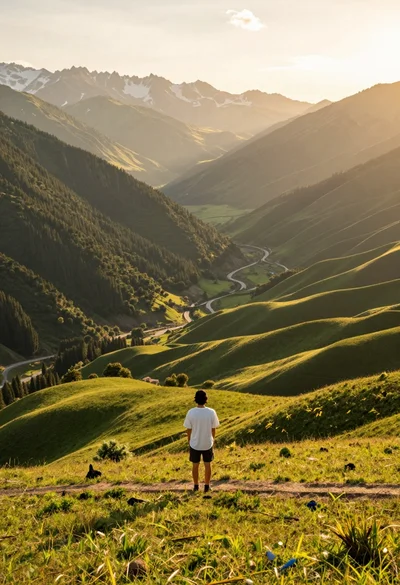
Solitary figure on grassy hill overlooking vast mountain valley at golden hour
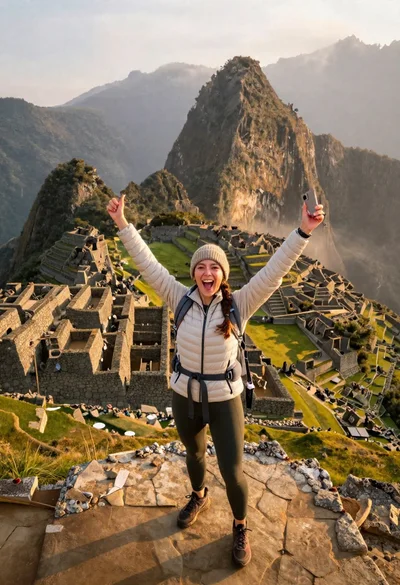
Exhilarated tourist woman at machu picchu summit at dawn
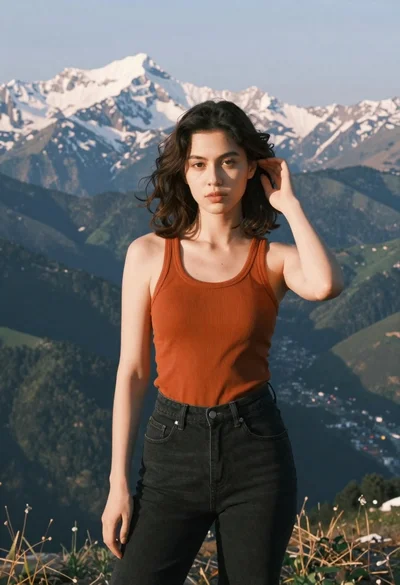
Young woman in orange tank top standing before snow capped mountains
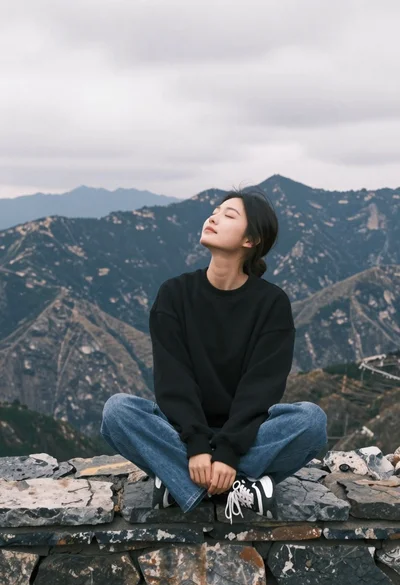
Young woman sitting crosslegged on stone wall with mountains under cloudy sky
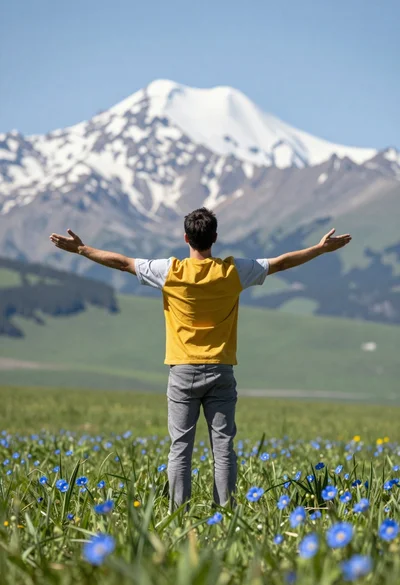
Man standing in green field with outstretched arms facing snow capped mountain
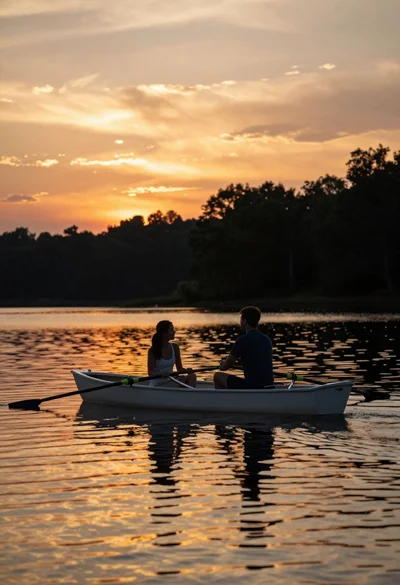
Couple in white rowboat gazing at each other during vibrant sunset over

Two smiling women on wooden stumps in a lush tropical garden overlooking
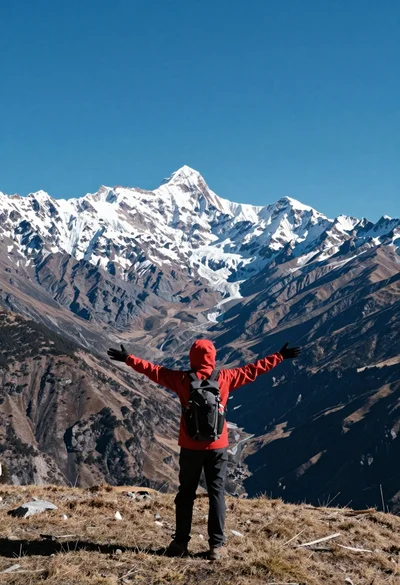
Hiker standing with outstretched arms on grassy ridge facing snowy mountains