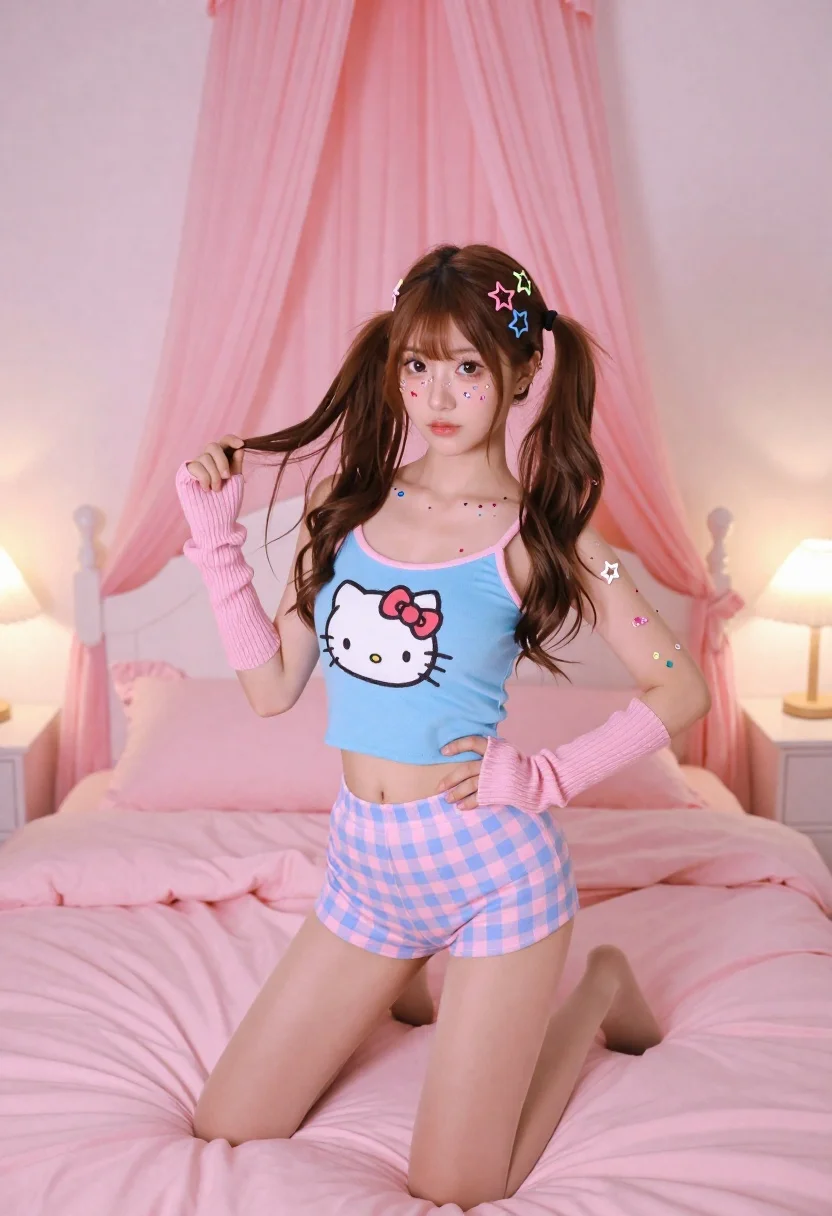
Young woman in blue tank top kneeling on pink bed holding hair
Prompt
A young woman with long brown hair styled in high pigtails adorned with colorful star-shaped clips kneels on a plush pink bed while holding a strand of her hair.

Subject: A young woman with a fair complexion, wearing makeup that includes colorful heart and star stickers on her cheeks and arm, looking directly at the camera with a neutral expression.

Clothing: She wears a light blue cropped tank top featuring a large Hello Kitty graphic, pink ribbed fingerless arm warmers, and pink and blue checkered shorts over sheer nude tights.

Action: The woman is kneeling on the bed with one hand resting on her hip and the other gently pulling at a lock of hair near her face.

Environment: A bedroom setting dominated by soft pink tones, featuring a large bed with fluffy pillows, white nightstands on either side, and sheer pink curtains draped from the ceiling to frame the scene like a canopy.

Lighting: The room is illuminated by warm ambient light coming from two lamps on the bedside tables, creating a soft glow that highlights the pastel colors and adds a cozy atmosphere.

Camera: A medium shot capturing the subject from the knees up with a shallow depth of field that keeps the woman in sharp focus while softly blurring the background details.

Style Details: The image has a polished, high-fashion aesthetic with vibrant yet pastel color grading, smooth skin textures, and a dreamy, romantic mood reminiscent of Y2K pop culture style.
Description
This prompt is useful for creating editorial fashion spreads, themed portrait photography, and nostalgic Y2K concept art. The combination of 'soft pink tones,' 'light blue cropped tank top featuring a large Hello Kitty graphic,' and the 'shallow depth of field' directs attention to the subject while immersing her in a hyper-feminine, deliberately artificial aesthetic that captures pop culture whimsy.
Suggestions
- Change 'Hello Kitty graphic' to 'abstract celestial pattern' for a more mature look.
- Swap 'plush pink bed' for 'velvet chaise lounge' to change the texture.
- Adjust 'warm ambient light' to 'harsh fluorescent lighting' to shift the mood.
Category
Tags
BedroomBrown HairCasual WearFair SkinFemaleHigh AngleIndoorsMedium ShotRealistic
Date added
June 26, 2026
Added by
PromptDexter Team
Related Prompts
More prompts with similar categories and tags.
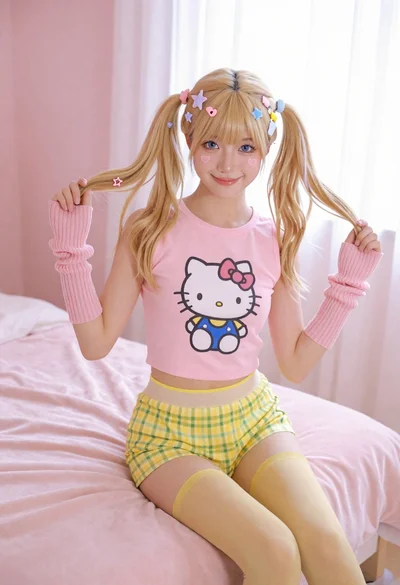
Young woman with blonde pigtails holding hair while sitting on a pink

Fair skinned woman in black sequined outfit sitting elegantly indoors

Stylish young woman in denim shirt holding tablet indoors

Blonde woman in black coat leaning against white wall by window

Blonde woman seated sideways in black mini dress by window
Young blonde woman at wooden table in dimly lit upscale restaurant setting
Fair skinned woman in dark velvet slip dress sitting on hotel bed

Black and white portrait of confident woman in blazer