
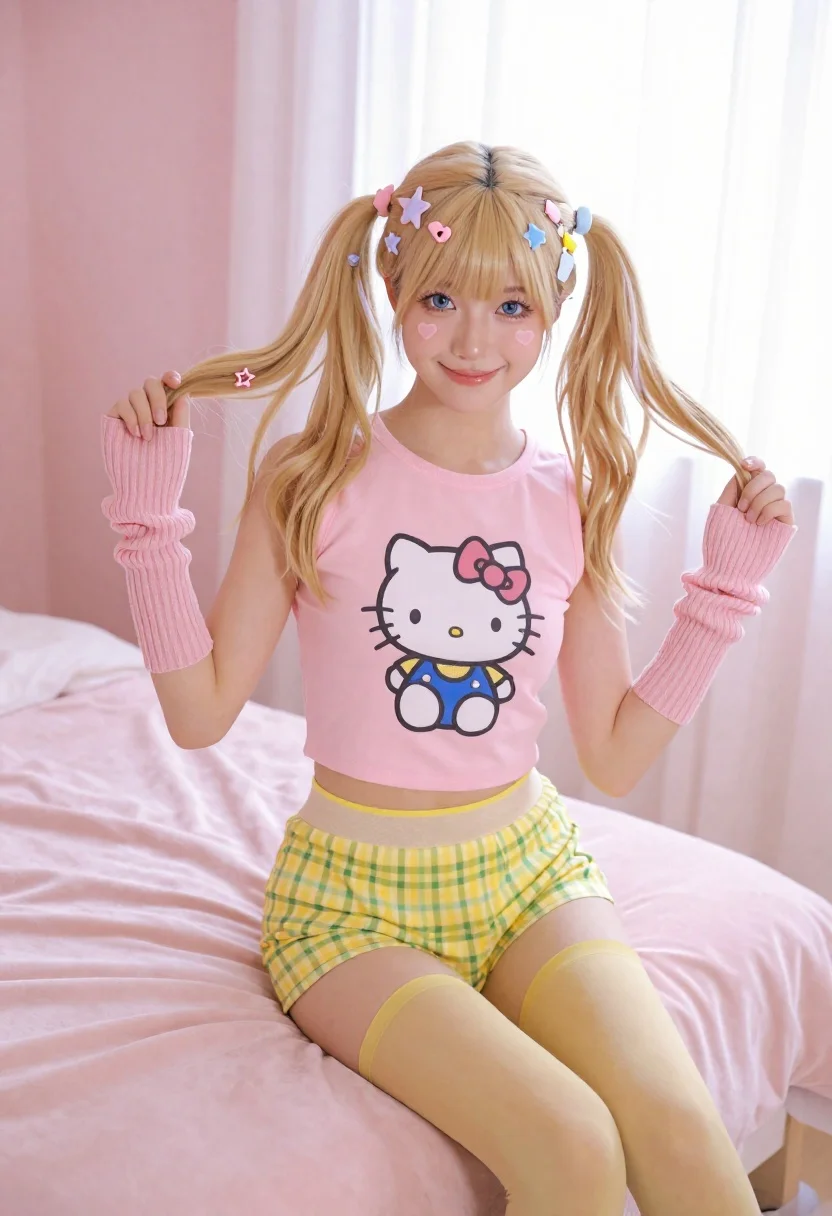
Young woman with blonde pigtails holding hair while sitting on a pink
Prompt
A young woman with blonde hair styled in high pigtails adorned with colorful star and heart-shaped clips sits on the edge of a bed, smiling warmly at the camera while holding her ponytails.

Subject: A young woman with fair skin, blue eyes, and long blonde hair tied into two high pigtails decorated with pastel-colored hair accessories including stars and hearts. She has a small heart drawn on her cheek.

Clothing: She wears a pink sleeveless crop top featuring a large graphic of Hello Kitty sitting down, paired with yellow and green checkered shorts that have a sheer mesh waistband. She is wearing long pink ribbed arm warmers covering her forearms and yellow tights.

Action: The subject is seated on the corner of a bed, leaning slightly forward with both hands gently holding and pulling at her pigtails to frame her face. Her expression is cheerful and engaging with a bright smile.

Environment: The setting is a bedroom bathed in soft pink tones, featuring a plush pink velvet bedspread and headboard. Behind her, sheer curtains filter light from a window, creating a dreamy atmosphere.

Lighting: Soft, diffused natural light streams through the background window, casting gentle highlights on her hair and face while maintaining a low-contrast, airy mood.

Camera: The shot is taken at eye level with a medium framing that captures the subject from the knees up, emphasizing her outfit and pose against the soft-focus background.

Style Details: The image features a pastel color palette dominated by pinks and yellows, rendered in high resolution with smooth textures and a polished commercial photography aesthetic.
Description
This prompt is useful for creating whimsical portraiture, themed birthday shoots, or nostalgic editorial spreads capturing youthful energy. The combination of 'pastel color palette' and 'soft, diffused natural light' ensures that the bright elements like the Hello Kitty top and star clips do not appear harsh against the 'plush pink velvet bedspread', maintaining a cohesive, airy aesthetic suitable for commercial lifestyle branding.
Suggestions
- Change 'Hello Kitty sitting down' to 'vintage cartoon character' for broader appeal.
- Swap 'yellow tights' for 'white sheer socks' to lighten the lower half.
- Adjust 'high pigtails' to 'loose waves' if you want a less structured look.
Category
Tags
BedroomBlondeCasual WearFair SkinFemaleHigh AngleIndoorsMedium ShotRealistic
Date added
June 26, 2026
Added by
PromptDexter Team
Related Prompts
More prompts with similar categories and tags.
Young woman in blue tank top kneeling on pink bed holding hair
Blonde woman in black slip dress reclining on beige sofa indoors
Smiling blonde woman in boutique wearing navy blouse and black skirt
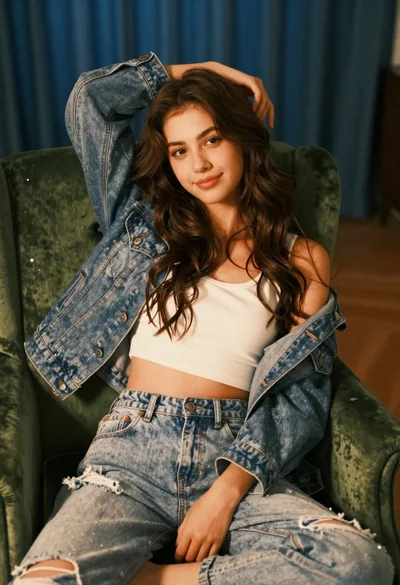
Young woman with brown hair sitting on green velvet chair indoors
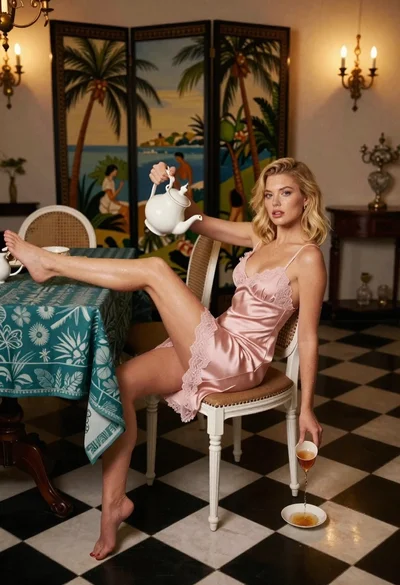
Blonde woman in pink slip dress pouring tea in ornate dining room
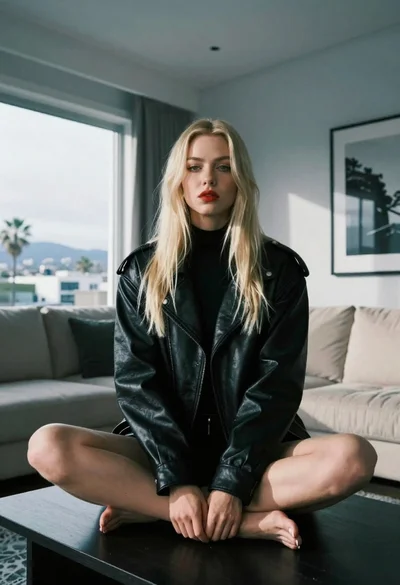
Blonde woman sitting on coffee table in modern living room setting

Blonde woman in black coat leaning against white wall by window

Blonde woman sitting on chair in bright white studio setting
