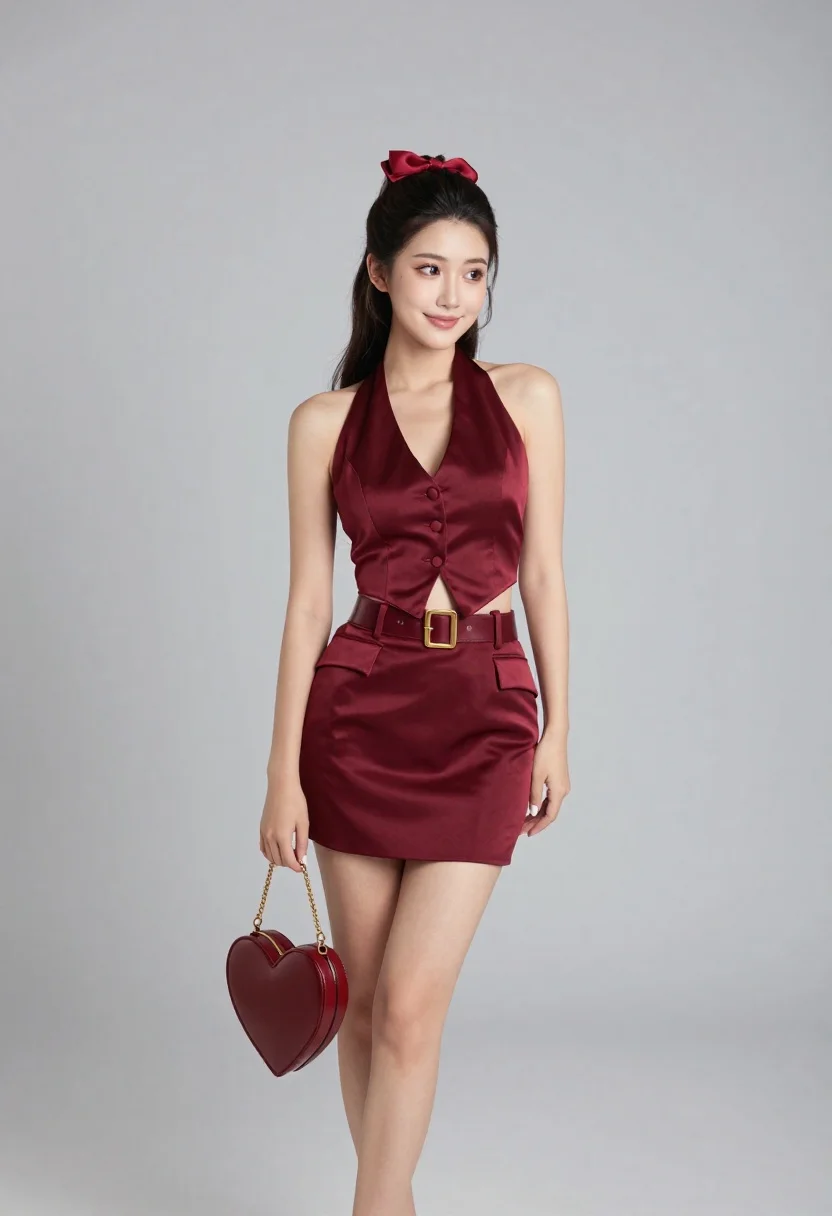
Young woman in burgundy satin outfit holding heart handbag in studio
Prompt
A full-body studio portrait of a young woman with dark hair styled in a high half-up bun with a red bow, smiling gently while looking off to the side.

Subject: A young woman with long dark hair pulled back into a high half-up bun secured with a small red bow, featuring a fair complexion and manicured nails painted white.

Clothing: She wears a matching burgundy two-piece outfit consisting of a satin halter-style vest top with a deep V-neckline, three buttons down the front, and flap pockets, paired with a structured mini skirt cinched at the waist by a wide belt with a large gold buckle.

Action: She stands in a relaxed pose with her weight shifted slightly to one leg, holding a heart-shaped handbag in her right hand while her left arm hangs naturally by her side.

Environment: A plain, seamless light grey studio background that provides a neutral backdrop emphasizing the subject.

Camera: Shot at eye level with a full-length framing that captures the entire figure from head to toe, utilizing a soft depth of field to keep the subject sharp against the blurred background.

Lighting: Soft, diffused studio lighting illuminates the scene evenly from the front and slightly above, creating gentle shadows and highlighting the sheen of the satin fabric without harsh contrast.

Objects: She carries a glossy burgundy heart-shaped handbag with a gold chain strap and a small logo plaque on the front.

Style Details: High-fashion editorial photography style with clean lines, polished composition, and a focus on elegant textures and color coordination.
Description
This prompt is useful for creating high-end fashion lookbooks, character concept art for magazines, and e-commerce catalog shots requiring consistent branding. The combination of 'soft, diffused studio lighting' and the 'plain, seamless light grey studio background' ensures that the rich texture of the 'burgundy satin' remains the primary focus without distracting environmental elements or harsh shadows.
Suggestions
- Change 'heart-shaped handbag' to 'structured clutch bag' for a more mature feel.
- Swap 'satin halter-style vest top' for 'velvet crop top' to change the material sheen.
- Adjust 'soft depth of field' to 'shallow depth of field' for increased background separation.
Category
Tags
Casual WearFair SkinFemaleFull BodyOutdoorsPortrait ShotRealisticStudio
Date added
June 23, 2026
Added by
PromptDexter Team
Related Prompts
More prompts with similar categories and tags.

Blonde woman posing in black lingerie against pink purple gradient studio backdrop

Blonde woman in black gown seated on white stool in bright room
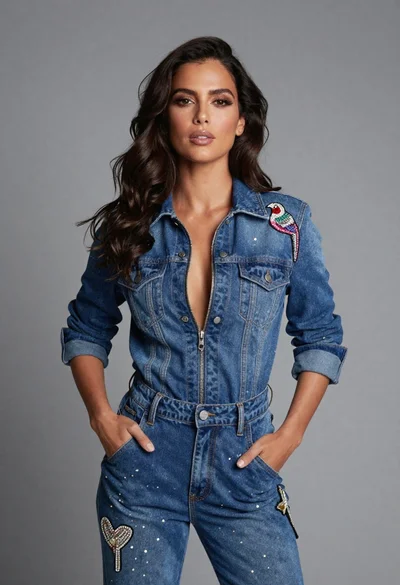
Confident woman in embellished denim jumpsuit against a gray studio backdrop
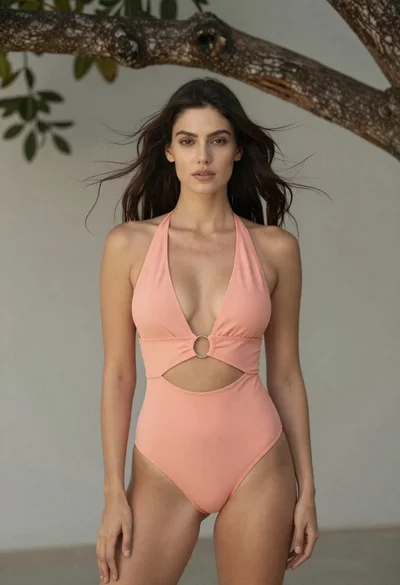
Woman in peach swimsuit standing under large tree branch against soft background
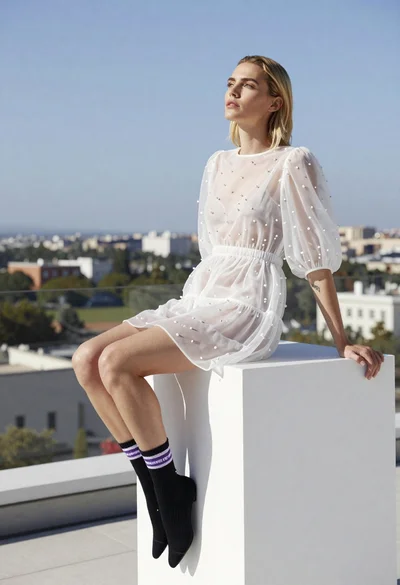
Blonde woman in white embroidered mini dress on rooftop overlooking city

Glamorous woman posing in shimmering two piece outfit against green backdrop
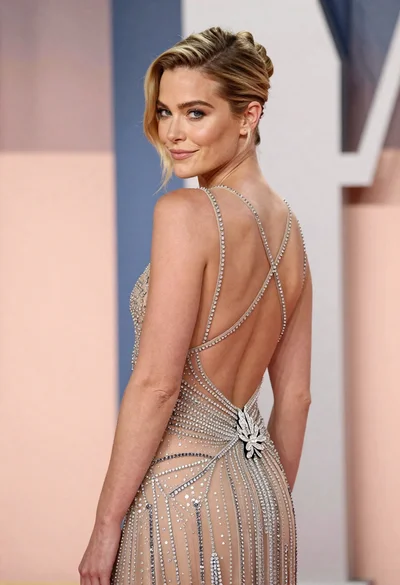
Woman in sheer crystal gown looking over shoulder at event backdrop

Young woman sitting among colorful clothes in minimalist studio setting