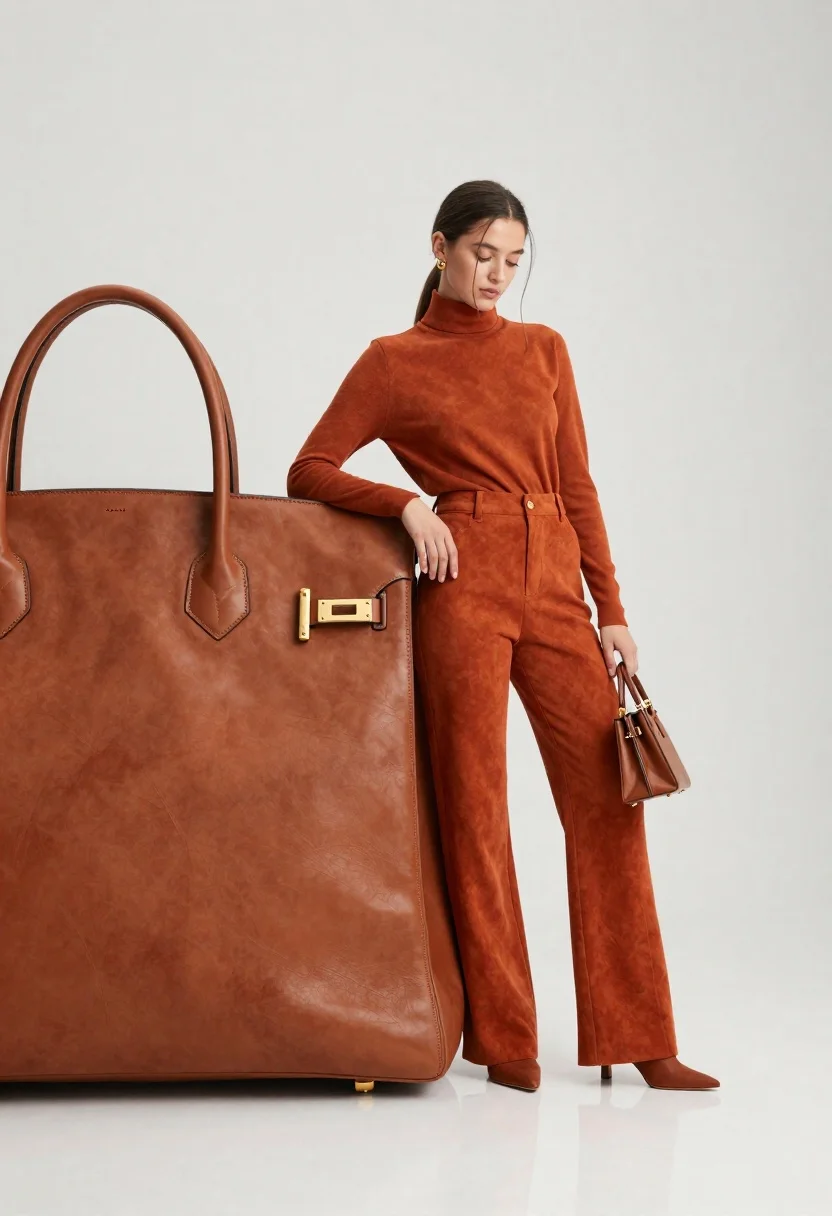
Young woman in burnt orange outfit holding miniature bag near large leather
Prompt
A woman in a monochromatic burnt-orange outfit leans against a massive leather handbag while holding a miniature version of the same bag.

Subject: A young woman with dark hair pulled back and loose strands framing her face, featuring a slender build and a contemplative expression.

Clothing: She wears a matching two-piece set consisting of a long-sleeved turtleneck top and high-waisted wide-leg trousers made from a suede-like fabric in a deep burnt-orange hue.

Action: She stands with one hand resting on the large bag and the other holding a tiny purse, her head tilted slightly downward with a soft gaze directed away from the camera.

Environment: A minimalist white studio setting with a seamless background and a reflective white floor that mirrors the subject's boots and the base of the large bag.

Camera: Shot with a medium telephoto lens to compress the space between the giant prop and the model, utilizing a low angle to emphasize the scale of the handbag.

Lighting: Soft, diffused studio lighting creates gentle shadows and highlights the texture of the leather and fabric without harsh contrast.

Objects: A massive brown leather handbag with gold-tone hardware dominates the left foreground, while the woman holds a miniature replica of the same bag in her left hand.

Style Details: High-fashion commercial photography with a clean, polished aesthetic emphasizing luxury textures and color coordination.
Description
This prompt is useful for creating high-end product catalog shots, editorial fashion spreads focusing on accessories, and brand campaign imagery that emphasizes material synergy. The combination of 'soft, diffused studio lighting' with the 'reflective white floor' ensures that the rich texture of the suede-like fabric and the leather are visible without harsh glare, which is crucial for showcasing luxury goods in a clean environment.
Suggestions
- Change 'burnt-orange outfit' to 'terracotta monochromatic set' for a warmer tone.
- Swap 'massive brown leather handbag' for 'vintage oxblood leather trunk' to change the prop scale.
- Add 'shallow depth of field' to further isolate the model and bags.
Category
Tags
Casual WearFemaleFull BodyLow AngleMedium ShotOutdoorsRealisticStudio
Date added
June 26, 2026
Added by
PromptDexter Team
Related Prompts
More prompts with similar categories and tags.
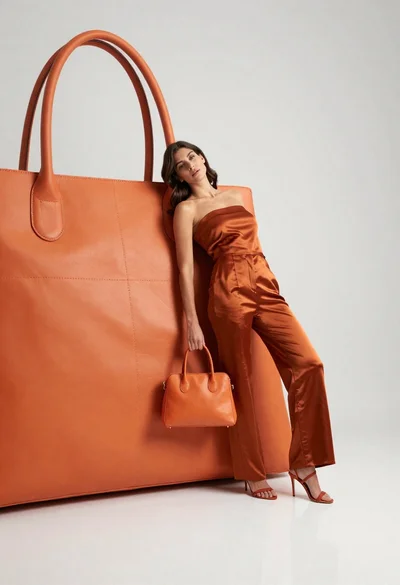
Woman in rust orange satin jumpsuit leaning against large leather handbag

Young woman in pink jacket leaning toward perfume bottle indoors
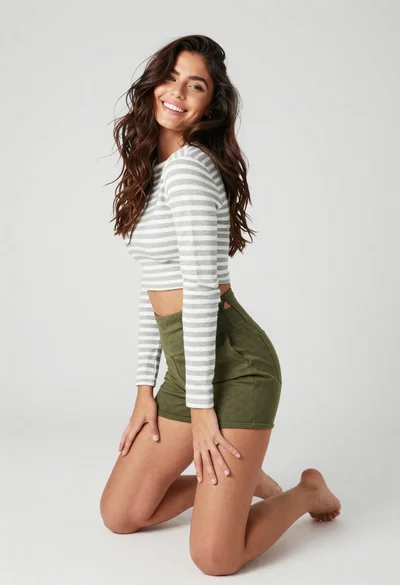
Smiling woman kneeling in striped crop top against white studio background
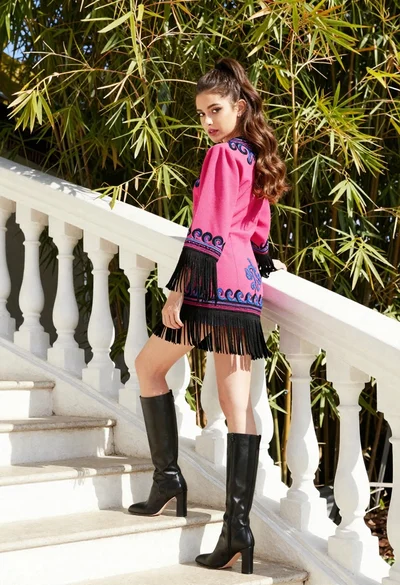
Young woman in pink embroidered dress on white stone staircase outdoors
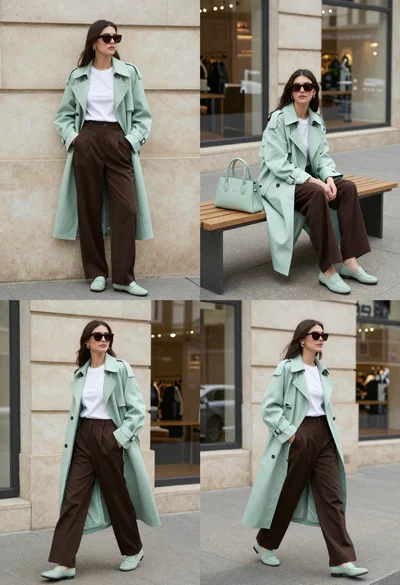
Woman modeling mint coat and brown trousers in city
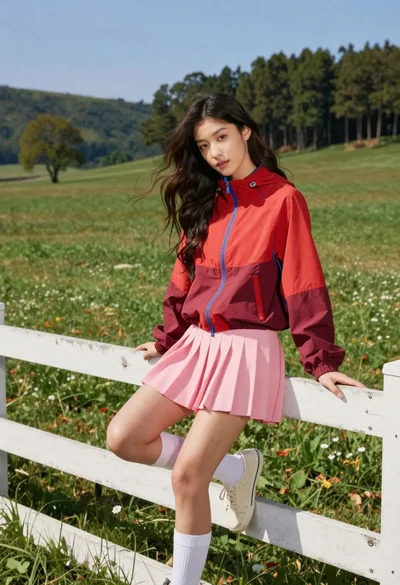
Young woman in red jacket on white fence in green meadow

Model walking down rainy city street at night
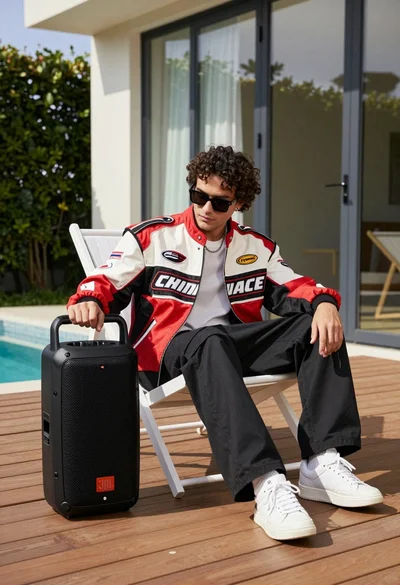
Man in racing jacket sitting on lounge chair near black portable speaker
