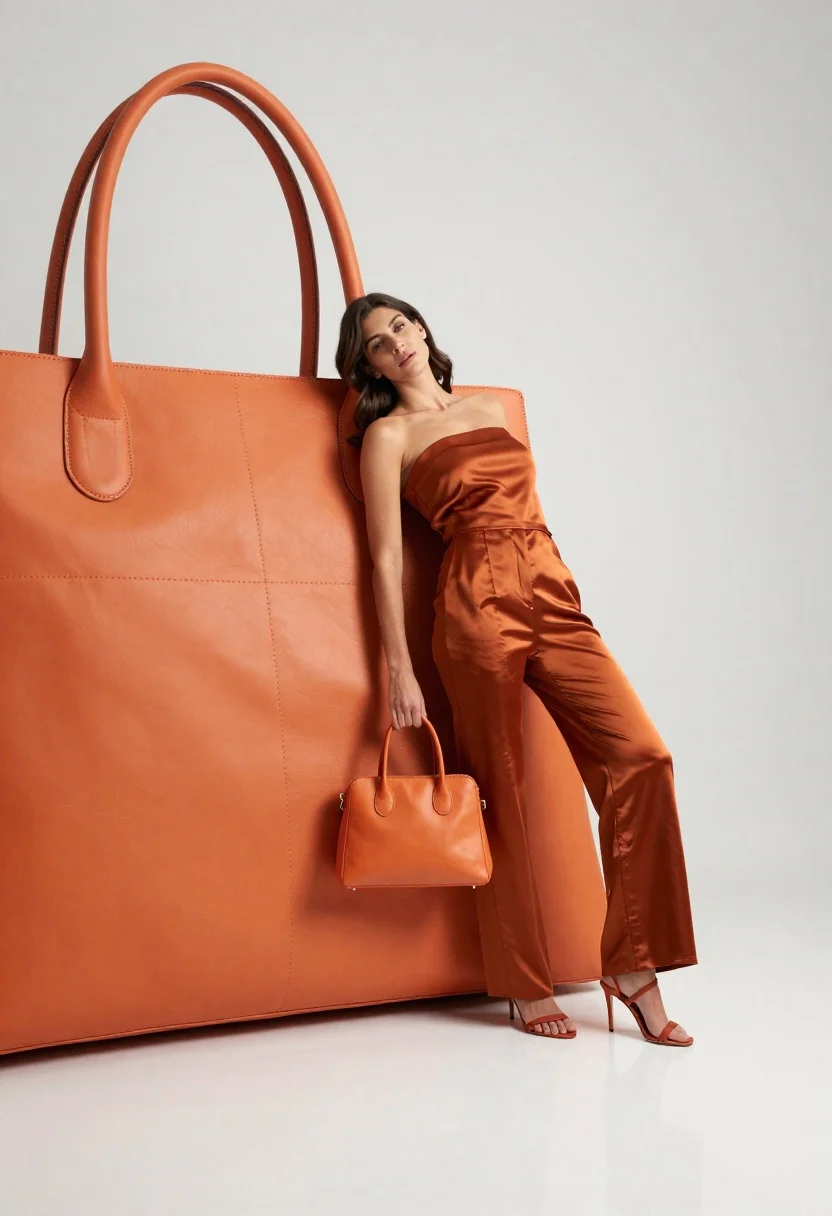
Woman in rust orange satin jumpsuit leaning against large leather handbag
Prompt
A woman leans casually against a massive orange leather handbag while holding a miniature version of the same bag in her other hand.

Subject: A woman with dark hair styled in loose waves and a neutral expression.

Clothing: She wears a matching rust-orange satin jumpsuit featuring a strapless bodice, wide-leg trousers, and strappy high-heeled sandals.

Action: The subject leans back against the large bag with her head tilted slightly downward, looking away from the camera.

Environment: A minimalist studio setting with a seamless white background and a glossy white floor that reflects the subjects.

Camera: Shot with a medium telephoto lens to compress the distance between the giant prop and the model, utilizing a low angle to emphasize the scale of the bag.

Lighting: Soft, diffused studio lighting creates gentle shadows and highlights the texture of the leather and satin fabrics without harsh contrast.

Objects: A large orange leather handbag with prominent stitching and hardware dominates the left side of the frame, while a small matching purse is held in the woman's hand.

Style Details: High-fashion editorial aesthetic with clean lines, vibrant monochromatic color palette, and sharp focus on textures.
Description
This prompt is useful for creating high-end product catalog images, fashion lookbooks focusing on accessories, and editorial spreads emphasizing scale contrast. The combination of 'low angle' perspective with the massive handbag dominating the frame achieves a dramatic emphasis on the prop's size relative to the model, while the 'soft, diffused studio lighting' ensures that both the 'rust-orange satin jumpsuit' sheen and the leather texture are visible without harsh specular highlights.
Suggestions
- Change 'seamless white background' to 'polished concrete floor' for an industrial edge.
- Swap 'medium telephoto lens' for '85mm portrait lens' to tighten focus on the model.
- Adjust 'rust-orange satin jumpsuit' to 'deep terracotta crepe' for a more muted tone.
Category
Tags
FemaleFull BodyLow AngleMedium ShotRealisticStudio
Date added
June 26, 2026
Added by
PromptDexter Team
Related Prompts
More prompts with similar categories and tags.
Woman in pink knit beanie midair acrobatic pose

Young woman in pink jacket leaning toward perfume bottle indoors
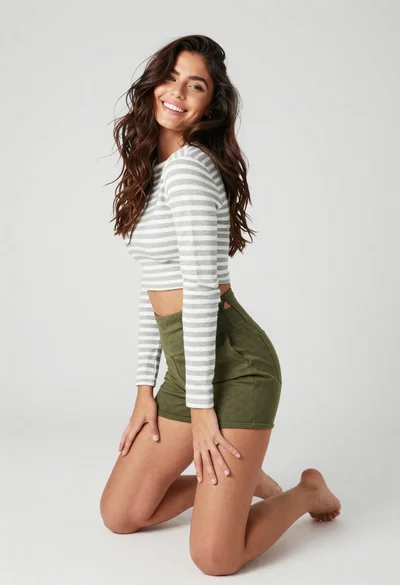
Smiling woman kneeling in striped crop top against white studio background
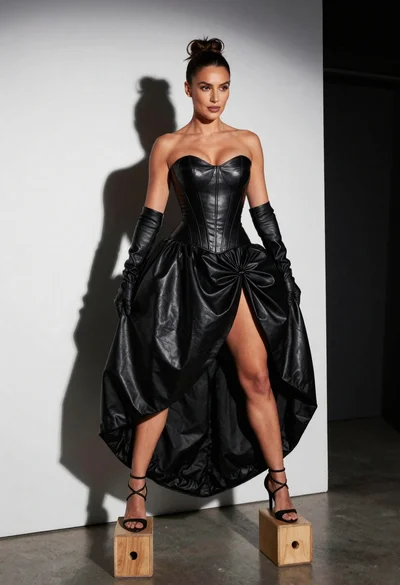
Fashion portrait of woman in black leather dress studio setting
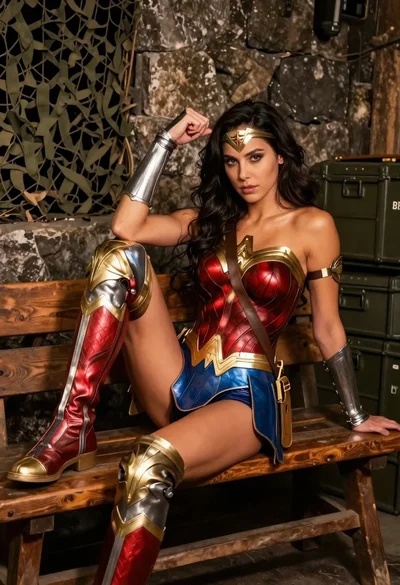
Wonder woman in armor sitting provocatively in a rustic stone room

Blonde woman in black lace lingerie posing with vintage telephone
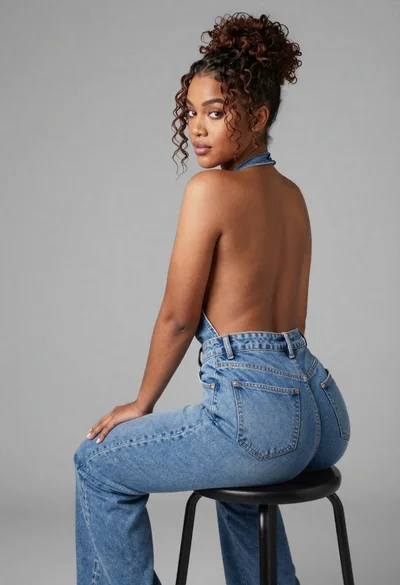
Young woman in blue denim jumpsuit sitting on stool in studio

Woman leaning on silver sports car in showroom