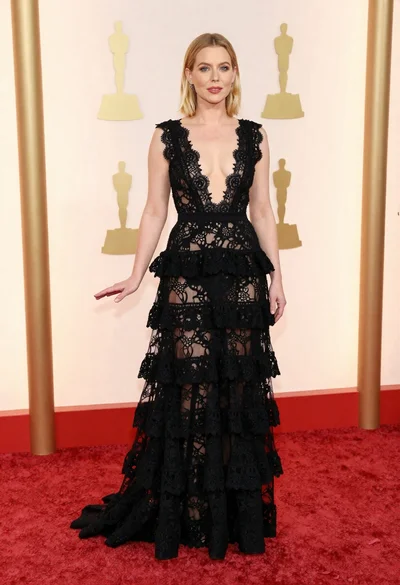
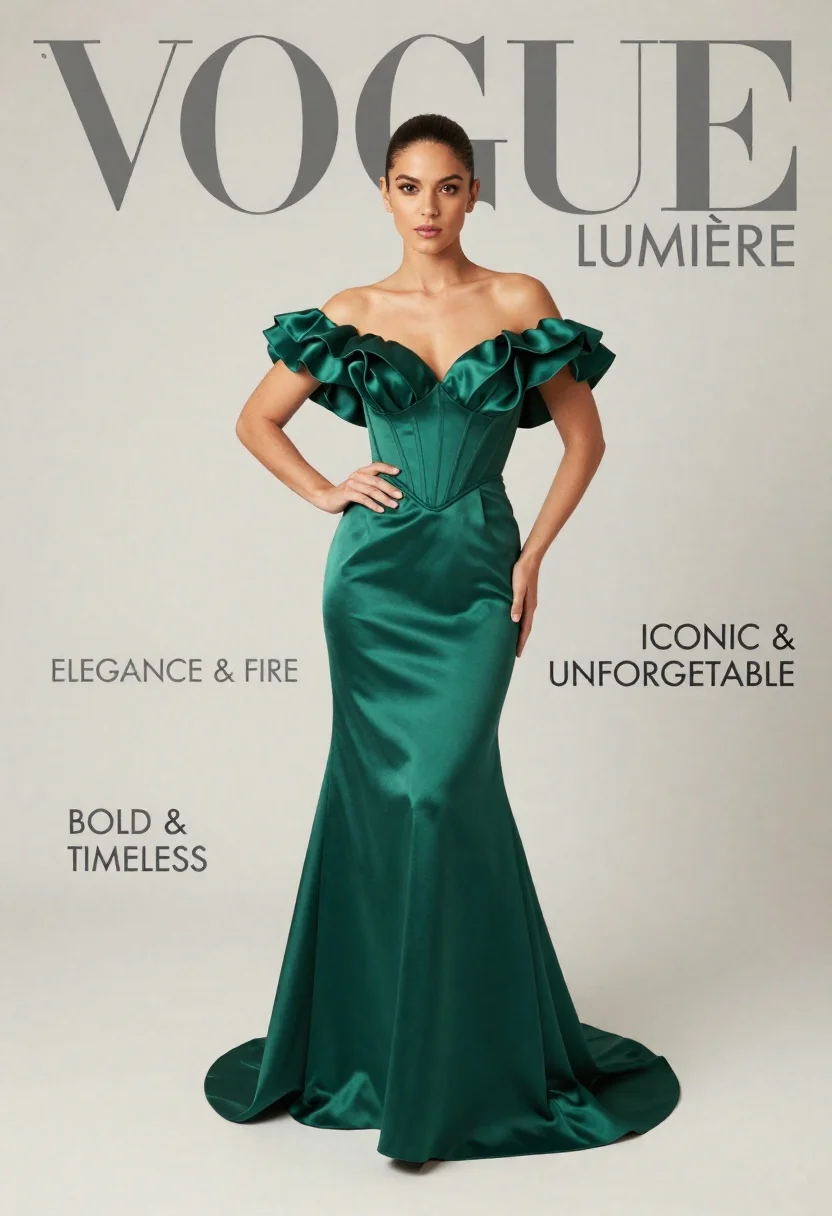
Young woman in emerald green satin gown posing for fashion magazine
Prompt
A full-length portrait of a woman standing confidently in a studio setting against a plain off-white background.

Subject: A young woman with dark hair pulled back, featuring a high forehead and a direct, serious gaze toward the camera.

Clothing: She wears an elegant, floor-length emerald green gown made of lustrous satin fabric. The dress features a deep plunging sweetheart neckline, structured corset-style bodice, and dramatic off-the-shoulder sleeves with voluminous ruffles.

Action: She stands with her left hand on her hip and her right hand resting gently near her waist, exuding poise and confidence.

Environment: A minimalist studio environment with a seamless, light-colored backdrop that emphasizes the subject.

Camera: Shot from a straight-on eye-level angle with a full-body composition that captures the entire length of the dress and its train.

Lighting: Soft, diffused studio lighting illuminates the scene evenly, creating gentle highlights on the satin fabric and soft shadows that define the dress's silhouette without harsh contrast.

Text/Graphics: Large grey serif typography reading "VOGUE LUMIÈRE" at the top, with smaller text blocks on the left and right sides reading "ELEGANCE & FIRE," "BOLD & TIMELESS," and "ICONIC & UNFORGETTABLE."

Style Details: High-fashion editorial aesthetic reminiscent of a Vogue magazine cover, characterized by clean lines, sophisticated color grading, and a polished, high-resolution finish.
Description
This prompt is useful for creating high-end fashion editorials, concept album artwork featuring dramatic portraits, and luxury brand advertising campaigns. The combination of 'lustrous satin fabric' against the 'plain off-white background' ensures that the rich emerald green color dominates while the 'soft, diffused studio lighting' sculpts the gown’s voluminous ruffles without introducing distracting specular highlights.
Suggestions
- Change 'emerald green' to 'sapphire blue' for a cooler tone.
- Replace 'VOGUE LUMIÈRE' with a specific brand name like 'DIOR PARIS'.
- Adjust 'straight-on eye-level angle' to 'low angle shot' to make the subject appear more imposing.
Category
Tags
Black HairFair SkinFemaleFull BodyPortrait ShotRealisticStudio
Date added
June 21, 2026
Added by
PromptDexter Team
Related Prompts
More prompts with similar categories and tags.
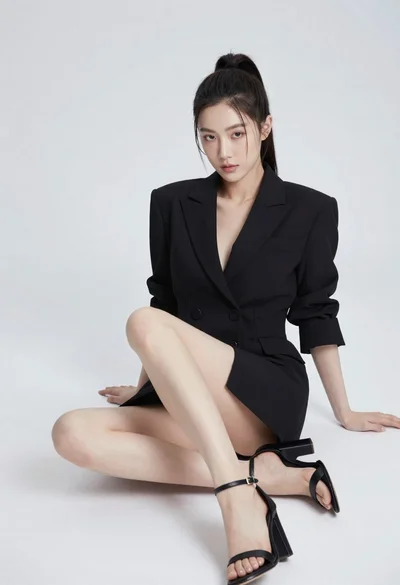
Young woman in black blazer dress sitting on white floor in studio
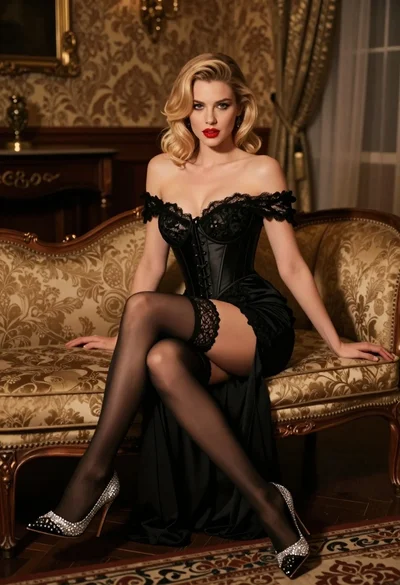
Glamorous blonde woman in black lace gown seated on vintage chaise lounge
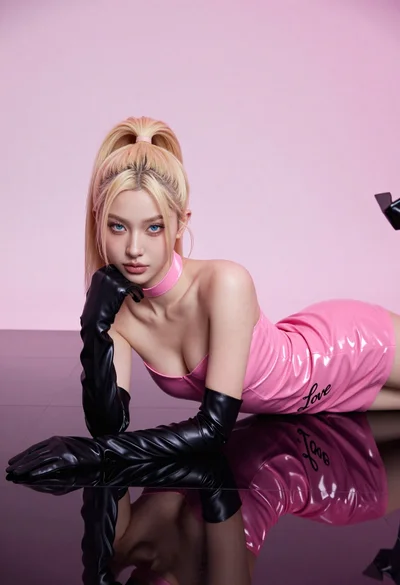
Fair blonde woman in hot pink latex dress on reflective black studio
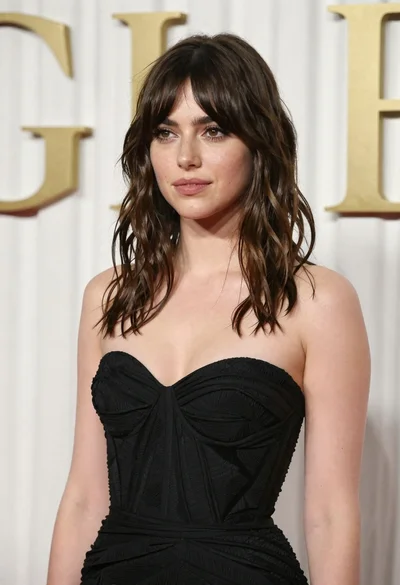
Young woman in black gown against white curtain backdrop studio portrait

Young woman in silver sequin top and lace dress against beige wall

Blonde woman looking back over shoulder against white wall
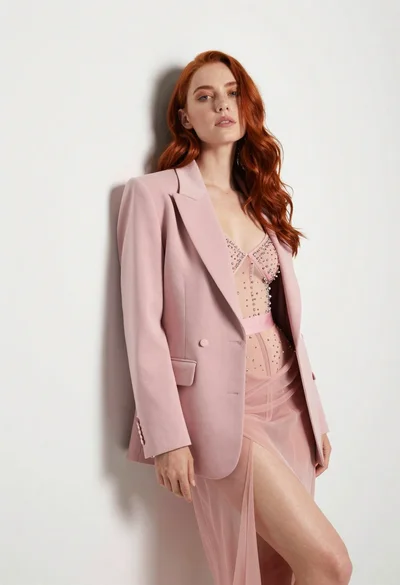
Woman with red hair leaning against white wall in studio setting

Blonde woman sitting on chair in bright white studio setting
