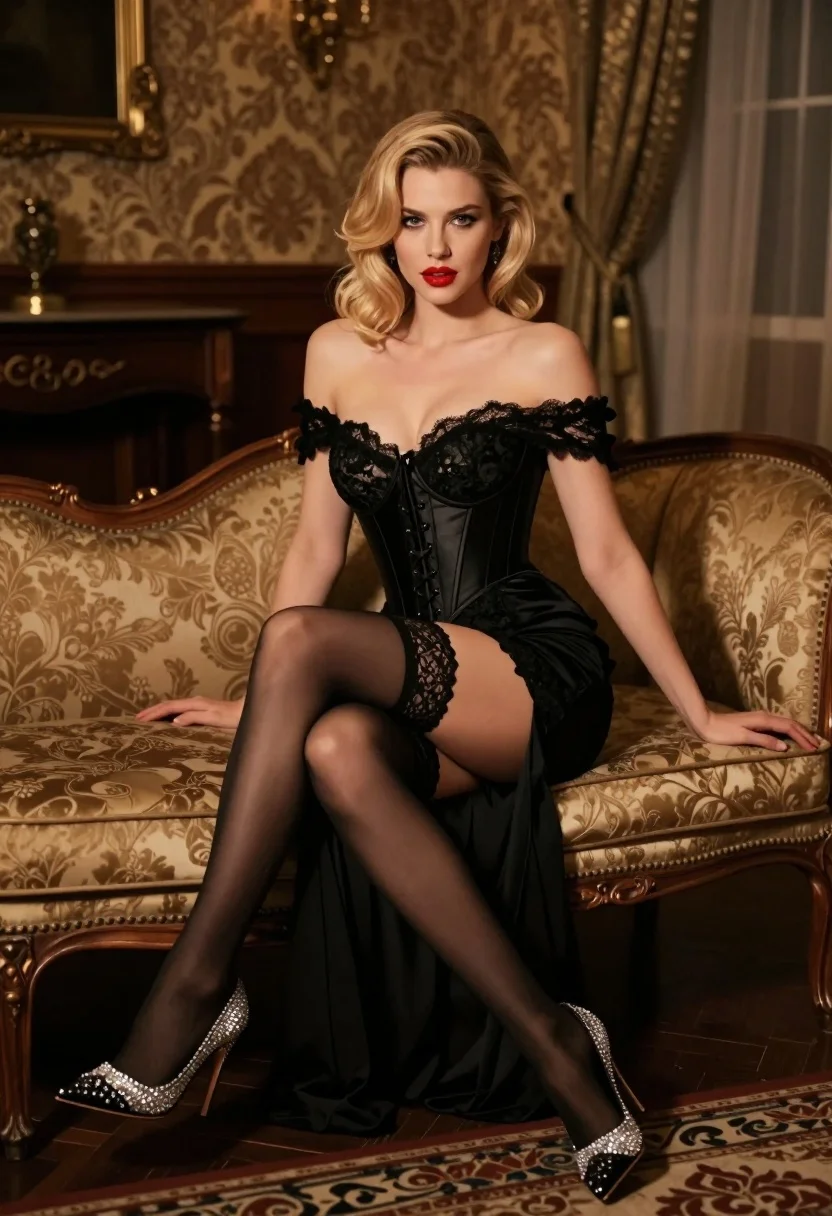
Glamorous blonde woman in black lace gown seated on vintage chaise lounge
Prompt
A glamorous woman sits elegantly on a vintage chaise lounge in a dimly lit, opulent room.

Subject: A beautiful woman with blonde hair styled in soft waves, featuring fair skin and striking red lipstick.

Clothing: She wears a sophisticated black off-the-shoulder lace gown with a corset-style bodice and a long train, paired with sheer black stockings held up by lace garters and high-heeled shoes adorned with sparkling rhinestones.

Action: She is seated in a relaxed yet poised pose, leaning back against the chaise lounge with one leg crossed over the other, looking directly at the camera with a confident expression.

Environment: The setting is an elegant interior featuring dark wood furniture, patterned wallpaper, and heavy curtains that suggest a luxurious, classic atmosphere.

Camera: Shot from a slightly low angle to emphasize her silhouette, utilizing a shallow depth of field that keeps the subject sharp while softly blurring the background details.

Lighting: Warm, cinematic lighting highlights her skin and the texture of the dress, creating soft shadows and a moody, intimate ambiance.

Style Details: High-fashion photography style with rich textures, elegant composition, and a focus on luxury and glamour.
Description
This prompt is useful for creating high-end editorial fashion spreads, character portraits for period dramas, and luxury brand advertising campaigns. The combination of 'dimly lit, opulent room' with 'warm, cinematic lighting' ensures that the deep shadows accentuate the texture of the 'black off-the-shoulder lace gown,' while the 'slightly low angle' composition forces the viewer to appreciate the subject's dramatic silhouette.
Suggestions
- Change 'vintage chaise lounge' to 'velvet fainting couch' for a different material feel.
- Swap 'striking red lipstick' for 'deep burgundy lipstick' to match the moodier tones.
- Add 'chiaroscuro lighting' to intensify the contrast between light and shadow.
Category
Tags
Black HairBlondeFair SkinFemaleFormal WearFull BodyIndoorsLow AnglePortrait ShotRealisticStudio
Date added
July 3, 2026
Added by
PromptDexter Team
Related Prompts
More prompts with similar categories and tags.
Smiling blonde woman in black dress at sports illustrated event backdrop
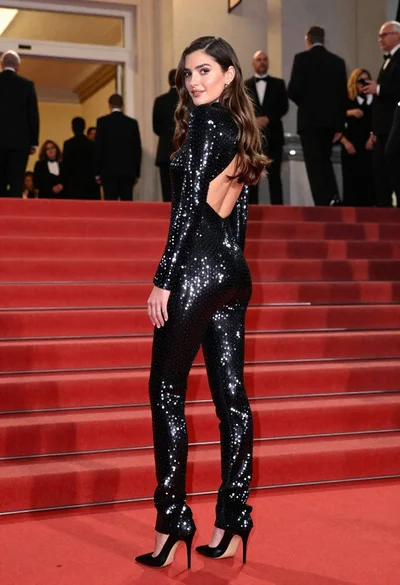
Glamorous woman in sequined jumpsuit on grand red carpet staircase
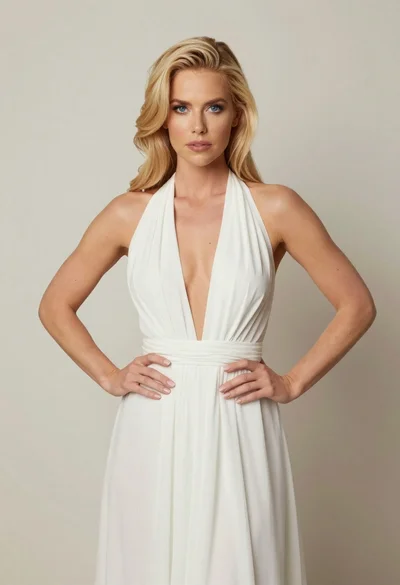
Blonde woman in white halter gown standing against a neutral studio wall

Full length shot of woman in dusty pink lace gown at indoor

Blonde woman seated sideways in black mini dress by window
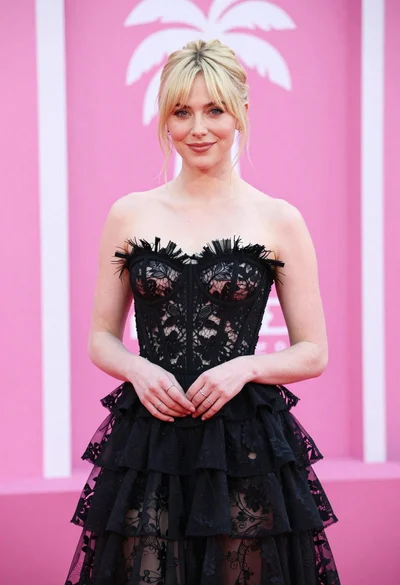
Blonde woman in black lace gown against a vibrant pink striped backdrop
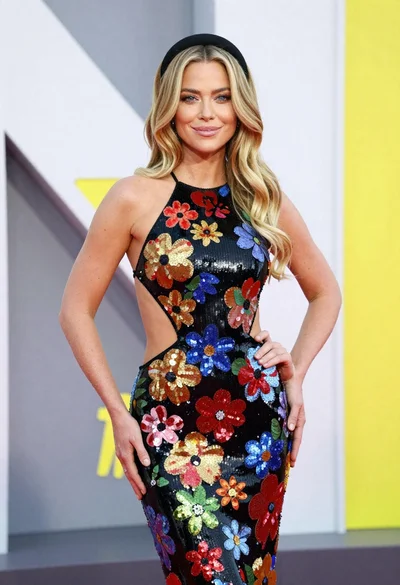
Glamorous blonde woman in sequined gown posing at an event
Woman in deep red satin gown standing on blue carpet at an
Poised woman in black dress sitting on brown sofa overlooking city
Young woman in black blazer dress sitting on white floor in studio