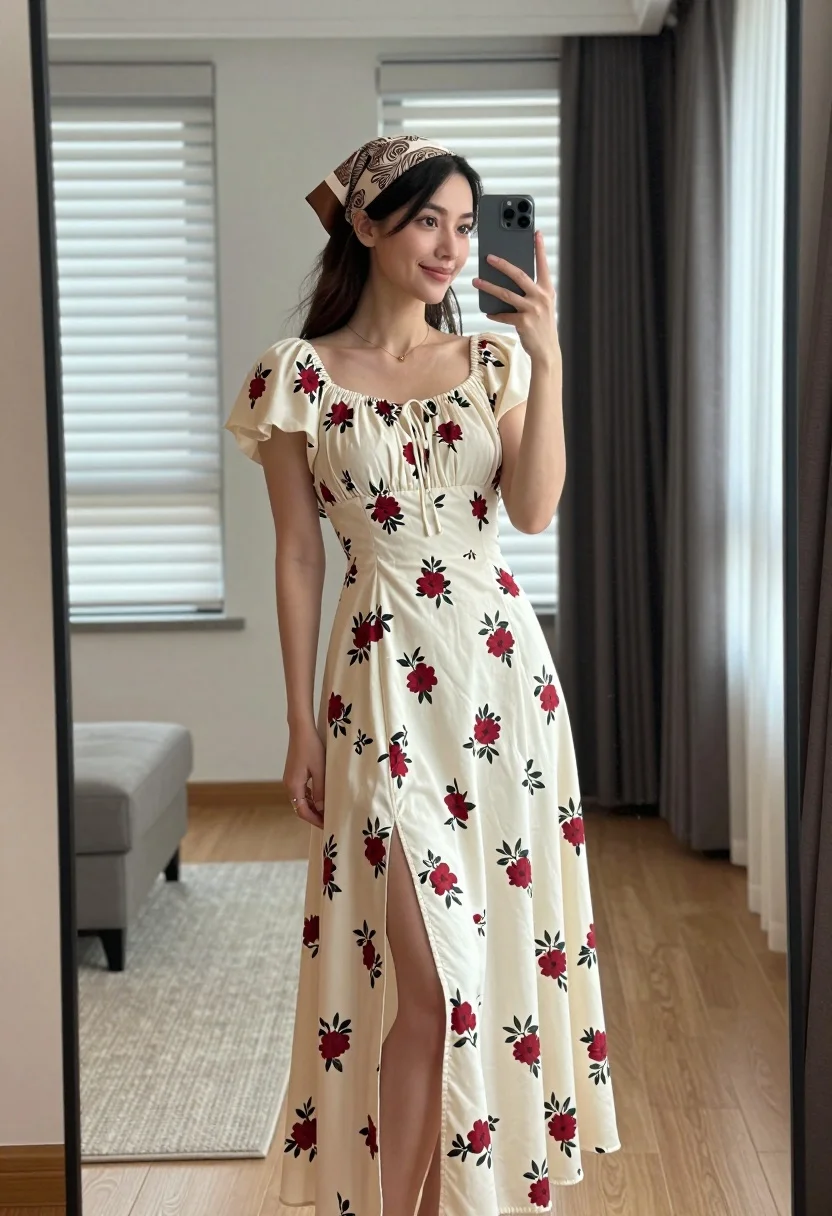
Young woman in floral dress taking mirror selfie indoors with natural light
Prompt
A young woman with long dark hair stands in a full-length mirror selfie, holding a smartphone to capture her reflection while wearing a cream-colored floral dress and a patterned headscarf.

Subject: A young woman with long dark hair, fair skin, and a gentle smile looking slightly to the side. She wears a brown and beige paisley-patterned headscarf tied around her head.

Clothing: She is wearing a long, cream-colored midi dress featuring a red floral print. The dress has puffed short sleeves, a square neckline with a gathered detail at the bust, and a high slit on the left side of the skirt. A delicate gold necklace rests on her collarbone.

Action: She holds a grey smartphone in her right hand up to the mirror to take a photo. Her left arm hangs relaxed by her side.

Environment: The setting is a modern interior room with light wood flooring and a beige rug. Behind her, there are two windows with white horizontal blinds letting in daylight, and dark curtains hang on the right. A grey ottoman sits on the floor to the left.

Camera: The shot is a vertical mirror reflection framed by the black edges of the mirror, capturing the subject from head to toe.

Lighting: Soft natural light filters through the windows, creating a bright and airy atmosphere with gentle shadows.

Style Details: The image has a clean, high-resolution aesthetic typical of modern social media photography, emphasizing fashion and lifestyle.
Description
This prompt is useful for creating casual Instagram outfit posts, virtual try-on lookbooks, and personal style blogs featuring at-home moments. The combination of 'soft natural light' filtering through the windows and the 'full-length mirror reflection' ensures that the visible details of the 'cream-colored floral dress' are captured with an airy quality, preventing harsh shadows that would detract from a lifestyle aesthetic.
Suggestions
- Change 'red floral print' to 'blue watercolor floral print' for a different color story.
- Swap 'grey smartphone' for 'vintage film camera' to change the prop focus.
- Adjust 'beige rug' to 'distressed jute rug' for more texture.
Category
Tags
Brown HairCasual WearFair SkinFemaleFull BodyIndoorsPortrait ShotRealisticSelfie
Date added
August 5, 2026
Added by
PromptDexter Team
Related Prompts
More prompts with similar categories and tags.

Blonde woman taking a mirror selfie in black dress indoors
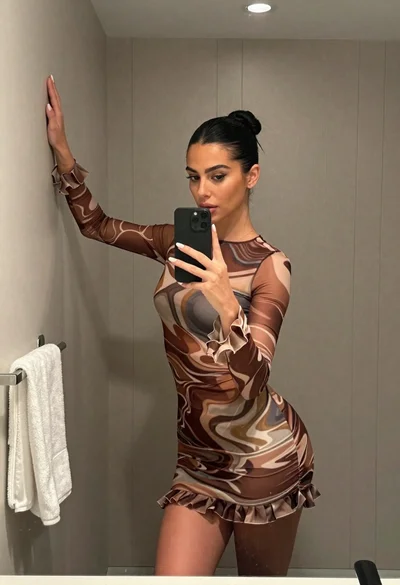
Woman taking mirror selfie in bathroom wearing marble patterned mini dress
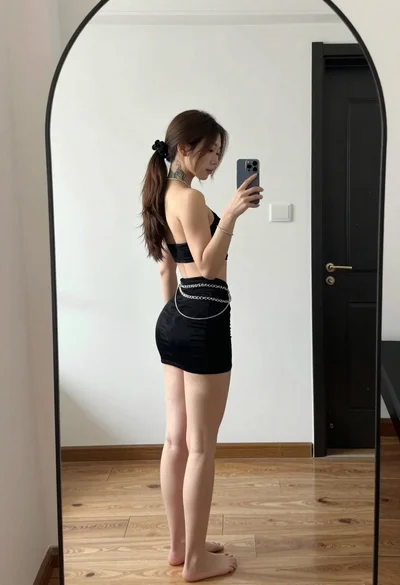
Young woman in black outfit taking mirror selfie in indoor room
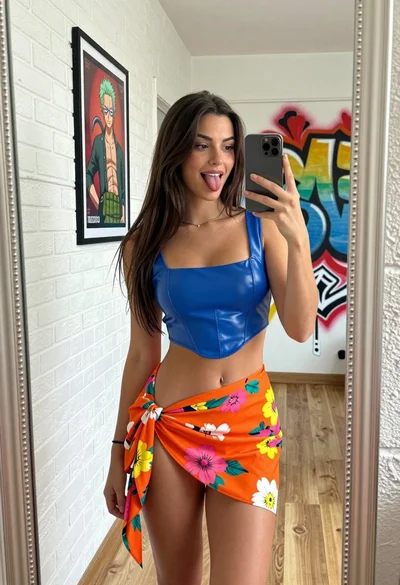
Young woman taking a playful mirror selfie in a decorated room

Young woman in santa costume taking mirror selfie in beige bedroom

Blonde woman taking mirror selfie on beige carpet near anime display
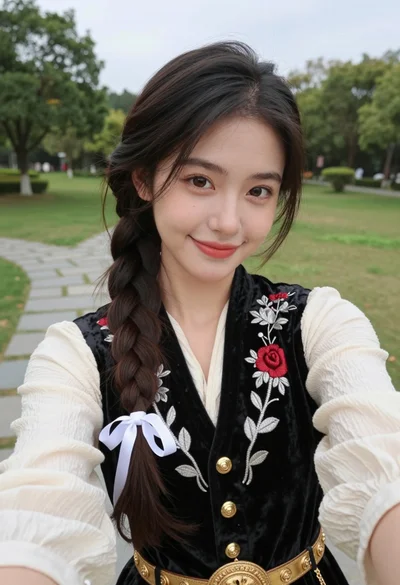
Young woman in embroidered vest taking a selfie in a grassy park
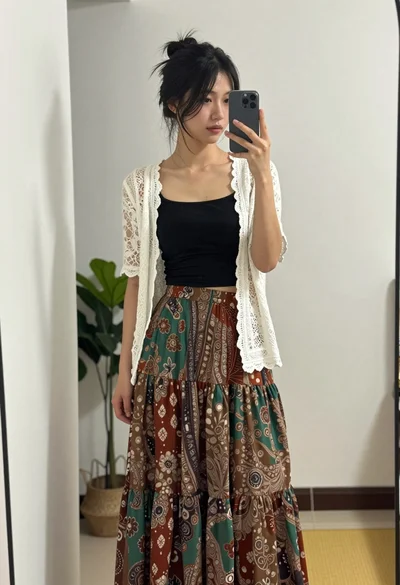
Young woman taking mirror selfie in black crop top and patterned maxi

Woman in black dress posing with finger on lips
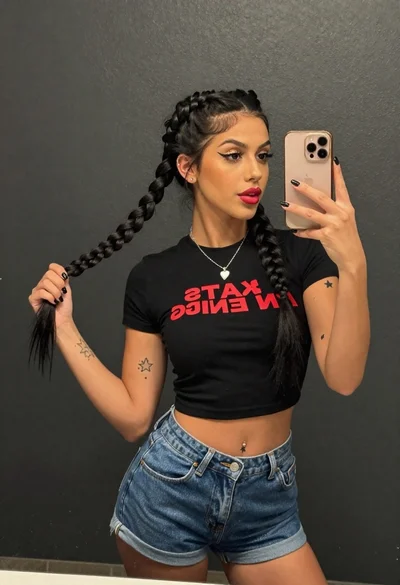
Young woman taking a mirror selfie against a dark textured wall