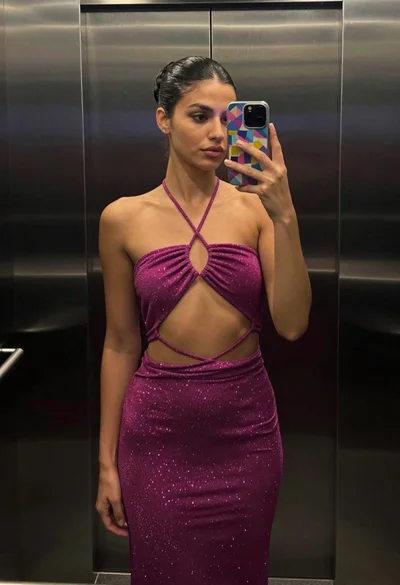

Glamorous woman taking mirror selfie in sheer sequined top
Prompt
A glamorous woman taking a mirror selfie with a smartphone.

Subject: A young woman with long, straight brown hair featuring soft bangs and a small beauty mark on her left cheek. She has a fair complexion, defined eyebrows, subtle eye makeup with winged liner, and glossy nude lips. Her expression is calm and direct as she looks into the mirror reflection.

Clothing: She wears an elaborate, high-neck sheer top heavily embellished with intricate patterns of gold, silver, and black sequins and beads. The garment features a matching jeweled choker necklace that sits high on her neck. A large diamond ring adorns her finger.

Action: She holds a black smartphone in her left hand to capture the mirror selfie, tilting it slightly towards the camera lens. Her right shoulder is bare due to the sheer fabric of the top.

Environment: The background consists of soft, vertical beige or cream-colored curtains that fill the frame behind her.

Camera: A close-up shot taken from a mirror reflection, capturing the subject from the chest up with a shallow depth of field that keeps the face and sequined clothing in sharp focus while blurring the curtain background slightly.

Lighting: Soft, warm indoor lighting illuminates her face evenly, creating gentle highlights on her skin and causing the metallic sequins on her outfit to sparkle brightly.

Style Details: High-fashion aesthetic with a focus on texture and sparkle, rendered with high clarity and vibrant colors typical of modern smartphone photography.
Description
This prompt is useful for creating editorial fashion moodboards, luxury e-commerce product shots featuring apparel, and personal style blog content. The combination of 'soft, warm indoor lighting' and the focus on 'intricate patterns of gold, silver, and black sequins and beads' ensures that the metallic elements catch light dramatically, which is crucial for showcasing high-end texture without letting the background distract from the subject's face or the garment's sparkle.
Suggestions
- Change 'black smartphone' to a specific brand model like 'iPhone 15 Pro Max' for realism.
- Swap 'beige or cream-colored curtains' for 'dark velvet drapes' to deepen the contrast.
- Adjust 'soft, warm indoor lighting' to 'direct spotlighting' for more dramatic highlights.
Category
Tags
Brown HairBrunetteCasual WearClose UpFair SkinFemaleIndoorsRealisticSelfie
Date added
June 19, 2026
Added by
PromptDexter Team
Related Prompts
More prompts with similar categories and tags.
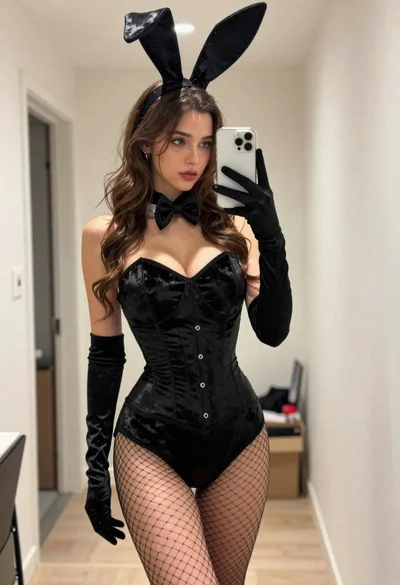
Young woman in black bunny costume taking a mirror selfie indoors

Close up selfie of woman in straw hat inside vehicle interior
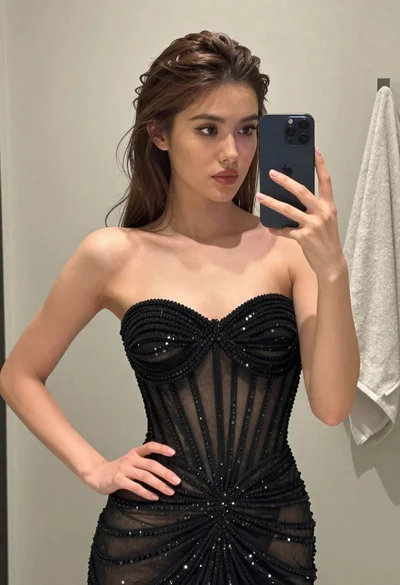
Woman taking mirror selfie wearing black sequined strapless gown indoors

Young woman with red hair taking a selfie inside car parked near
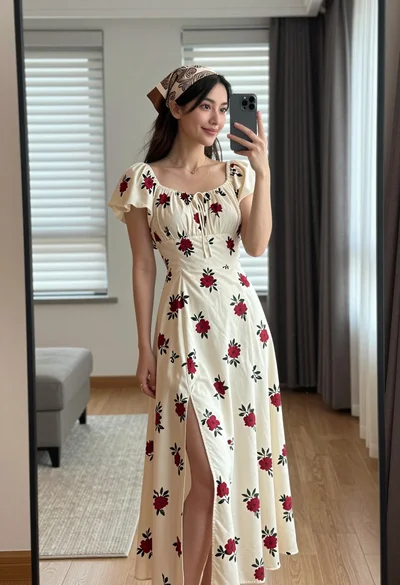
Young woman in floral dress taking mirror selfie indoors with natural light
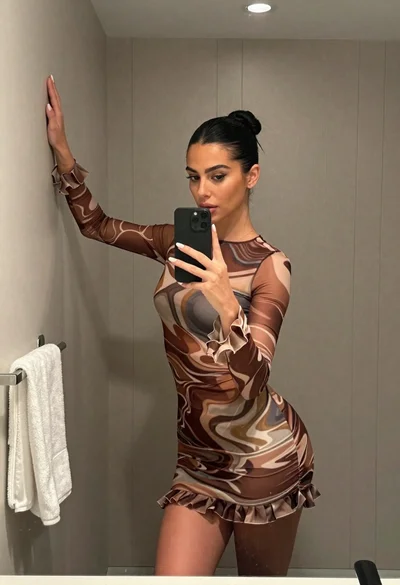
Woman taking mirror selfie in bathroom wearing marble patterned mini dress
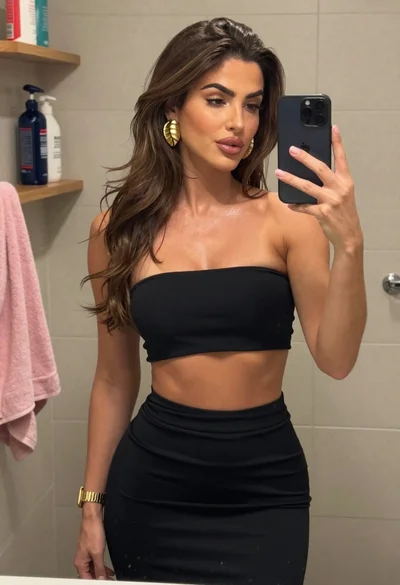
Woman taking mirror selfie in beige tiled bathroom setting

Blonde woman taking mirror selfie in luxurious bathroom setting
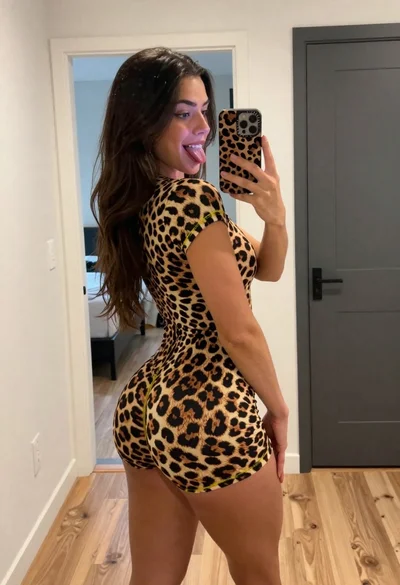
Woman taking a mirror selfie in leopard print bodysuit indoors
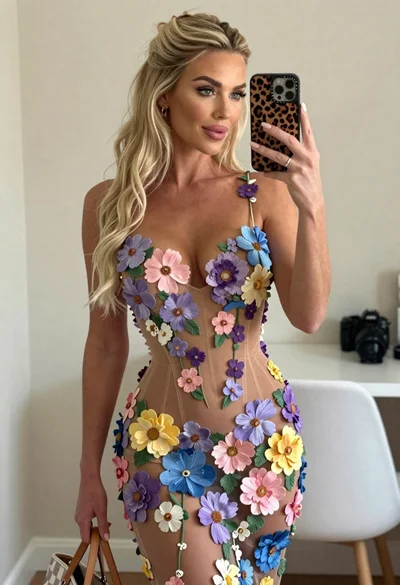
Blonde woman mirror selfie wearing elaborate floral bodysuit indoors